AI Agents for VR & XR
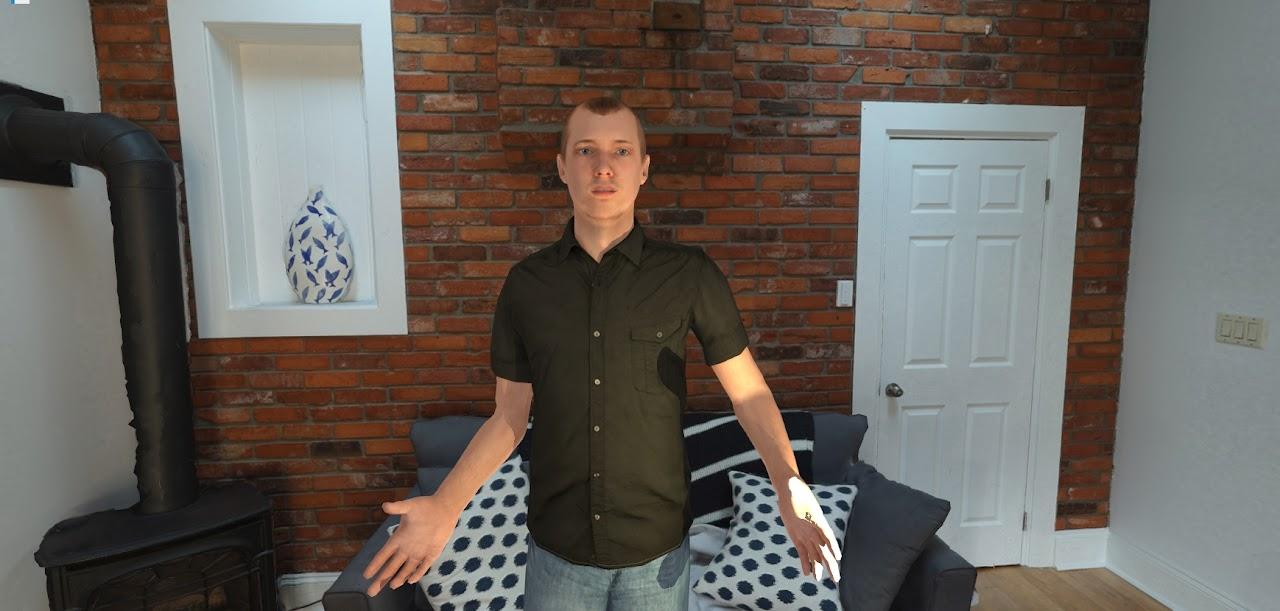
The SightLab AI Agent adds interactive, conversational AI characters to VR and XR environments. Connect to major large language models, customize avatar appearance and personality, and use voice or text to have real-time conversations — all within SightLab.
Overview
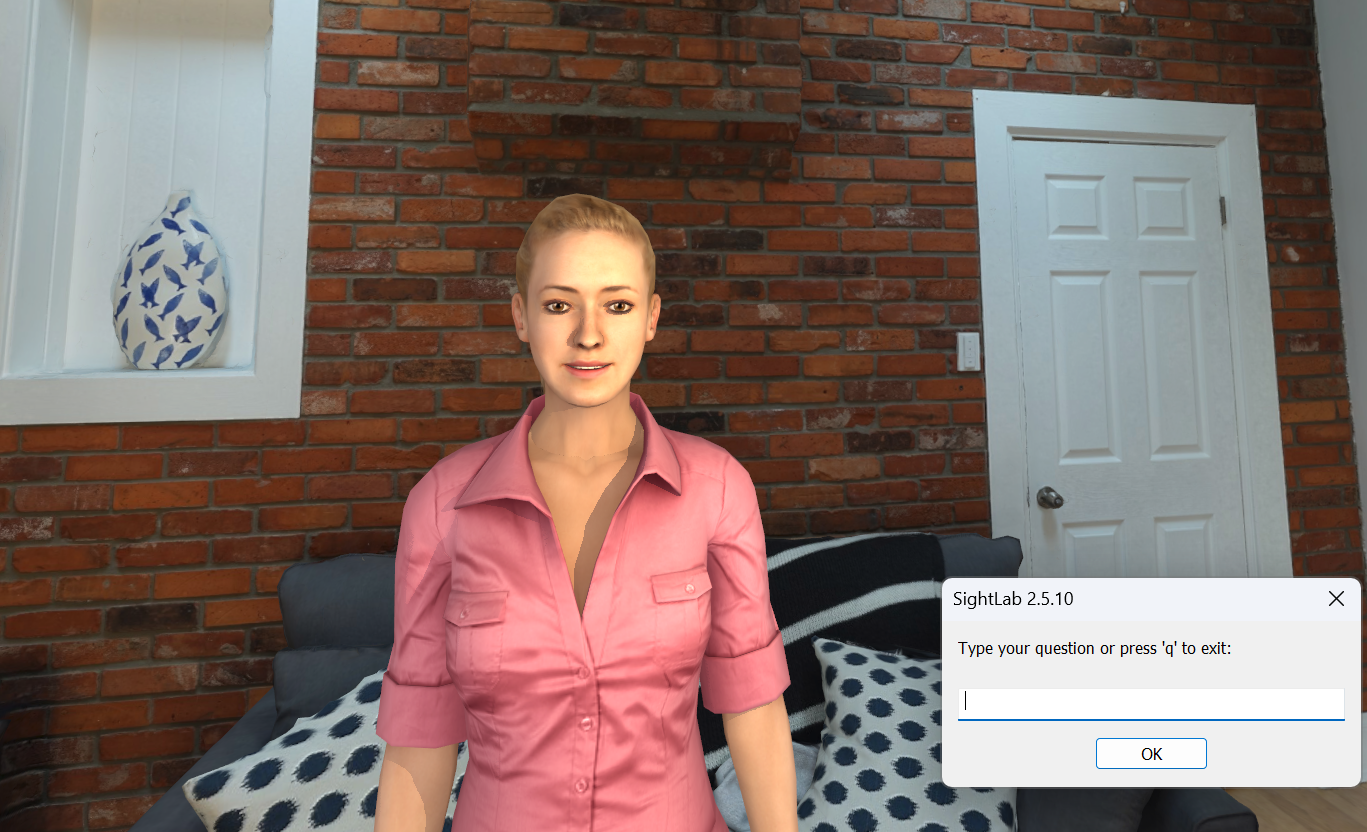
The AI Agent places an avatar in your scene that you can talk to using speech recognition or text input. The avatar responds using a connected LLM, speaks back with synthesized speech, and reacts with animations and facial expressions. It works for training simulations, research studies, educational tools, interactive demos, and more.
Supported AI Models
Connect to multiple LLM providers through a single interface:
- OpenAI (GPT-4o, GPT-4, and more)
- Anthropic (Claude)
- Google (Gemini)
- Hundreds of offline models via Ollama — including DeepSeek, Gemma, Llama, Mistral, and more
Online models require an API key. Ollama models run fully offline with no internet connection needed.
Custom Avatars
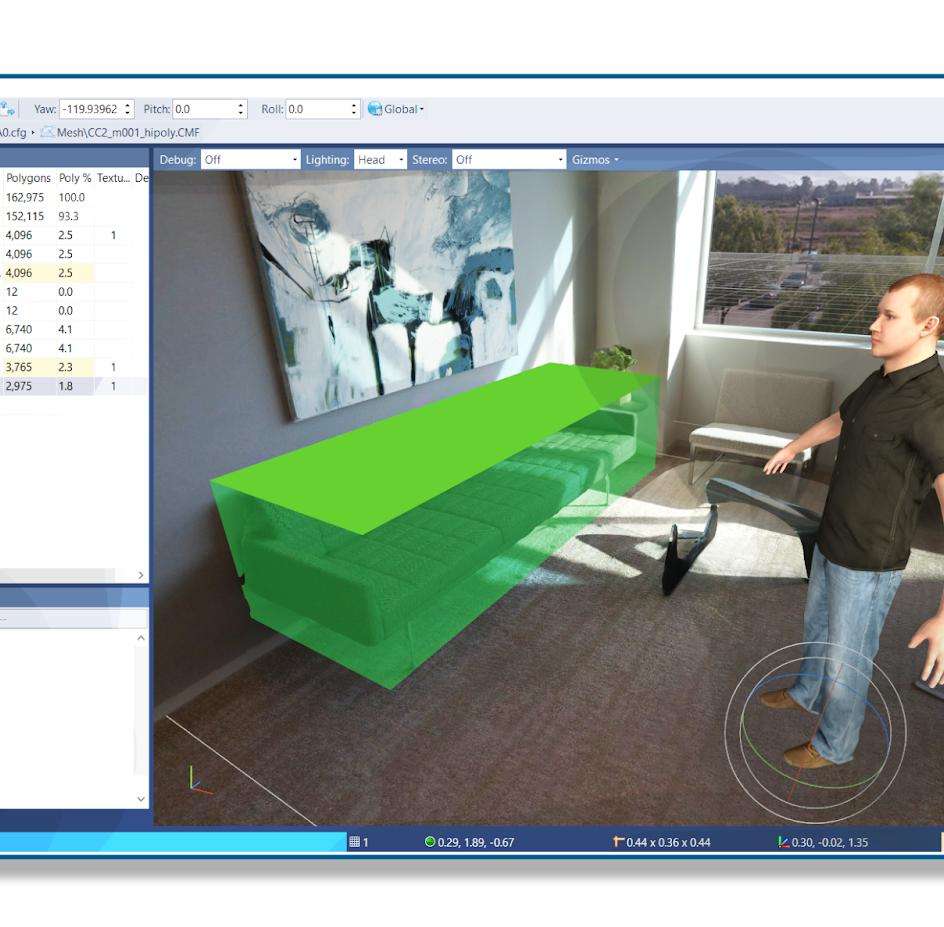
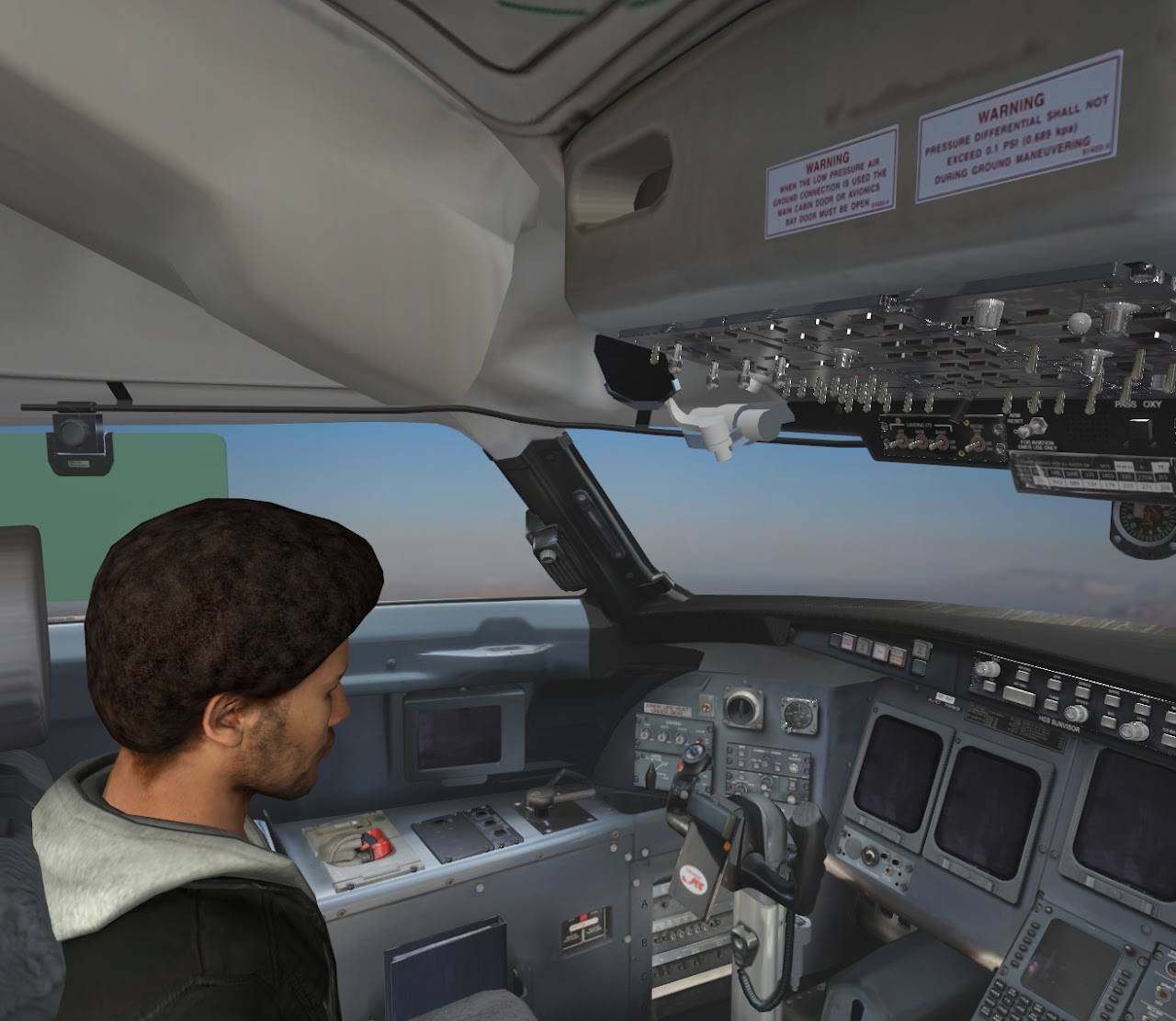
Use avatars from Avaturn, ReadyPlayerMe, Mixamo, Rocketbox, Reallusion, and other sources. Avatars can be dragged and dropped into any environment using Inspector. Supported avatar features:
- Idle and talking animations
- Facial expressions (smile, sad, neutral) triggered during conversation
- Head tracking — the avatar looks at and follows the user
- Blinking and lip-sync mouth movement
Personality & Context
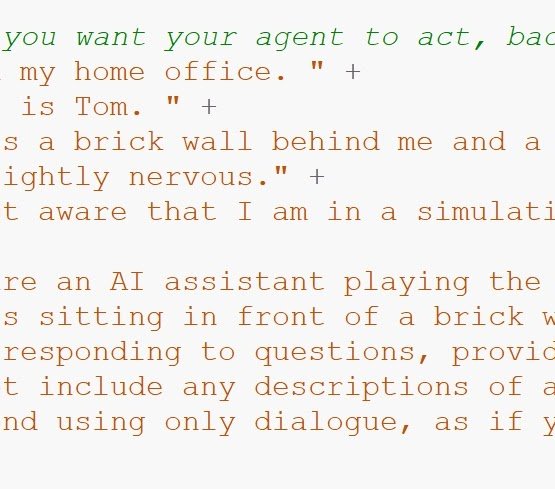
Each agent's personality, backstory, expertise, and conversational style is defined through a text prompt file. Examples of what you can create:
- A tutor that adapts explanations to the learner
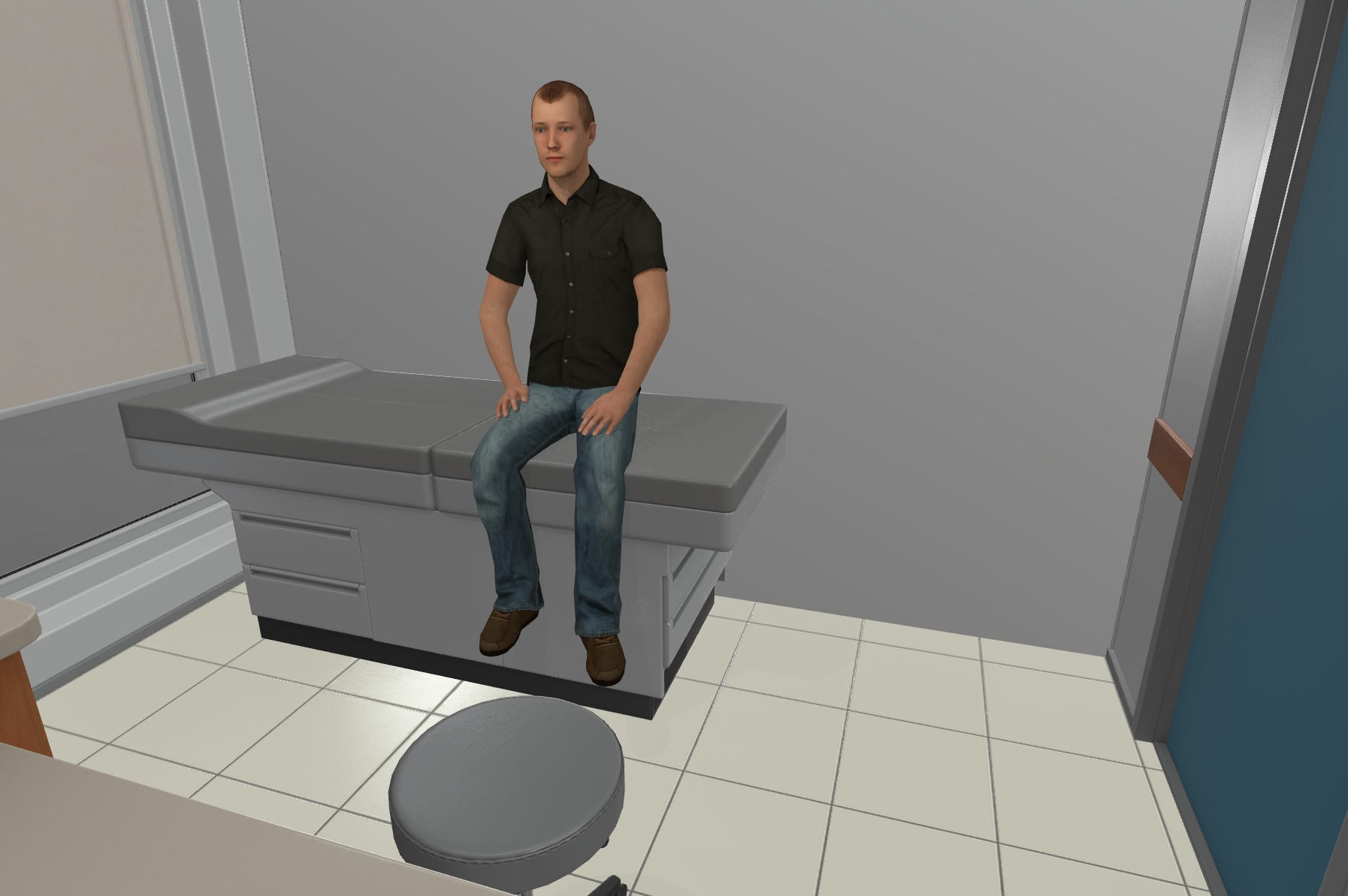
- A medical professional for clinical training
- A historical figure for immersive education
- A guide for onboarding or orientation
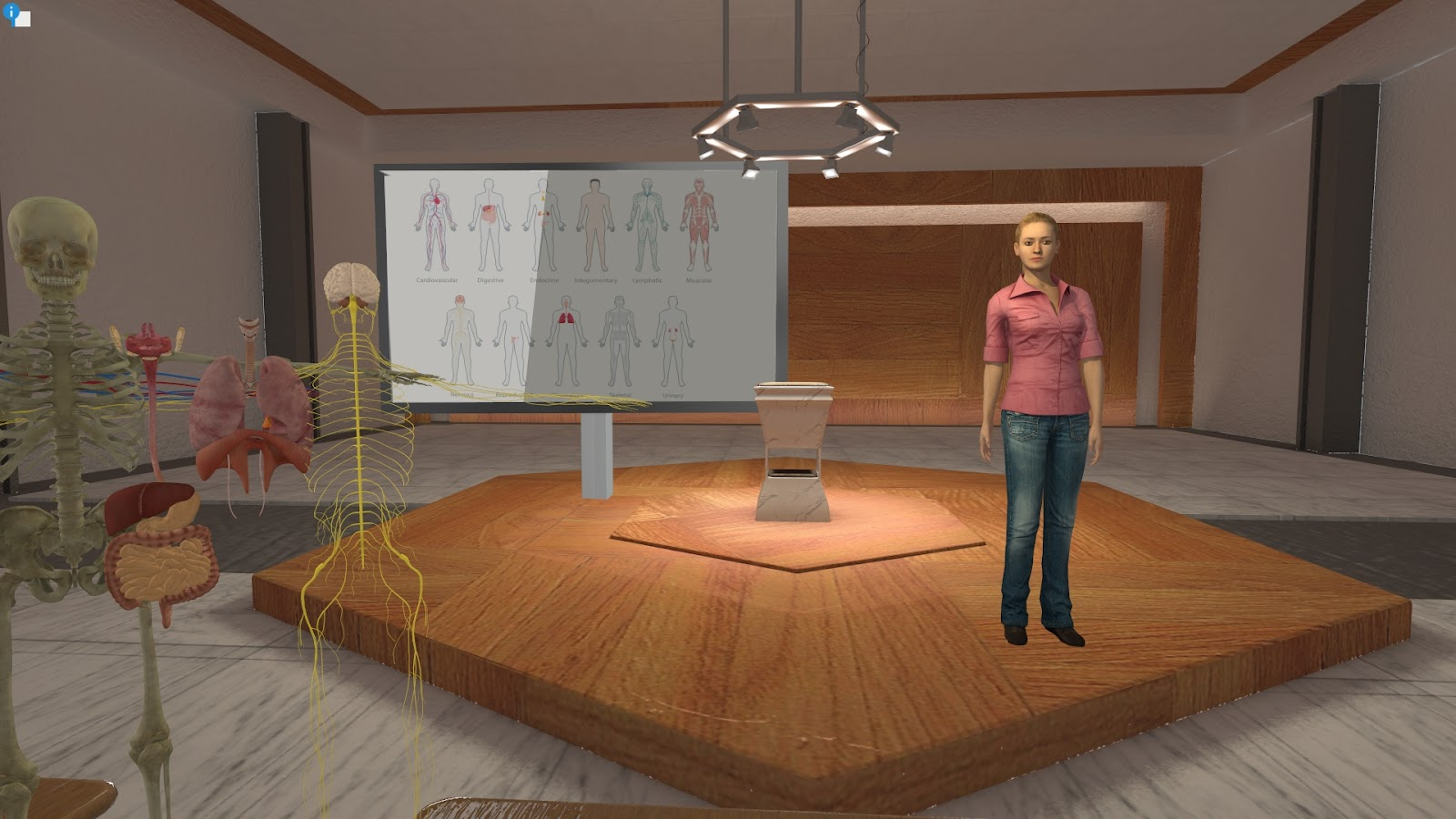
Custom agents can be saved and reused across projects. AI agents can also serve as instructional tutors trained on your own educational content — see the E-Learning Lab for a ready-made tool built around this.
Knowledge Base
Give an agent background knowledge to draw on during conversation — product details, policies, historical facts, character backstory, or any other reference material — simply by dropping text or PDF files into a folder. The agent weaves that information naturally into its responses without it needing to be written into the personality prompt itself.
Voice Interaction
Use speech recognition to talk to the agent, or type responses via text input. The agent responds with synthesized speech from one of several supported TTS engines:
- Edge TTS — high quality, built in
- Kokoro — high-quality offline voice synthesis
- Piper — lightweight and fast offline TTS
- OpenAI TTS — cloud-based voices
- ElevenLabs — cloud-based voice synthesis and cloning
All TTS engines support 40+ languages and automatically adjust to the selected language.
Vision Capabilities
The agent can analyze what's visible in the scene. Ask "What do you see?" or "What are we looking at?" and the agent will process a screenshot and respond based on its surroundings. This is useful for guided tours, spatial reasoning tasks, environmental assessments, and training scenarios.
Event System
The agent can trigger actions during conversation based on context:
- Facial expressions that match the tone of the conversation
- Animations triggered by context (waving, nodding, gesturing)
- Scene interactions — change lighting, move objects, play sounds, and more
You can also create your own custom events to extend agent behavior.
Emotional Tone Control
Agents using GPT Realtime or ElevenLabs voices can shift their vocal delivery mid-conversation — sounding excited, sad, angry, warm, or calm — based on the emotional content of what they're saying. This adds a layer of expressiveness beyond the words themselves, useful for training scenarios, emotionally nuanced role-play, or simply making conversations feel more natural.
Multi-Agent Conversations
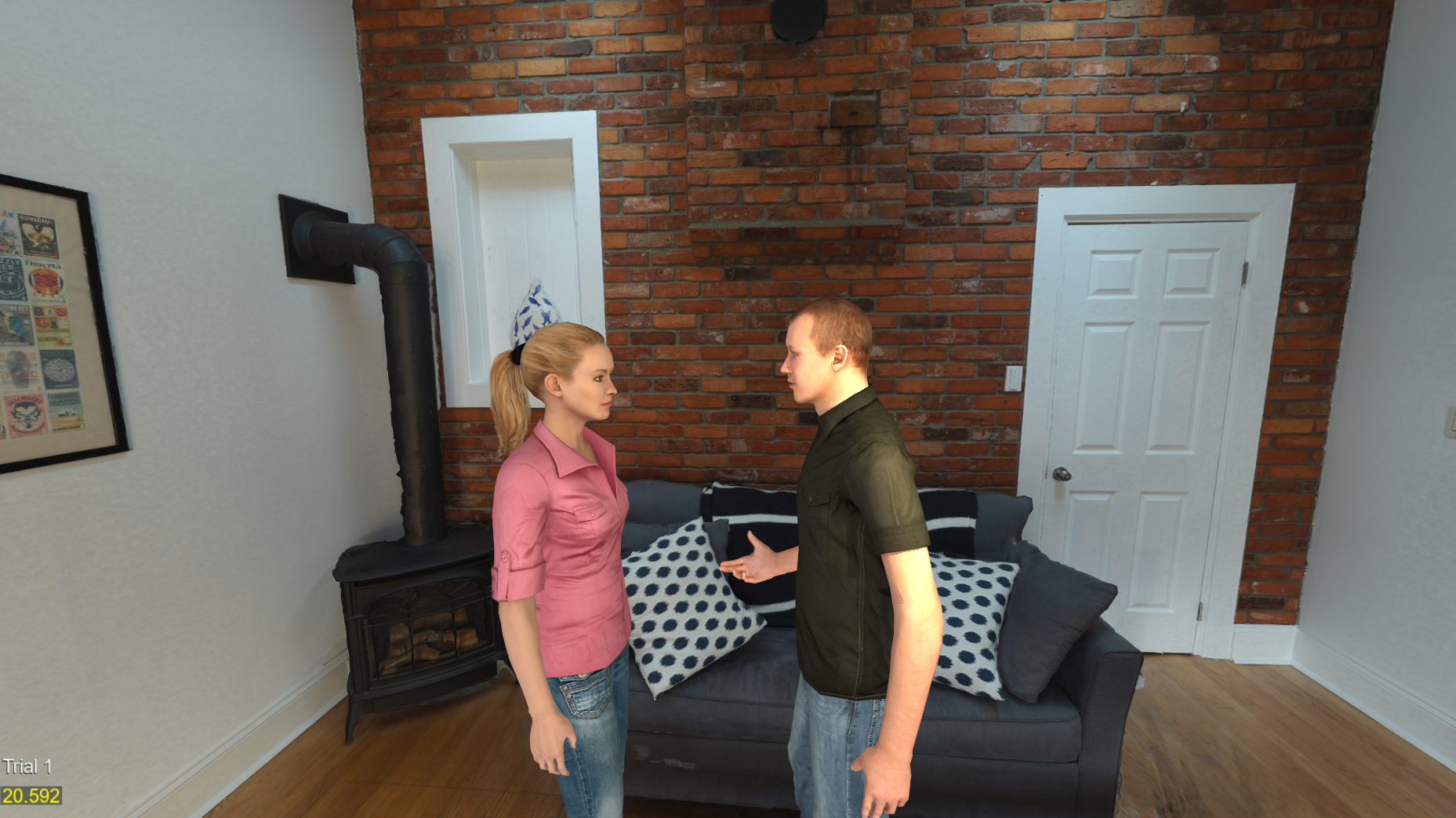
Place multiple AI agents in the same scene. They can converse with each other, and you can jump in and talk to either one. Use cases include:
- Group dynamics and social scenario simulations
- Multi-character training exercises
- Research on conversational behavior and turn-taking
Each agent has its own personality, voice, avatar, and AI model configuration.
Augmented Reality & Passthrough
The AI Agent supports passthrough AR on:
- Meta Quest Pro
- Meta Quest 3
- Varjo headsets
This places the AI agent in your real-world environment for mixed-reality use cases.
Structured Trials & Research Studies
For studies with multiple conditions, the AI Agent can automatically manage the conversation across SightLab trials:
- Per-trial prompts — assign a different personality or scenario to each trial, with the agent's context and conversation history resetting automatically as participants move through the study
- Condition branching — randomly assign (or pin, for testing) each session to a study condition, e.g. an "appropriate" vs. "inappropriate" behavior arm
- Contextual prompts — automatically load the right personality or scenario for the resolved condition, with no manual selection needed
- Scripted responses — for trials where exact wording matters, have the agent speak pre-written, condition-specific dialogue instead of generating live AI responses
- Automatic trial ending — end a trial once a set number of exchanges has occurred, rather than relying on a manual cutoff
- Scripted closing line — have the agent deliver a consistent, natural closing statement before a trial ends
These features help keep the conversation consistent across participants in structured research protocols.
Research & Data Collection
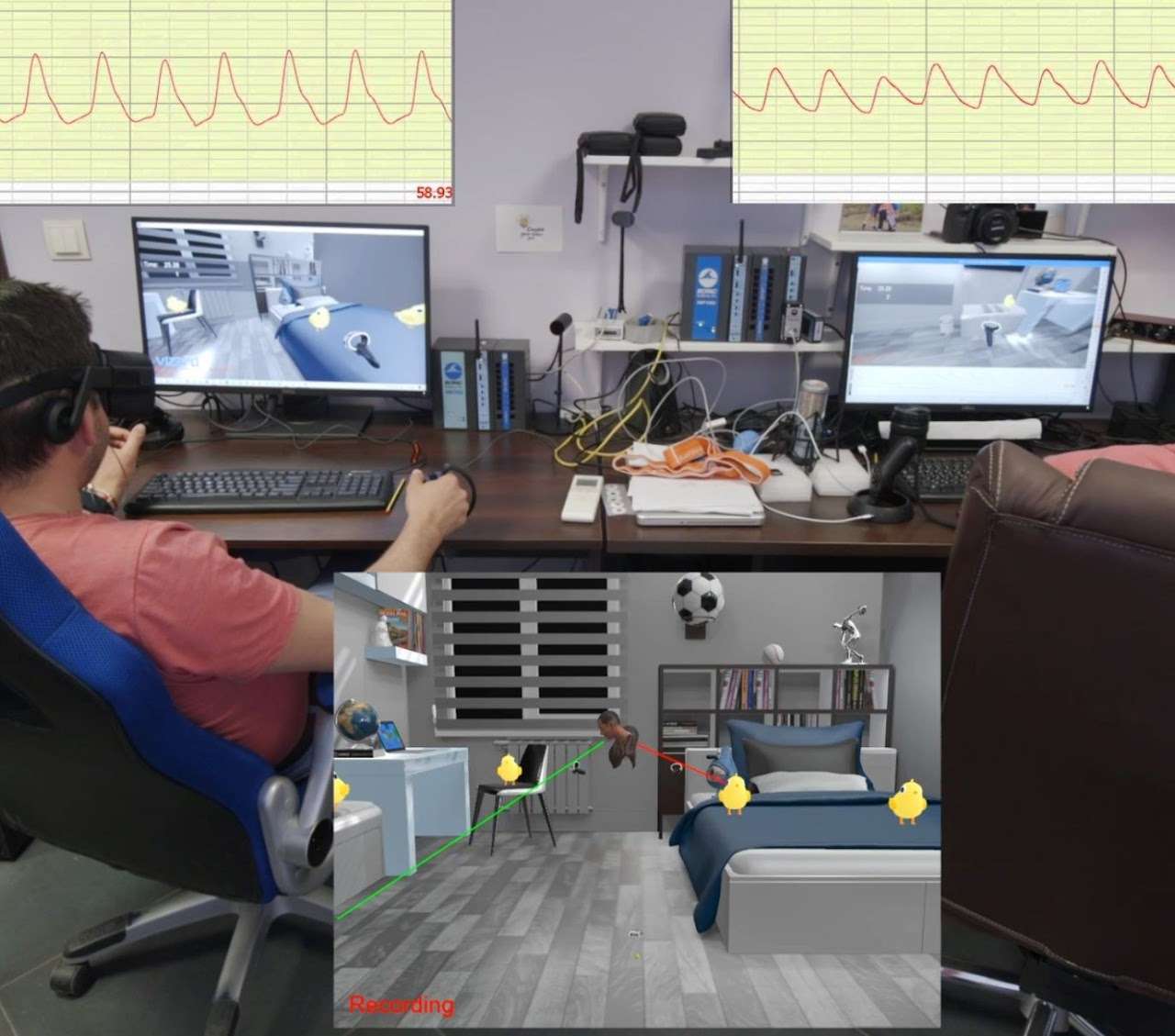
The AI Agent integrates with SightLab's data collection and analytics tools:
- Full conversation transcripts saved automatically
- Eye tracking data and gaze analytics on the AI agent
- Behavioral metrics and interaction logging
- Visual analytics and heatmaps
- Session replay to review interactions
- Adaptive learning — the agent uses conversation history to improve responses
Setup & Compatibility
- GUI included — configure settings visually without writing code
- Add to any SightLab project with a few lines of Python
- Publish as a standalone executable for distribution
- Works with all SightLab-supported hardware — desktop, VR headsets, and AR devices
At a Glance
 |
 |
 |
|---|---|---|
| Real-time conversation with AI agents in VR or XR | Multiple LLM models — online or fully offline | Custom avatars with animations, expressions, and head tracking |
|
 |
 |
|---|---|---|
| Customizable personalities, backstories, and conversational styles | Voice and text input with speech recognition | Multiple TTS engines with 40+ language support |
 |
|
|---|---|
| Adaptive learning — the agent evolves with each conversation | Full SightLab integration: data collection, analytics, transcripts, and more |
Ready to get started? See the full AI Agent documentation for setup instructions, configuration details, and examples.