Collisions/ Gravity
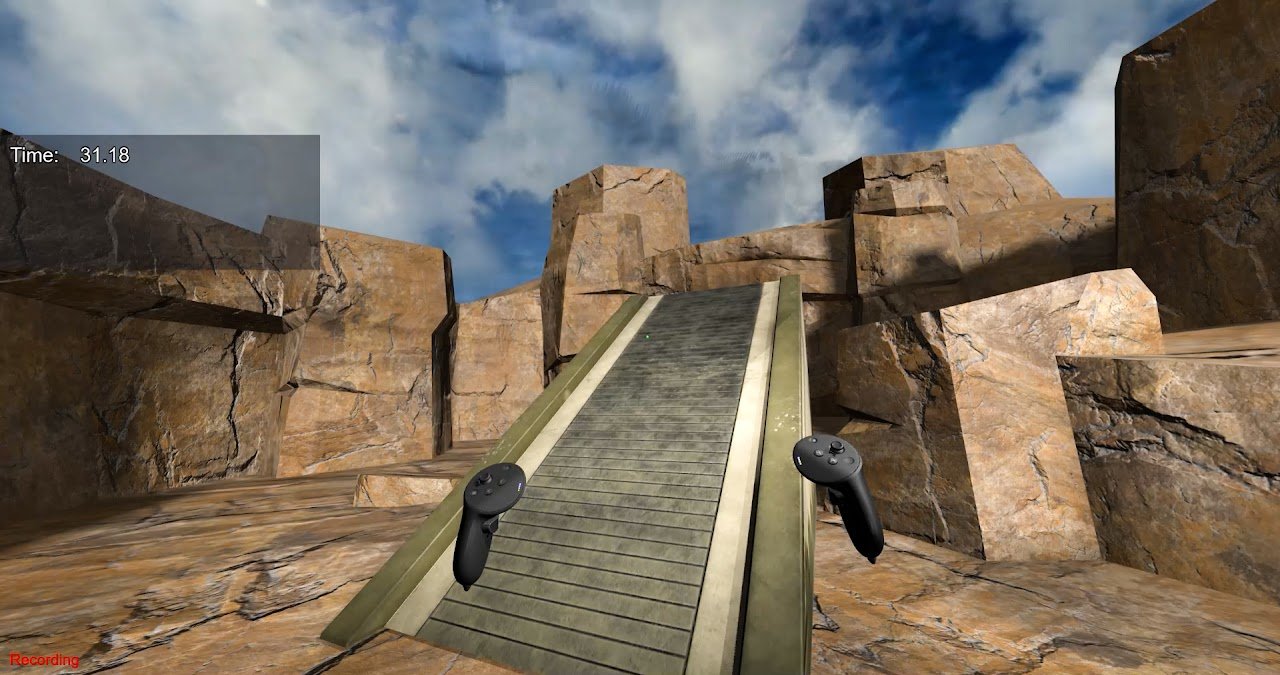 Located in ExampleScripts- Collision_Test.py
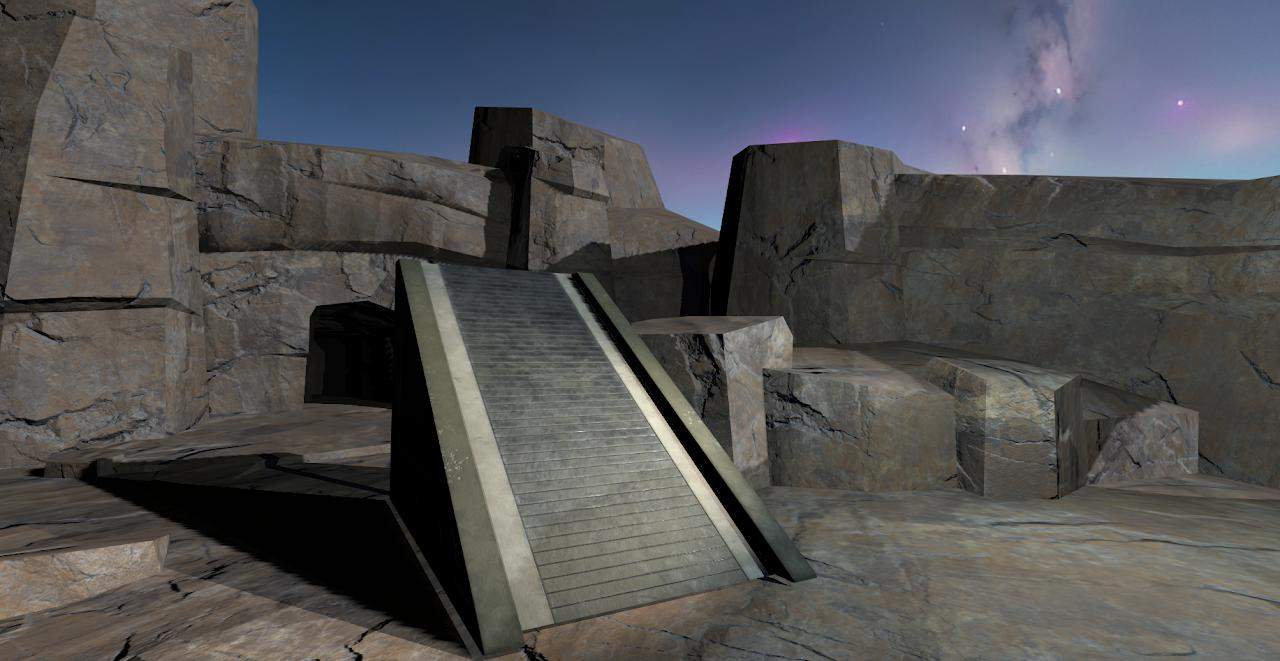
The collisions/ gravity example shows you how to add gravity and collision detection to a script so that you will go up and down ramps or enable falling
To add to any script use this code:
from sightlab_utils import collision

#After yield viztask.waitEvent(TRIAL_START) or yield sightlab.startTrial()
c = collision.Collision()
Note if using full body tracking, the avatar may cause some issues with floating
#If this causes a large frame rate drop can change the update type from update to timer
c.setHeavyUpdateType("timer", 0.1)
Troubleshooting: the user keeps getting pushed up into the air
In scenes with clutter near the player (tree trunks, rocks, roots, logs, low branches — anything common in outdoor/forest environments) the default collider can occasionally "step" the player up onto a nearby object instead of keeping them on the true ground and cause cause the character to float up into the air.
Fix: after creating the collider, tune the faller so the extra rays are disabled and only low obstacles count as steps:
c = collision.Collision()

# Forest / outdoor tuning: don't snap up onto nearby trunks, roots, or logs
c._faller.FALL_EDGE_BUFFER = 0.0   # cast only the center ray (no side rays)
c._faller.STEP_HEIGHT = 0.1        # only step up onto obstacles ≤ 10 cm tall
Setting STEP_HEIGHT very low (e.g. 0.02) prevents any step-up at all; the tradeoff is the player will fall off tiny bumps in the terrain instead of stepping over them.
Tunable parameters
All of the following are attributes on c._faller and can be set right after c = collision.Collision():
| Parameter | Default | What it does |
|---|---|---|
FALL_EDGE_BUFFER |
0.4 |
Radius (m) around the player where extra downward rays are cast. The collider picks the highest valid hit of those rays, which keeps you from falling off narrow ledges but can lift you onto nearby obstacles. Set to 0.0 to disable the extra rays. |
STEP_HEIGHT |
0.6 |
Maximum height (m) the player will be snapped up onto. Also how far above the feet the downward rays start, so hits up to this height count as walkable ground. Lower this if the player is being lifted onto clutter. |
GROUND_CLAMP_THRESHOLD |
0.1 |
How close (m) to the target ground height the player must be before falling stops and they are clamped to the surface. Raise it slightly if the player is jittering near the ground, lower it for sharper ground contact. |
TERMINAL_VELOCITY |
60.0 |
Maximum fall speed (m/s). |
GRAVITY |
9.8 |
Fall acceleration (m/s²). Lower for "moon gravity" feel, higher for faster falls. |
Example — tuning for an outdoor scene with small terrain variation:
c = collision.Collision()
c._faller.FALL_EDGE_BUFFER = 0.0
c._faller.STEP_HEIGHT = 0.1
c._faller.GROUND_CLAMP_THRESHOLD = 0.1
c._faller.GRAVITY = 9.8
Example — tuning for a scene with stairs / ramps where the default ledge protection is useful:
c = collision.Collision()
c._faller.FALL_EDGE_BUFFER = 0.4   # default, keeps you from falling off edges
c._faller.STEP_HEIGHT = 0.4        # step over curbs up to 40 cm
 For more information see Vizard documentation on Physics