Tools and Features
List of some of the Tools and Features that can be leveraged from SightLab. These can be used in conjunction with the SightLab Data collector and playback or independently brought into an existing project.
- Basic Features that can be leveraged:
- Data Collection for sensor and eye tracking data
- Visualization of data and replay
- Multi User Functionality
- Synchronization with BIOPAC and Video Recording
- Improved eye tracking data collection with noise reduction, fixations, saccades, etc.
- See below for additional features
- For more examples and demos, such as Visual Search Tasks, and more see Example Scripts page
Overview
Advanced Data Collection, Analysis, and Visualizations: Offers robust tools for gathering and interpreting user interaction data within virtual environments.
Session Replay with User Interaction Insights: Capability to replay sessions for detailed analysis of user performance and interactions within the VR environment and view visualizations such as heatmaps, scan paths, dwell time and more
Multi-User Support with Network Connectivity: Facilitates collaborative experiences and interactions among multiple users, even across different networks.
360 Video/Media, 3D video Integration: Simplified process for incorporating and interacting with 360-degree videos and media in virtual environments, as well as using 3D SBS and spatial 3D video
Eye Tracking Tools and Analytics: Comprehensive tools for tracking and analyzing eye movements, offering insights into user attention and behavior. Collect, save and view metrics such as dwell time, fixations, saccades, view count, pupil diameter, gaze based interactions, tag areas and regions of interest and much more.
Advanced experiment design and setup with support for STIM files to modify independent variables, data saving and visualizations for analysis of dependent variables, experiment flow control and more.
Hand Tracking and Physics-Based Interactions: Advanced hand tracking capabilities that allow users to interact with virtual objects using natural hand movements, supported by realistic physics interactions.
Face Tracking and Avatar Mapping: Features for tracking facial movements and expressions, with the ability to map these onto avatars for more lifelike interactions.
Full Body Avatar Options: Provides options for creating and using full-body avatars in virtual environments for a more complete virtual presence.
AI Agents and Chatbots Integration: Ability to incorporate artificial intelligence agents and chatbots for enhanced user interaction and assistance within VR.
Mixed Reality Templates: Templates specifically designed for mixed reality applications, including eye tracking integration.
Additional Tools and Features:
- In-Headset Instructions: Add instructional content directly viewable in the VR headset.
- 3D Menu/Tablet: A virtual menu or tablet for interactive control within the VR environment.
- Rating Scale: Tools for users to provide ratings or feedback within the VR experience.
- Highlighter and Measuring Tool: Tools for highlighting and measuring objects or areas in the virtual space.
Specific Templates
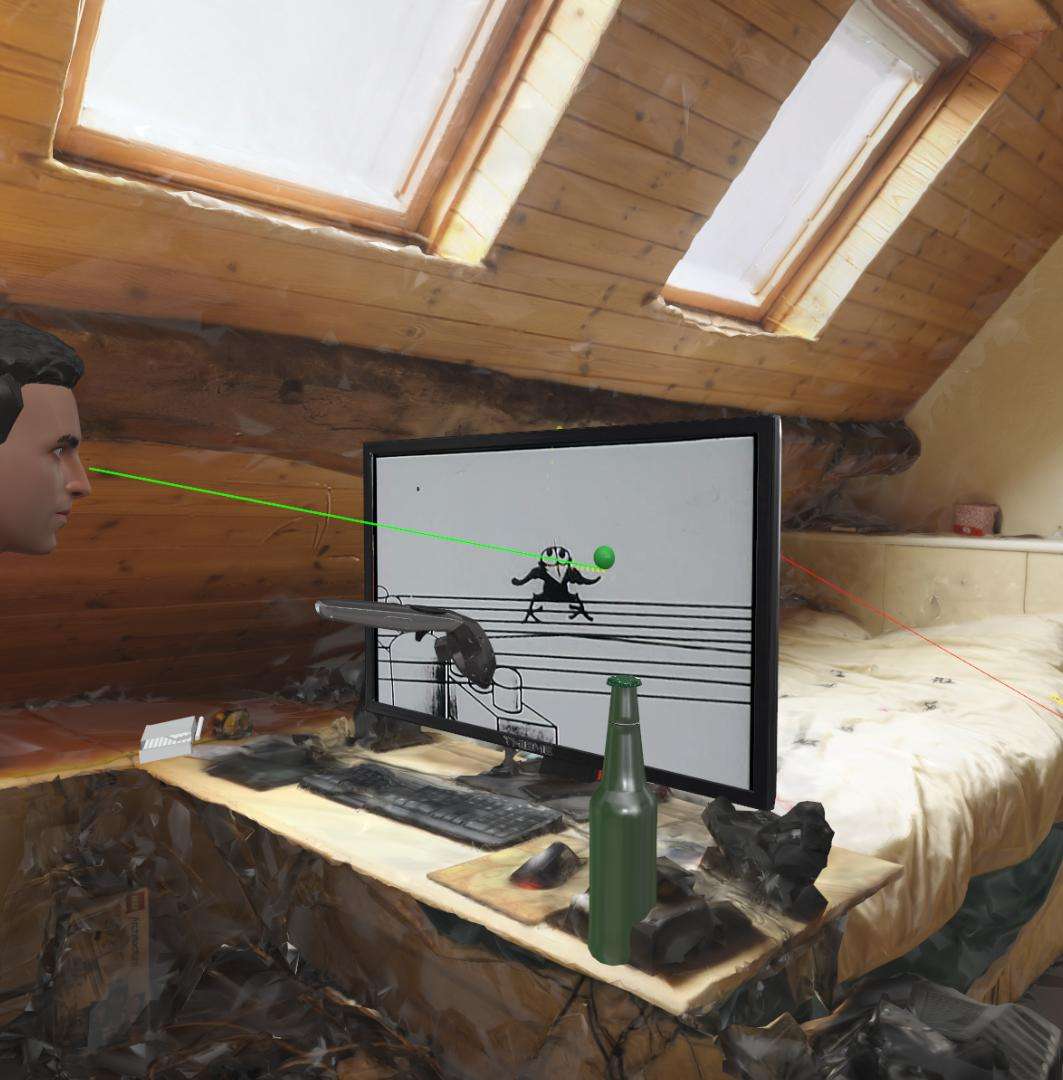
Virtual 2D Screen
Use 2D videos displayed on a virtual screen. Analyze and playback user interactions. Also supports stereo video playback.
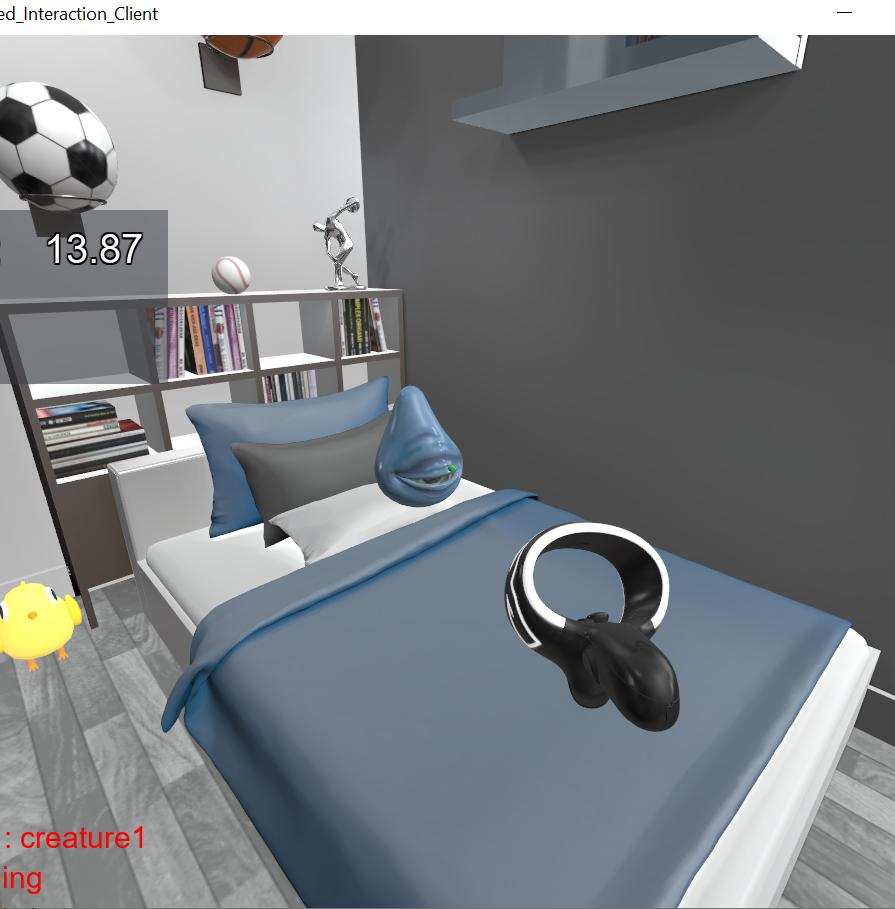
Gaze Based Interactions
Elements in the scene react to your gaze.
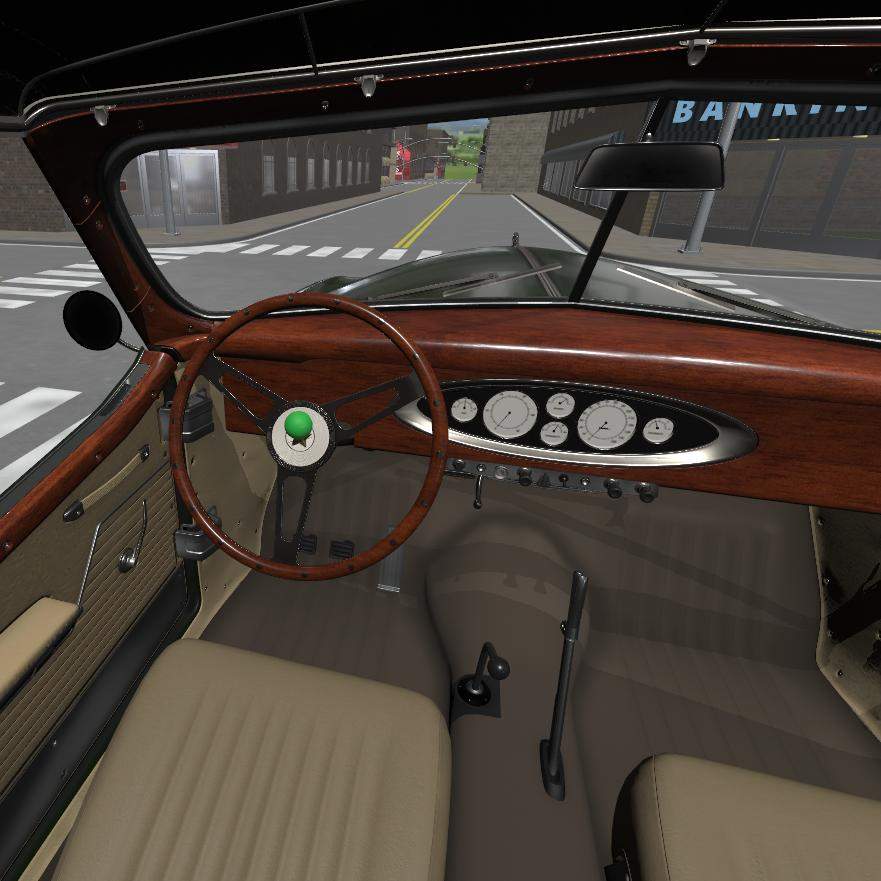
Driving and Vehicle Templates
Use a car or other vehicle in your eyetracking simulation. Traffic Simulation, day/night cycles, speed adjustments, headlights and more
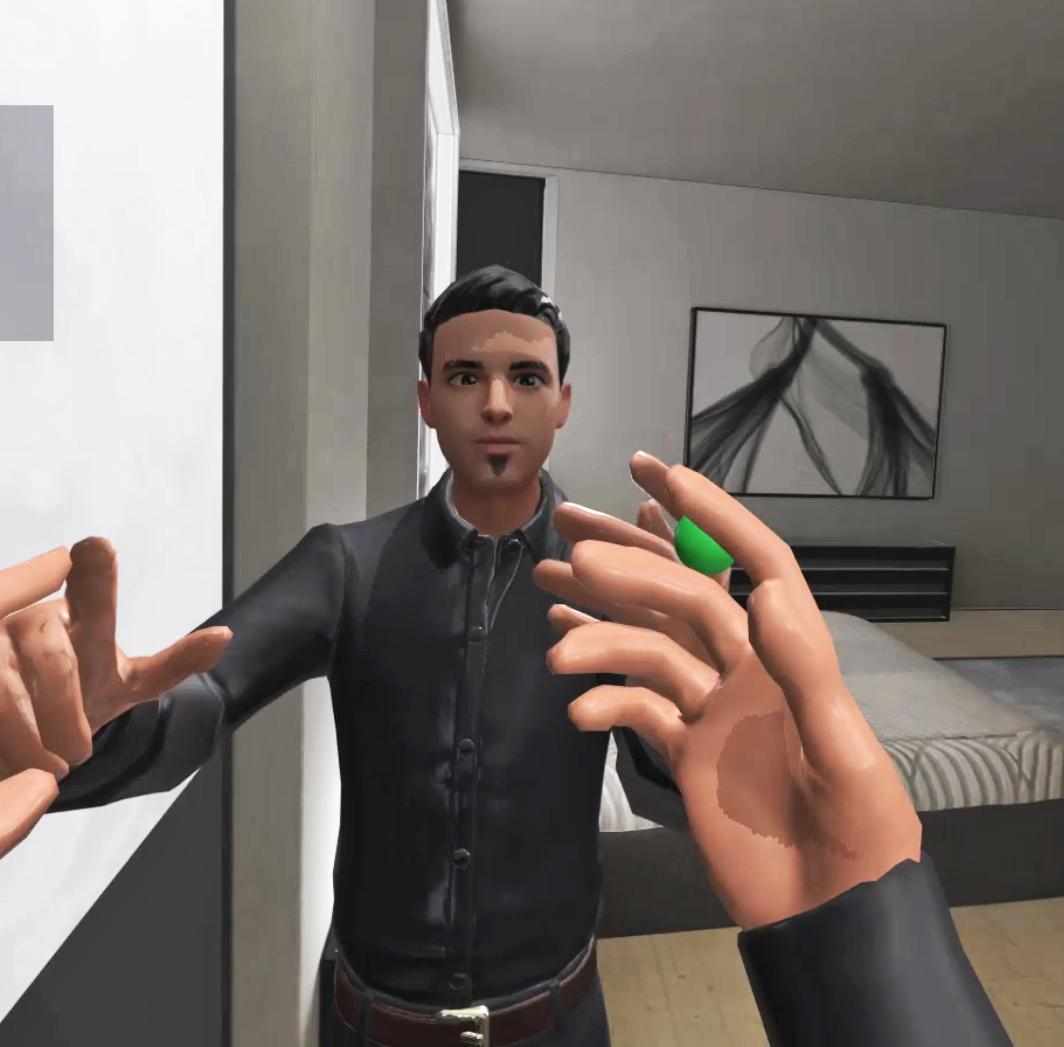
Mirror
Demonstrates adding a virtual mirror to a scene and swapping head and hands, or can use tracked avatar. Also demonstrates linking avatar to all sensors (facial trackers, hand trackers, body tracking, etc.). Collecting facial tracking data, swapping out avatars.
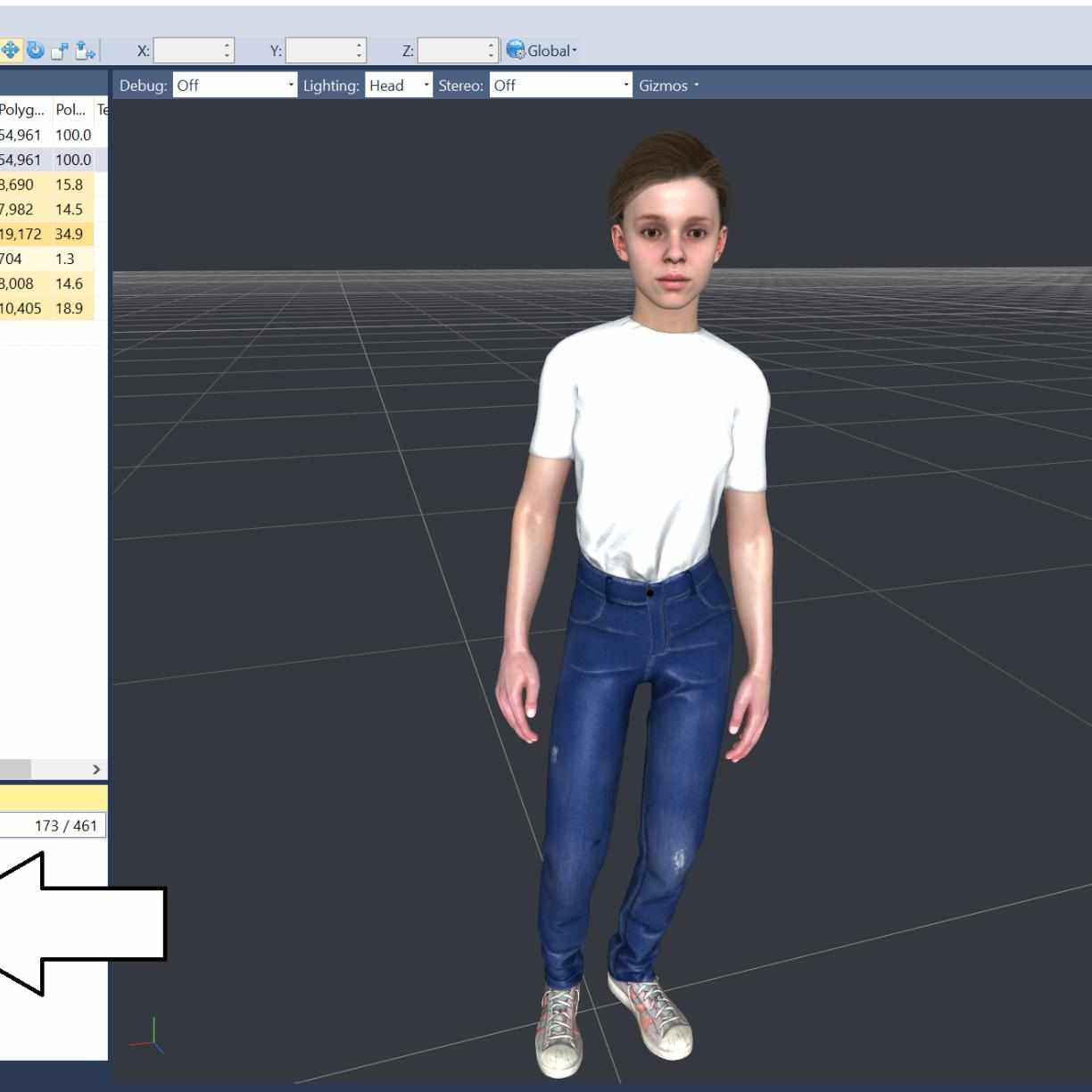
Adding avatars/NPCs
Improved method for easily adding avatars
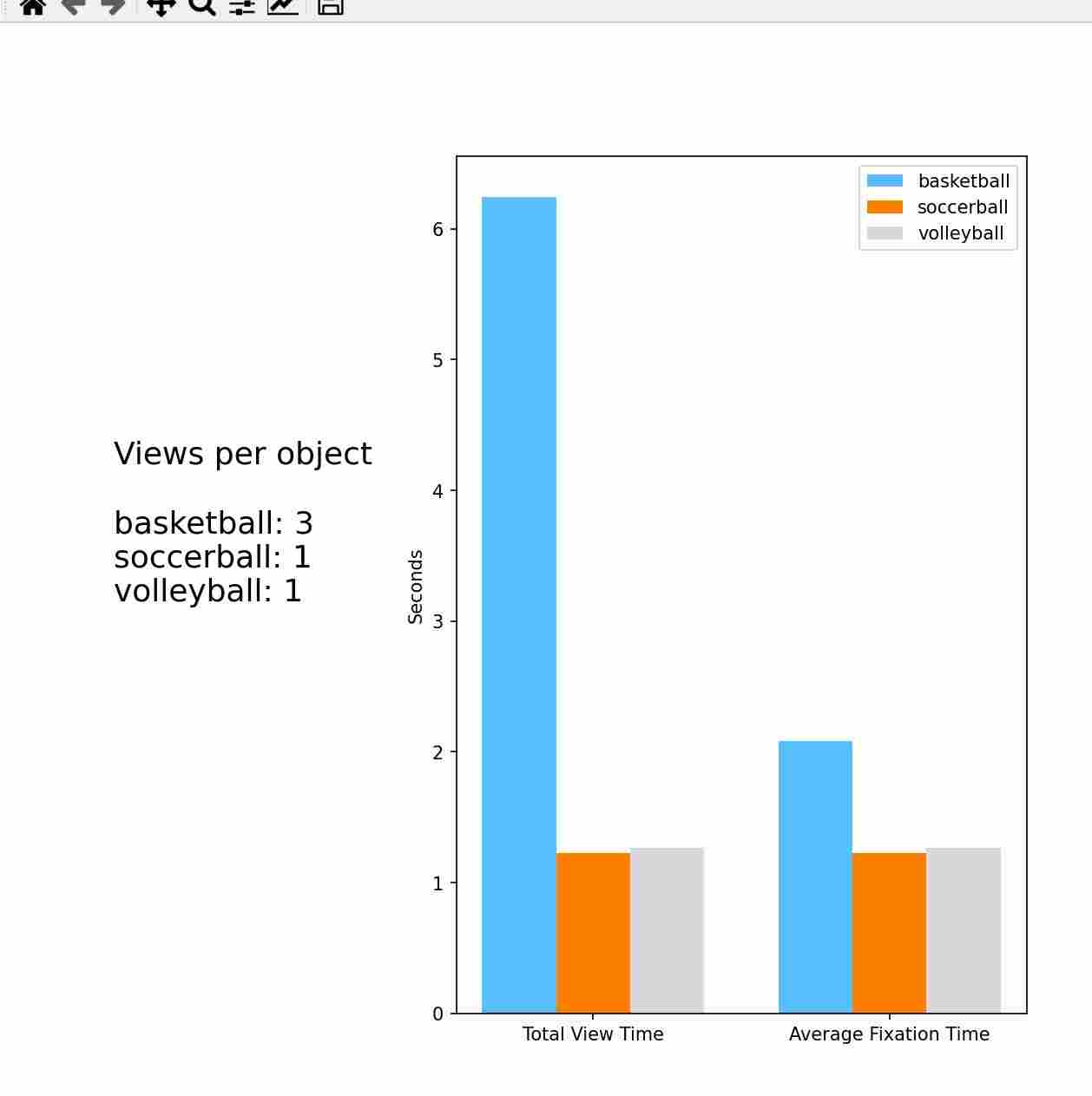
Visual Analytics Examples.
Generate bar charts, histograms, box plots using Matplotlib, Numpy, PANDAs, Plotly and Seaborn
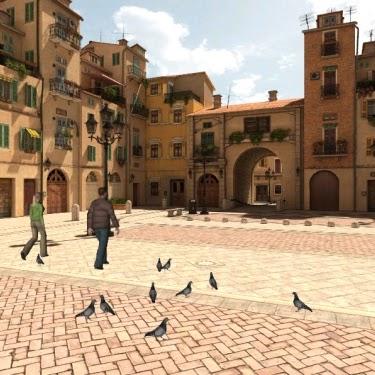
Adding to an existing Vizard script
See how to import into an existing Vizard script
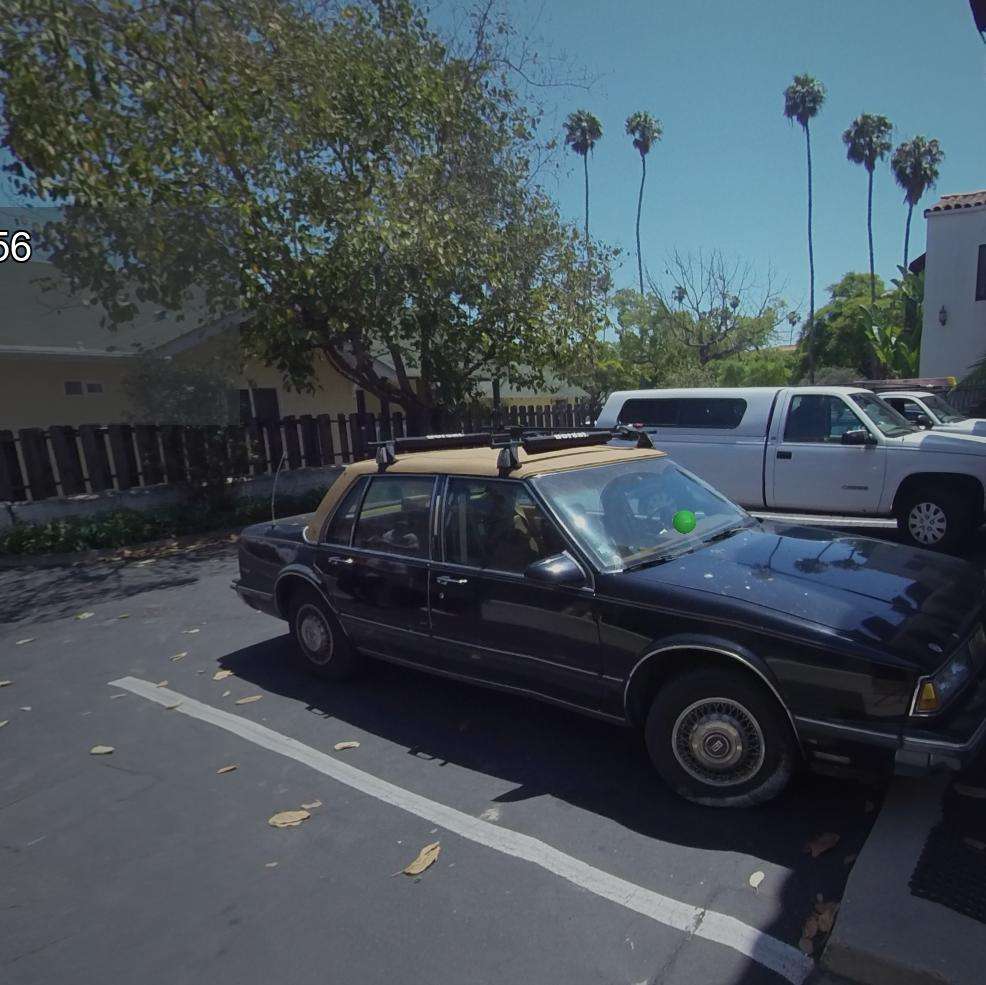
Media Viewer
Template for displaying 360 Media Stimulus in a randomized order
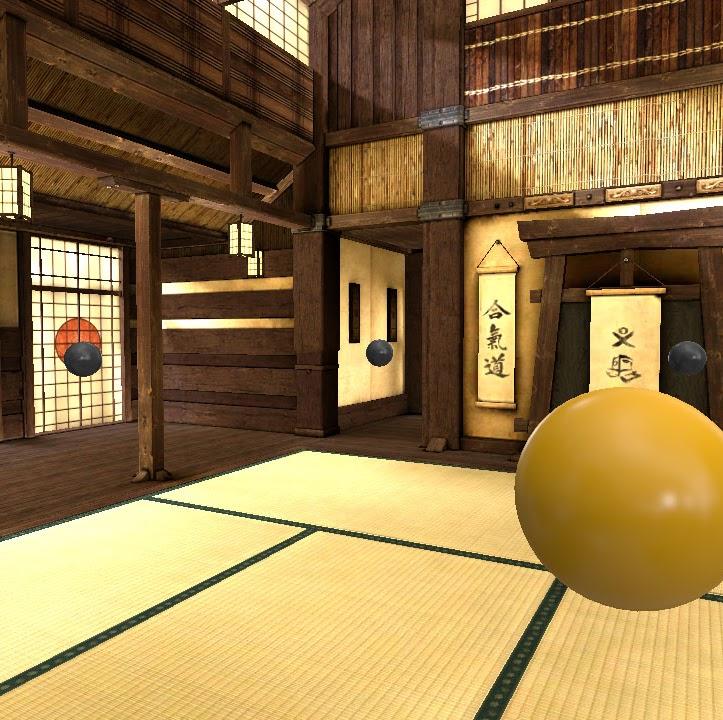
Memory Experiment
Investigate human spatial memory with this example of a behavioral research experiment.
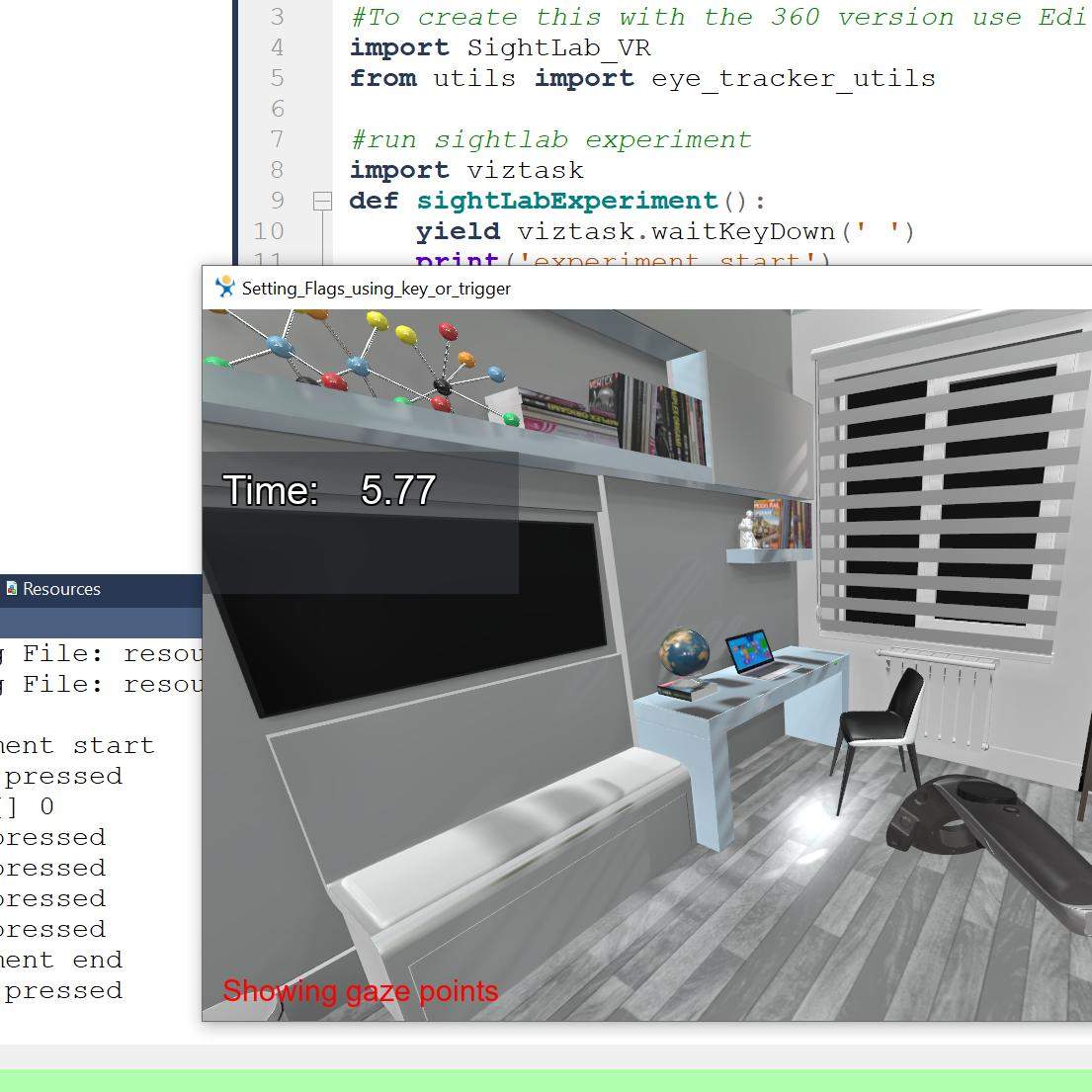
Setting flags using controller trigger or keypress
See how to set flags using a controller or keyboard press.
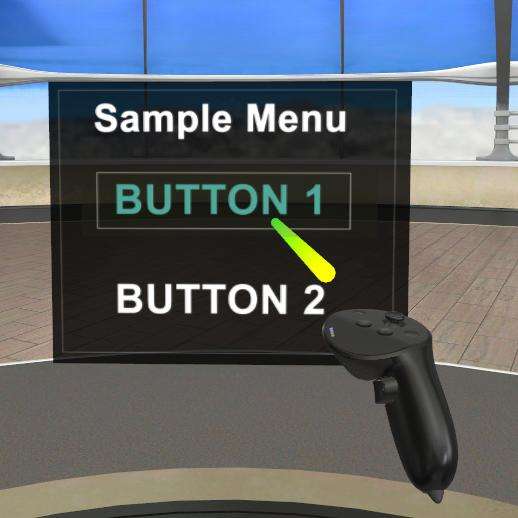
3D Tablet/ VR Menu
Use and modify a 3D menu for interacting with the scene
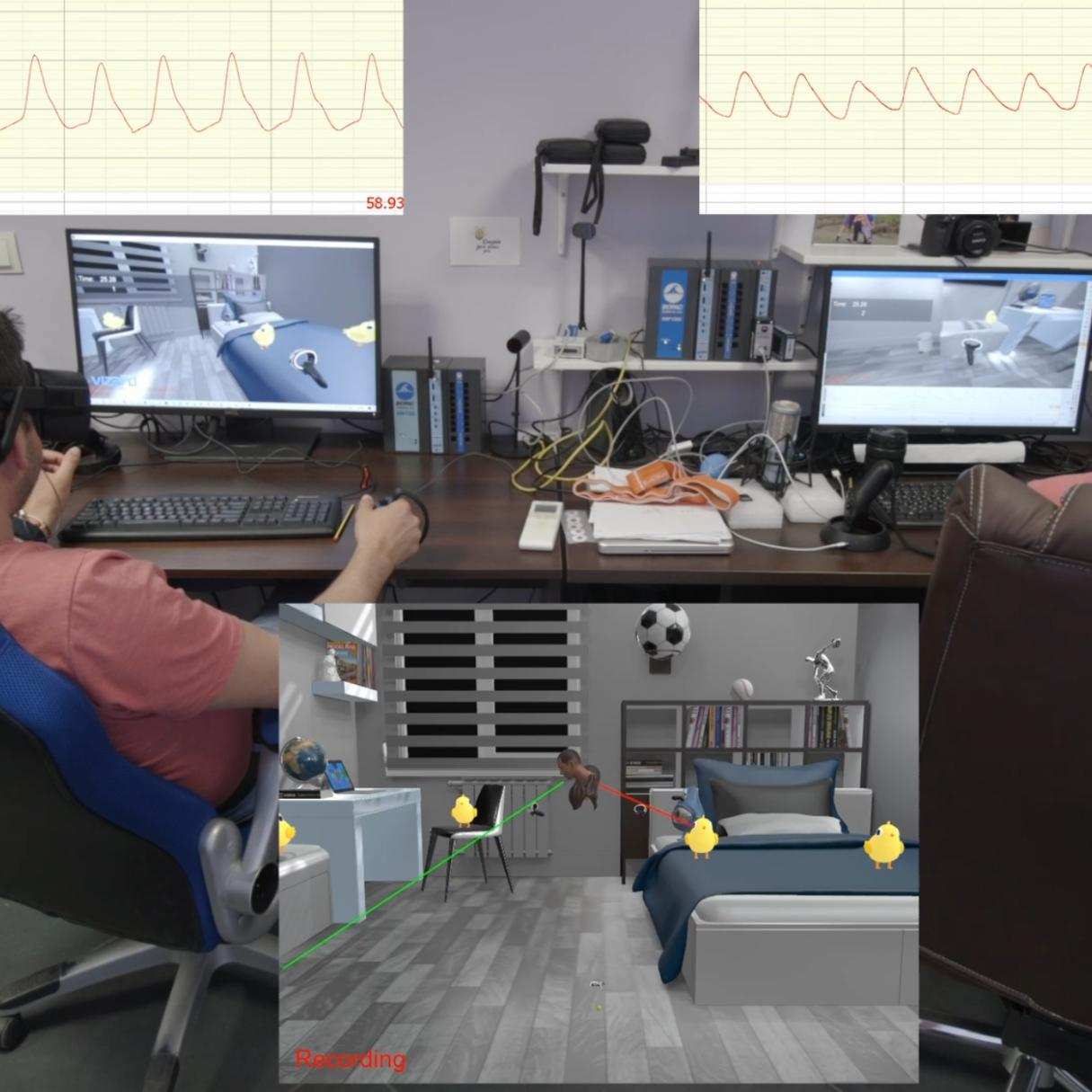
Using with Biopac Acqknowledge
See how to connect and send markers to Biopac's Acqknowledge software
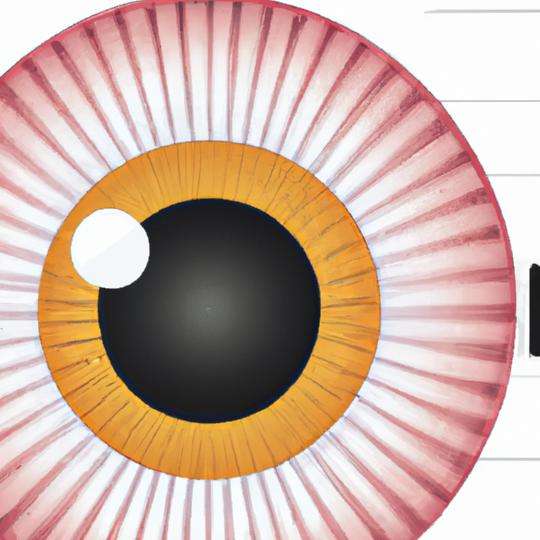
Pupil Diameter baseline
Establish a baseline for pupil diameter using various light intensity values.
Instructions
Add instructions for a participant (accessible via the "settings.py" file)
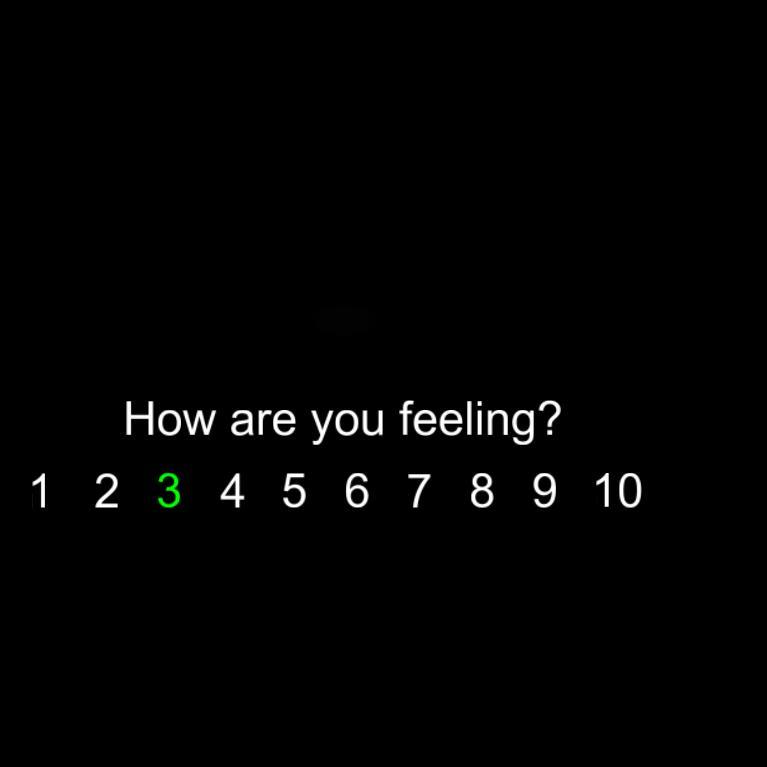
Rating Scale GUI
Adding a GUI to allow users to choose from a set of responses
Audio Recording and Transcriptions
Add audio to the replay captured from your microphone. Can also save an audio transcript
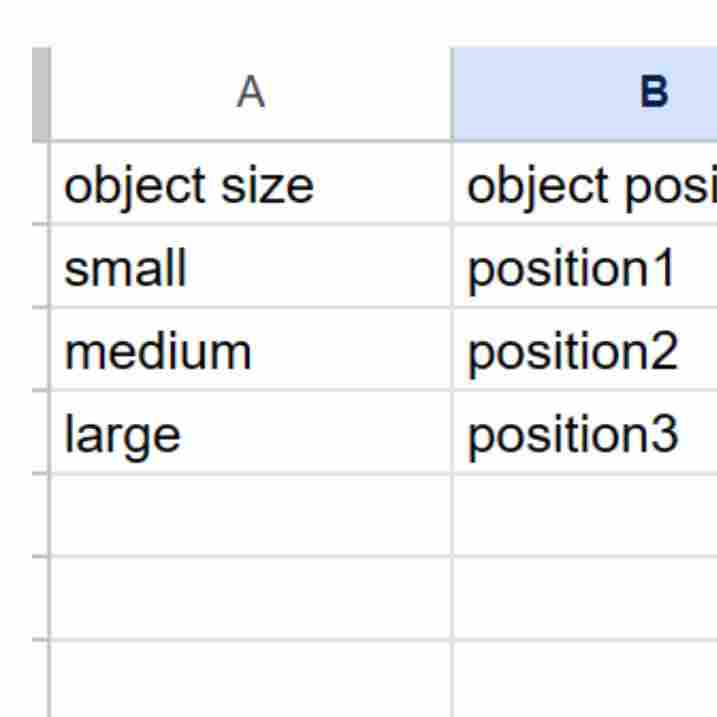
STIM File Reader
See how to use a STIM file to setup independent variables
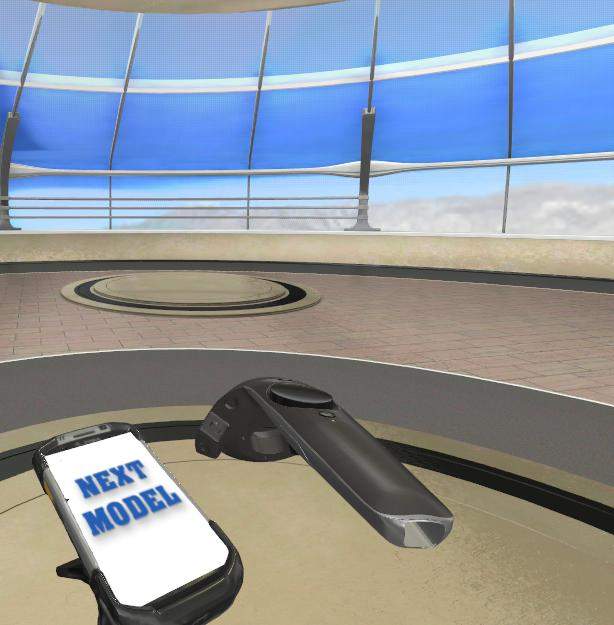
Model/Stimulus Swapping
Cycle through models, videos, images, and audio collections with single or multi-user setups
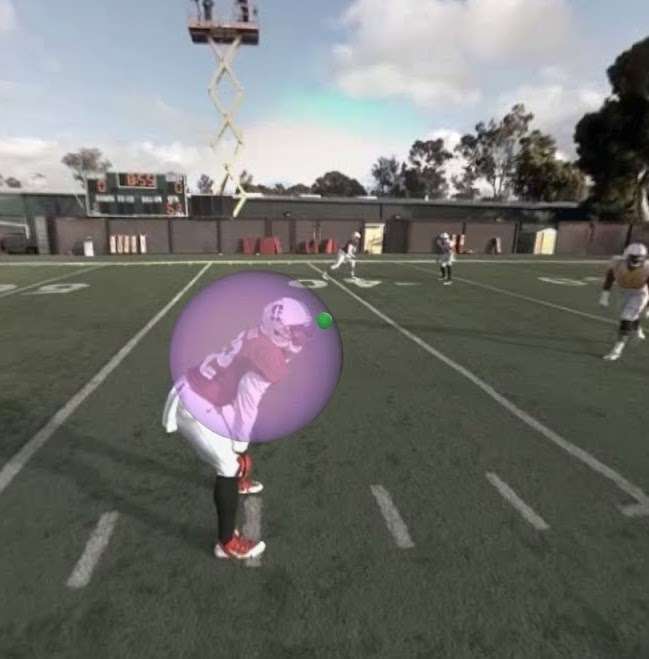
360 Moving Regions of Interest
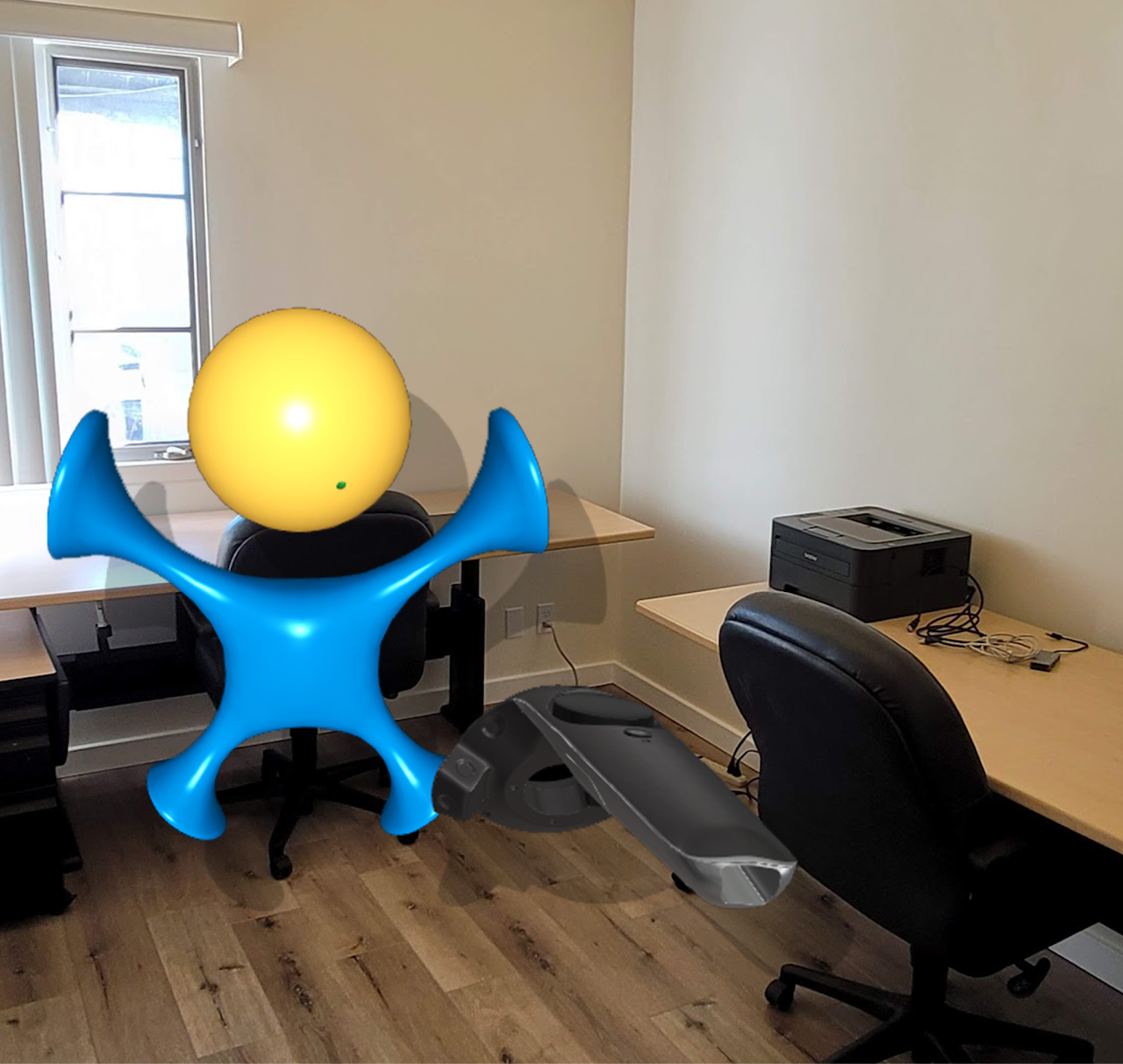
Mixed Reality
Examples of using Mixed and Augmented Reality
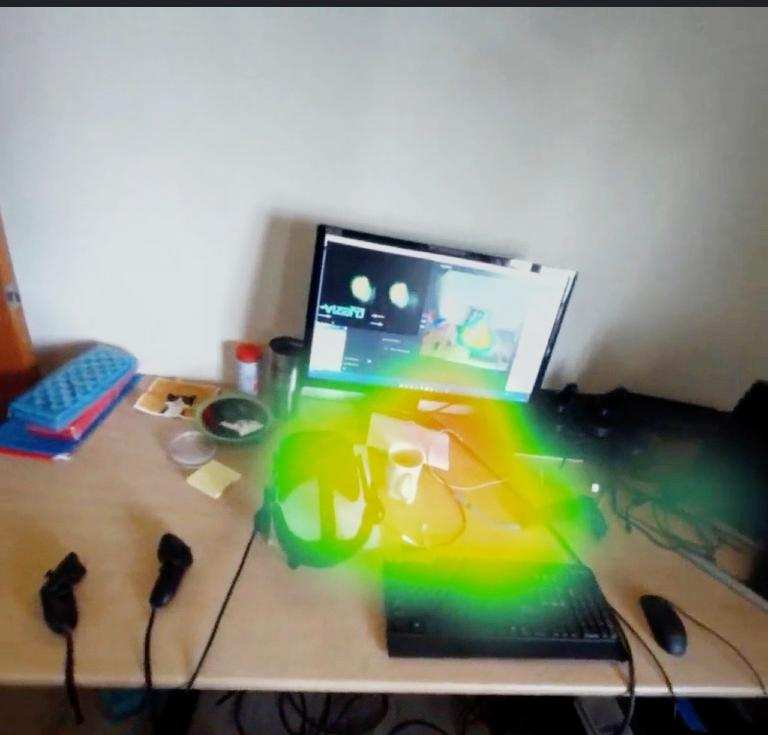
XR/AR Eye Tracking
Perform eye tracking studies on real world objects
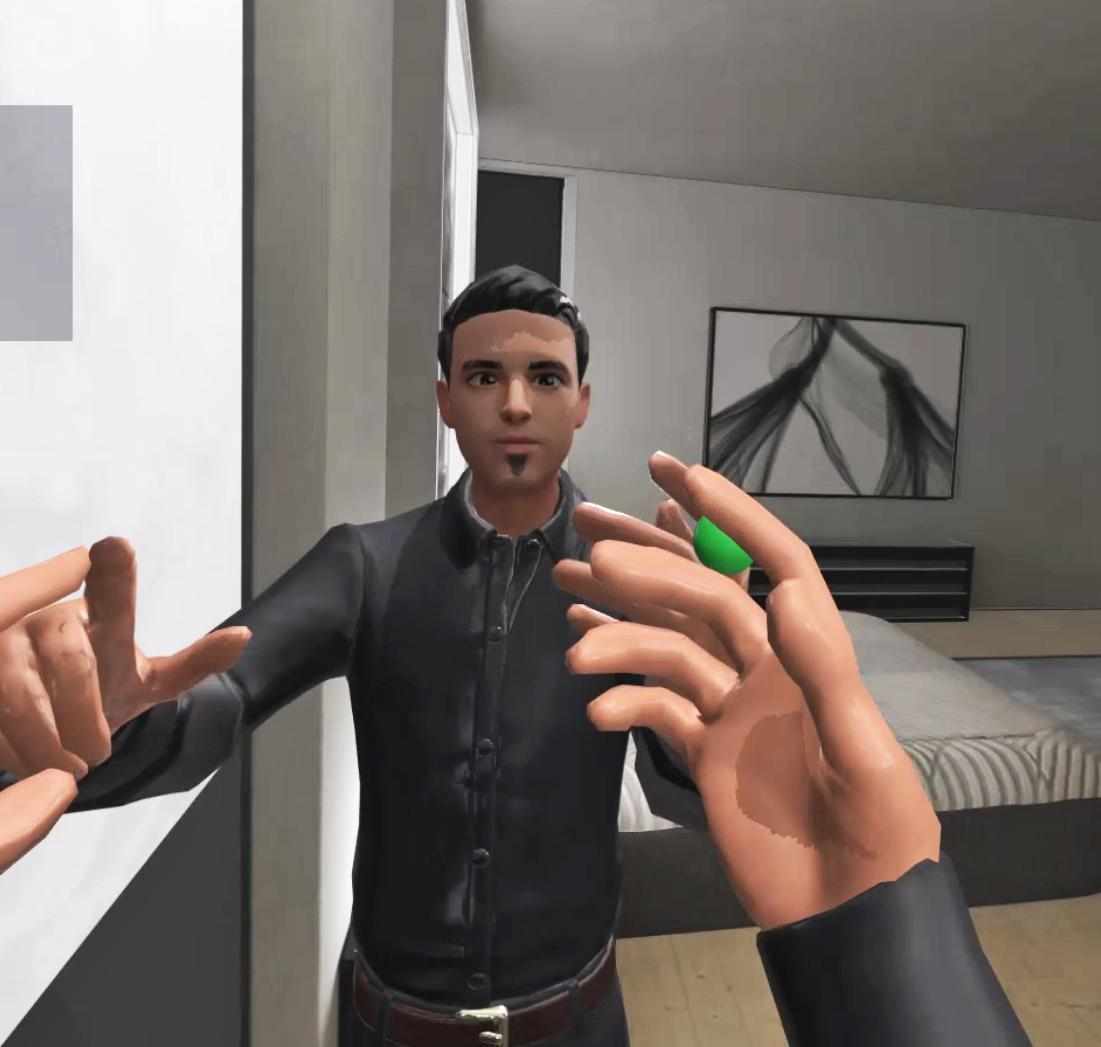
Upper Body Tracking
Examples for using upper body tracking with the Meta Quest Pro
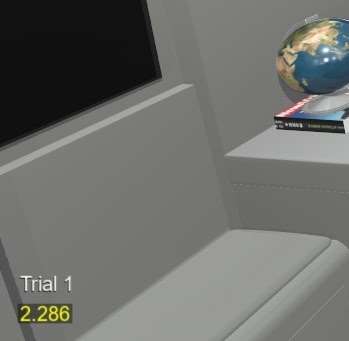
Using a Timer for Experiment
Example for running experiments on a timer or using different start/stop events
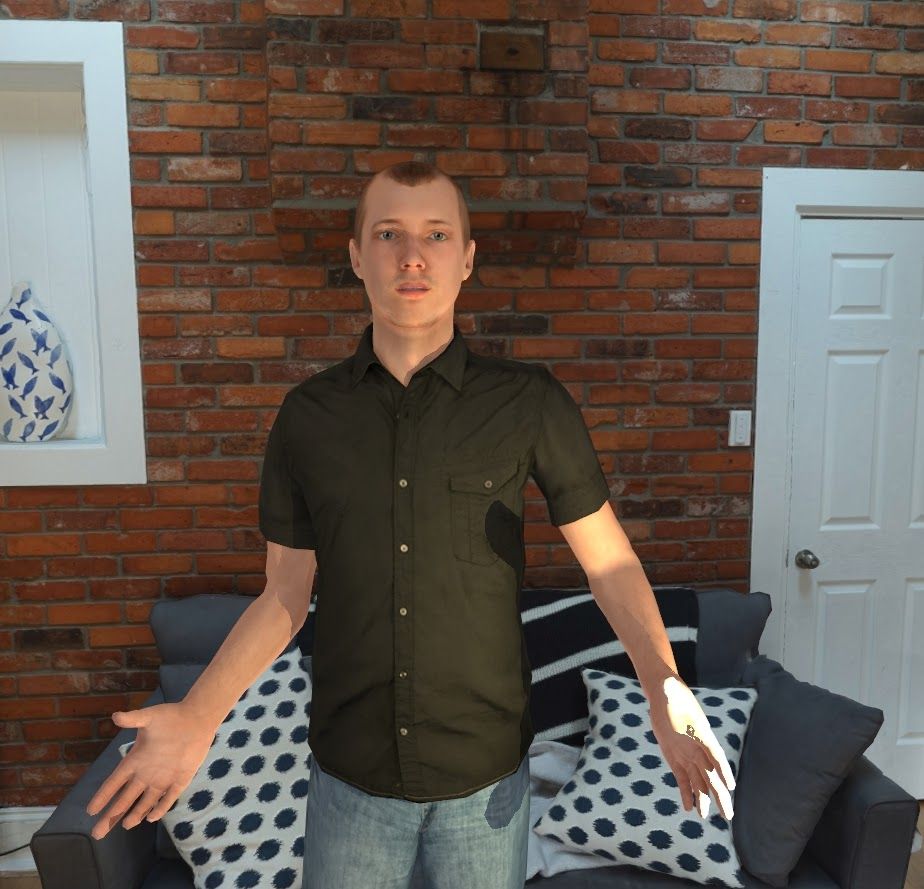
AI Agent
Interact with a virtual agent enabled with ChatGPT or Claude
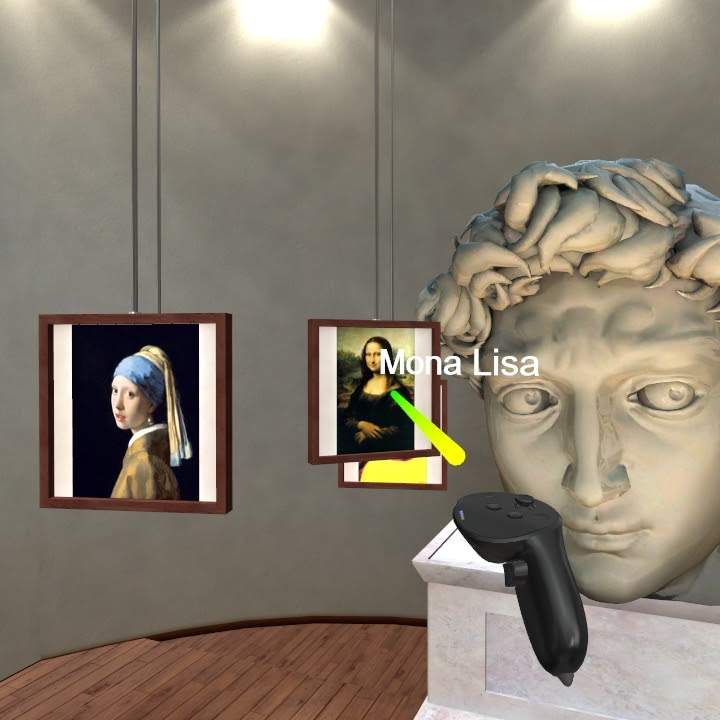
Educational Application with AI
Set up an educational experience with audio and visual annotations on objects
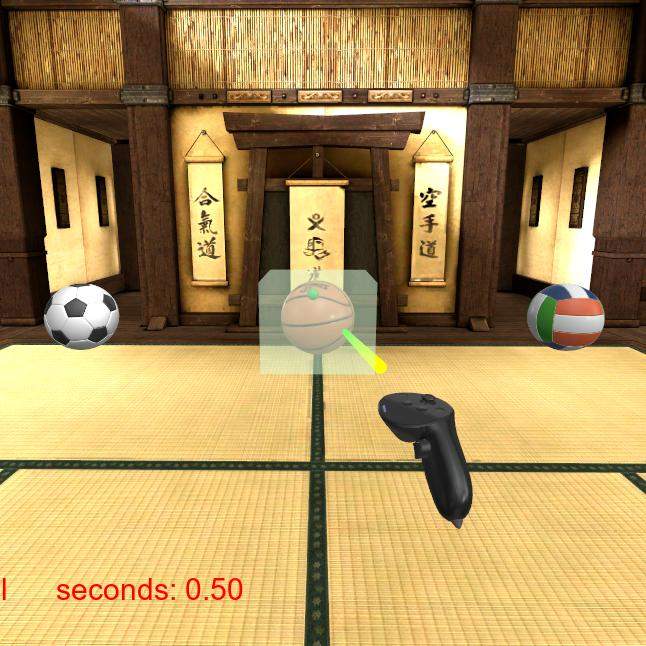
Selector/Highlighter Tool
Use a selector tool to interact with the scene
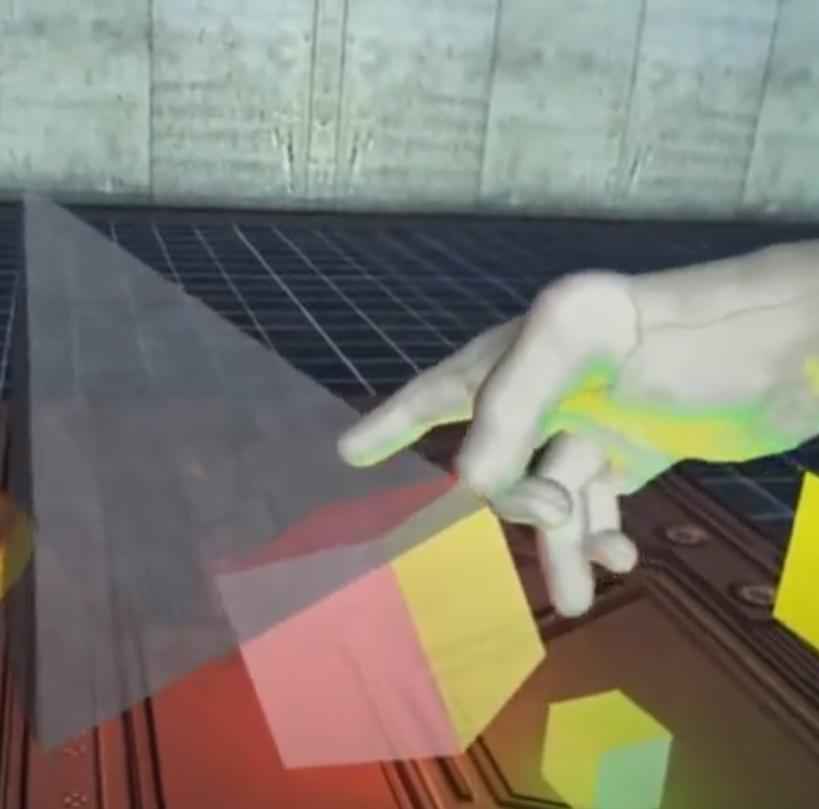
Hand Tracking - Grabbing and Physics
Use Meta Quest Pro’s Hand Tracking for object interaction using physics
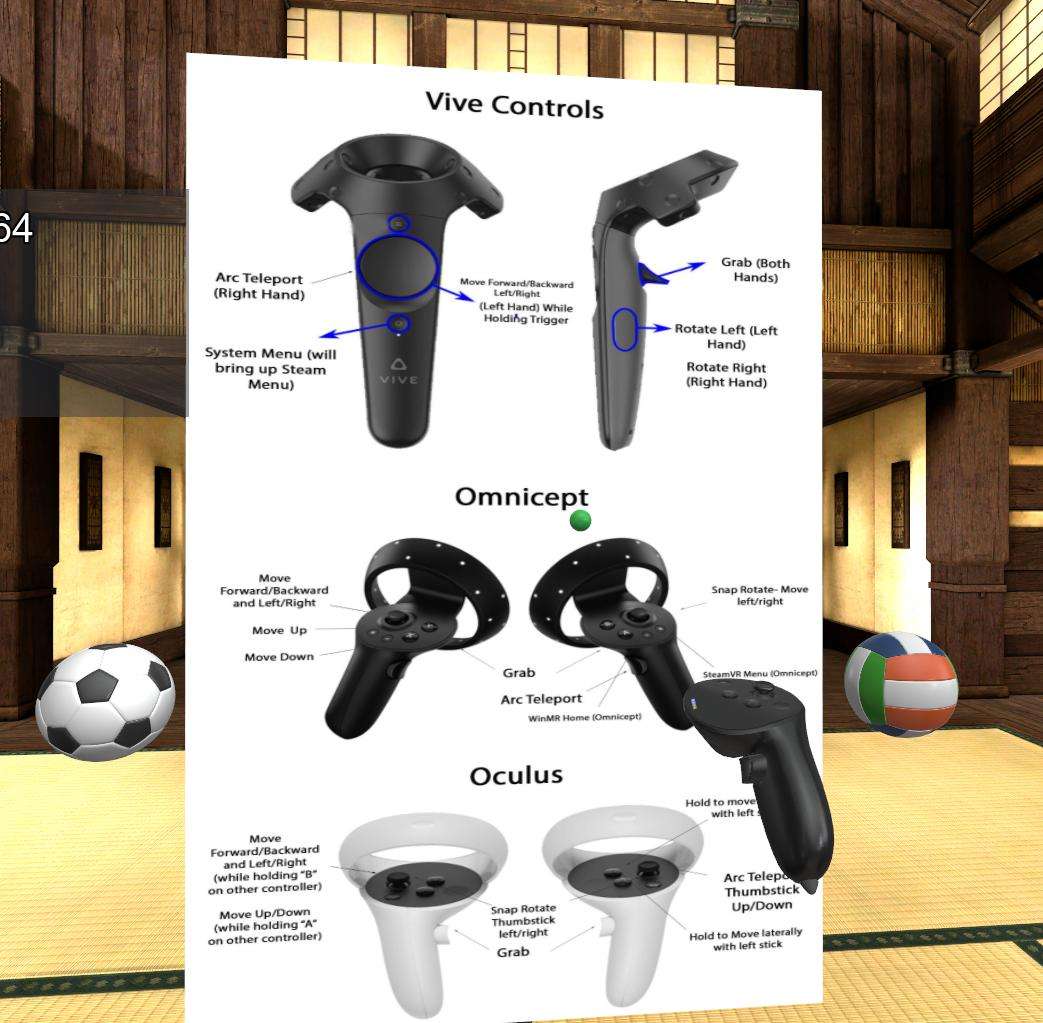
Images for Instructions
Using an image to instruct participants
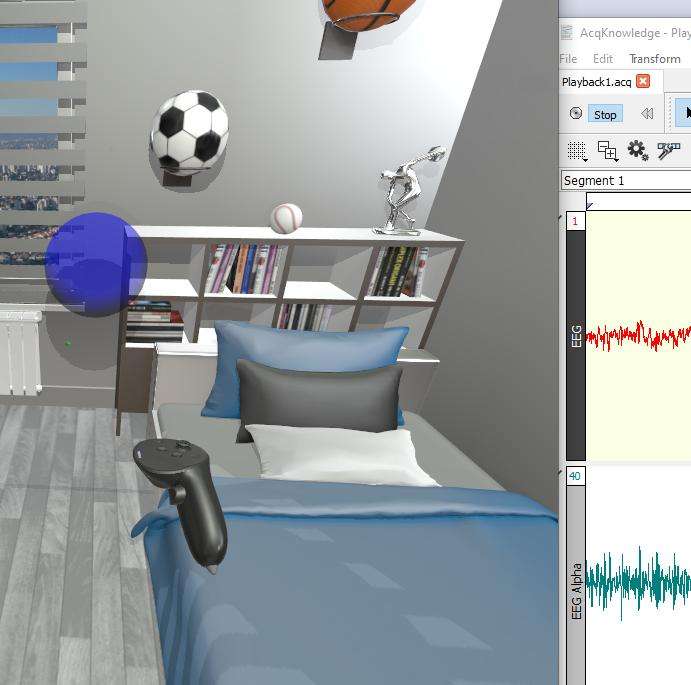
Biofeedback Ball
See how feedback from physiological sensors can change the appearance of a ball in VR/AR
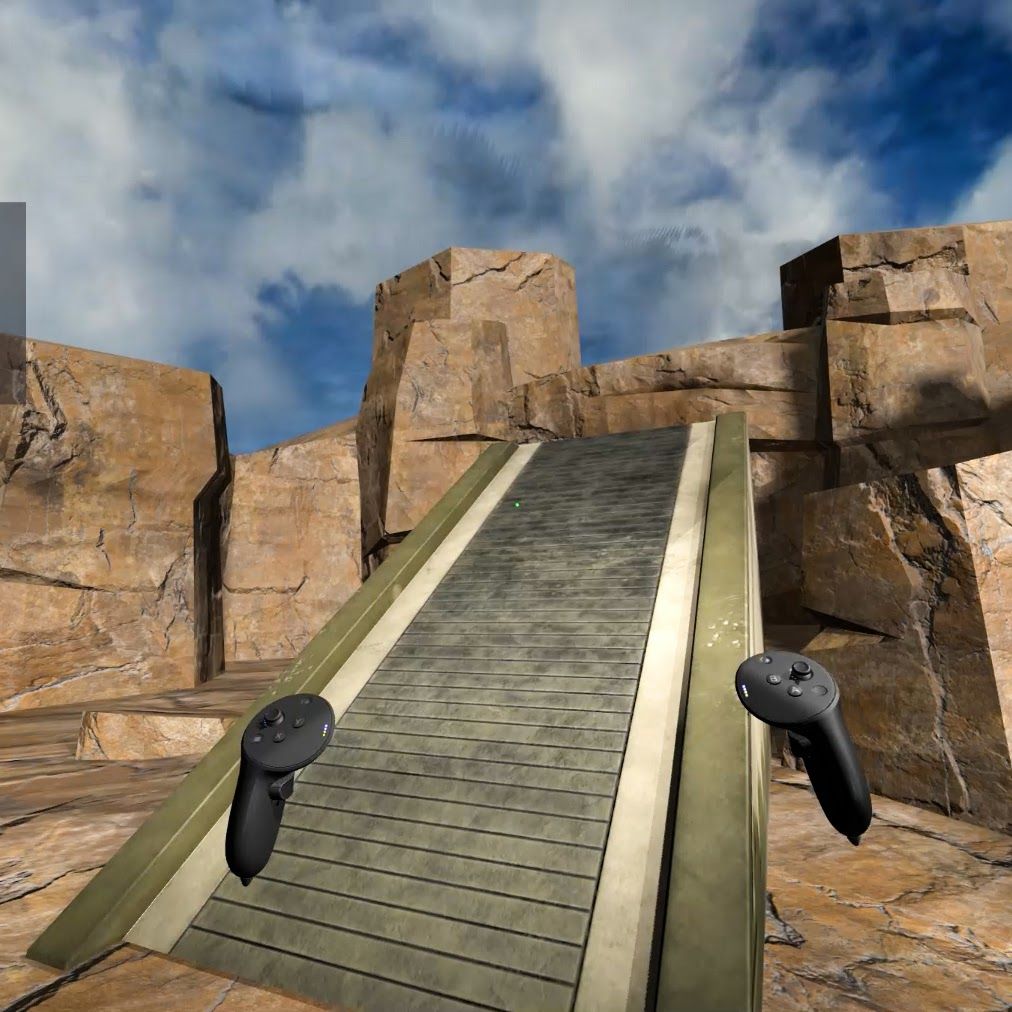
Collisions/Gravity
Move over elevations, ramps, and enable falling in your simulations
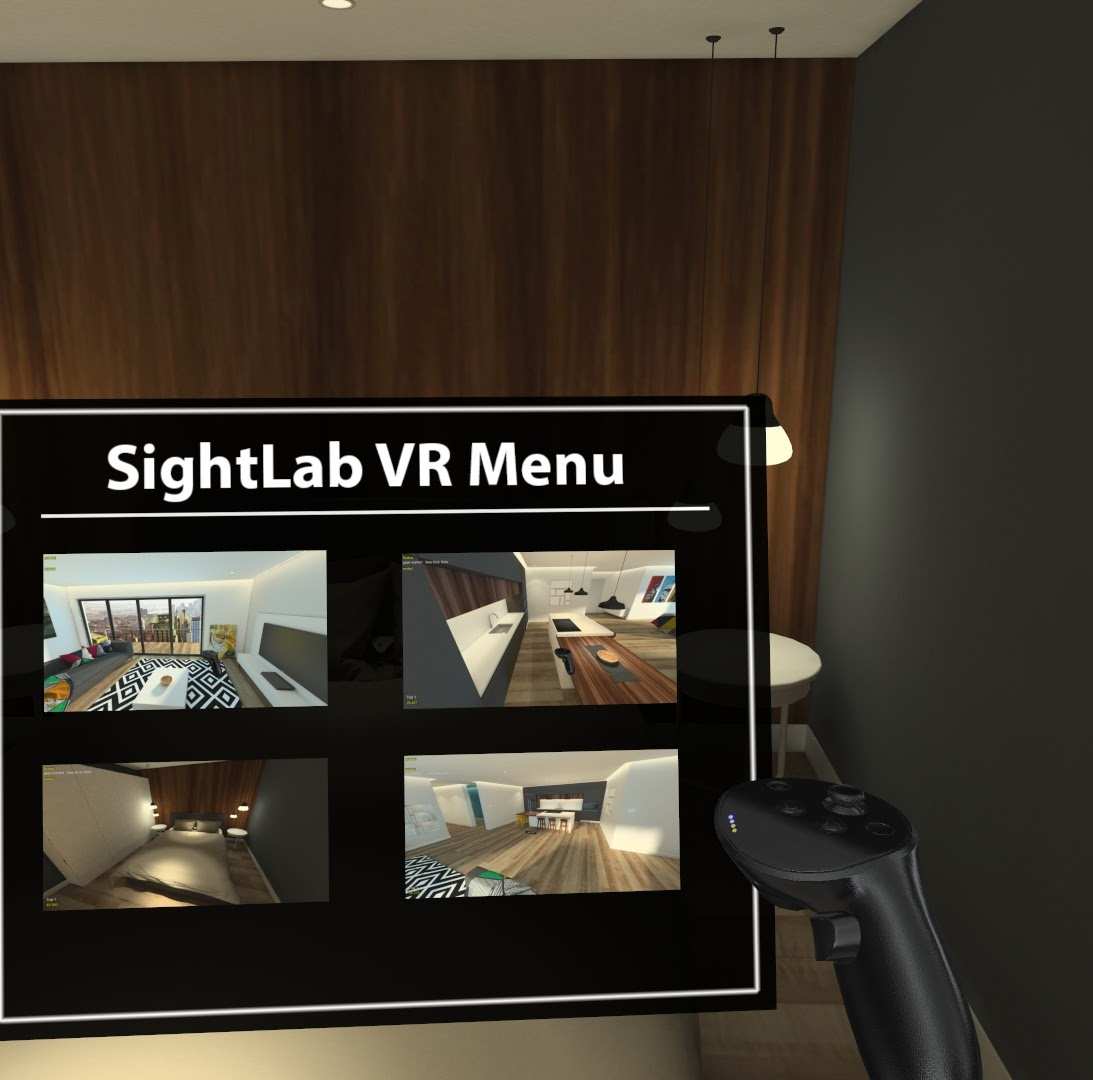
Jump To Locations
Jump to various scene locations with arc teleport, virtual menu, or keypresses
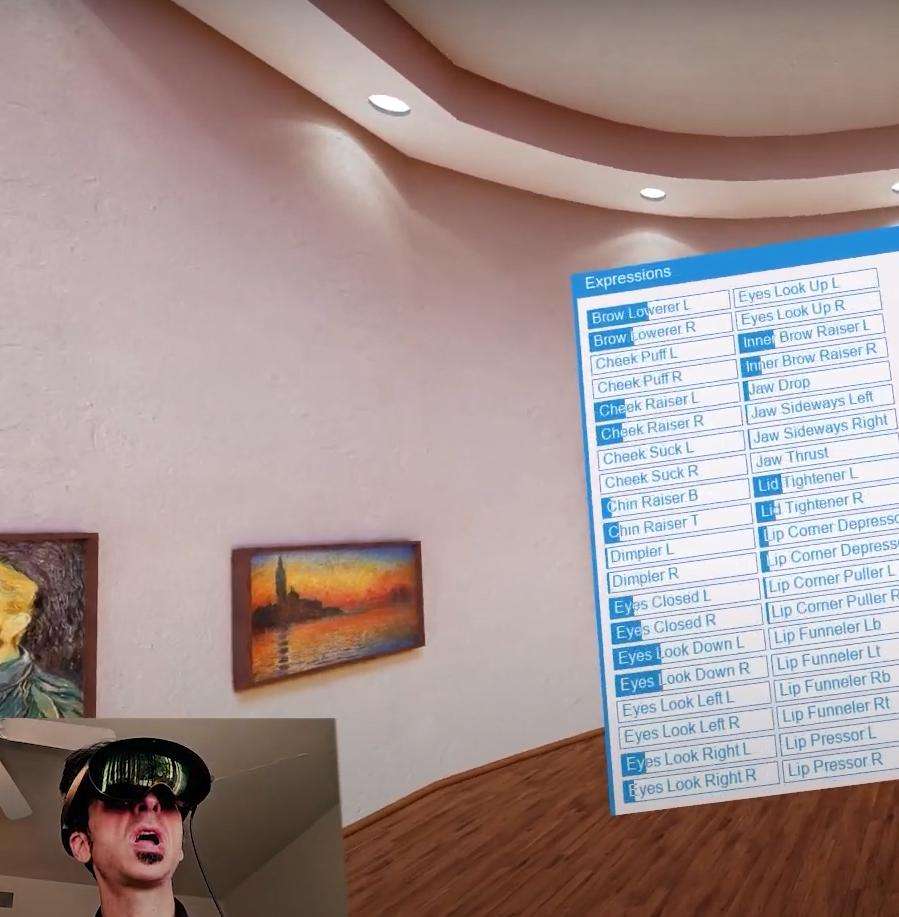
Face Tracking
View, save, and analyze face tracking data
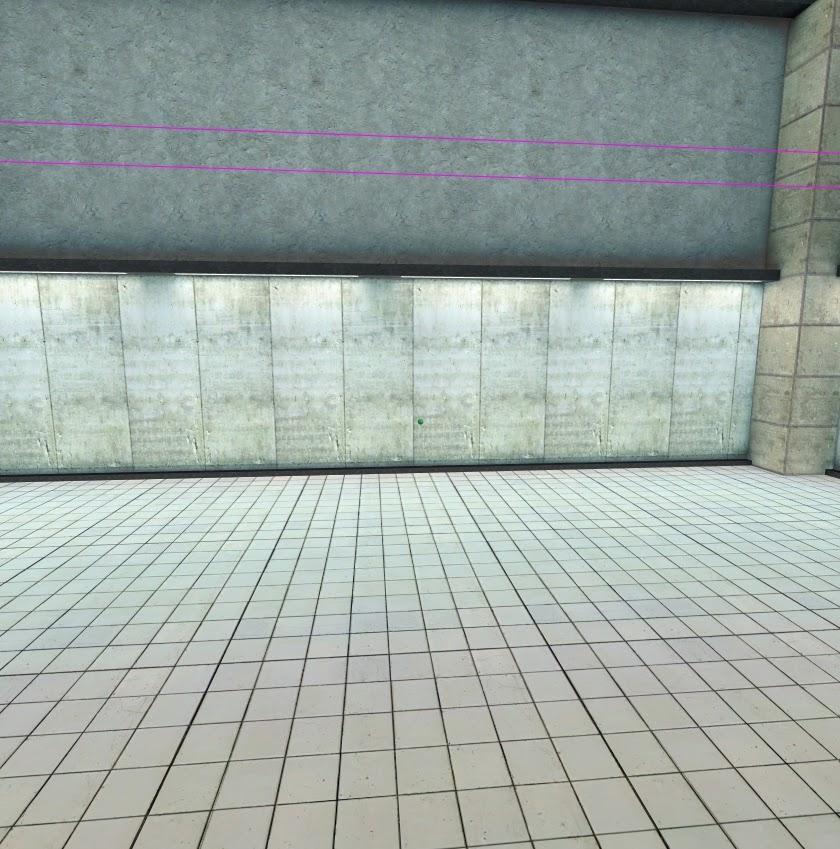
Movement Limiter
Restrict user movement in a large space within a defined boundary
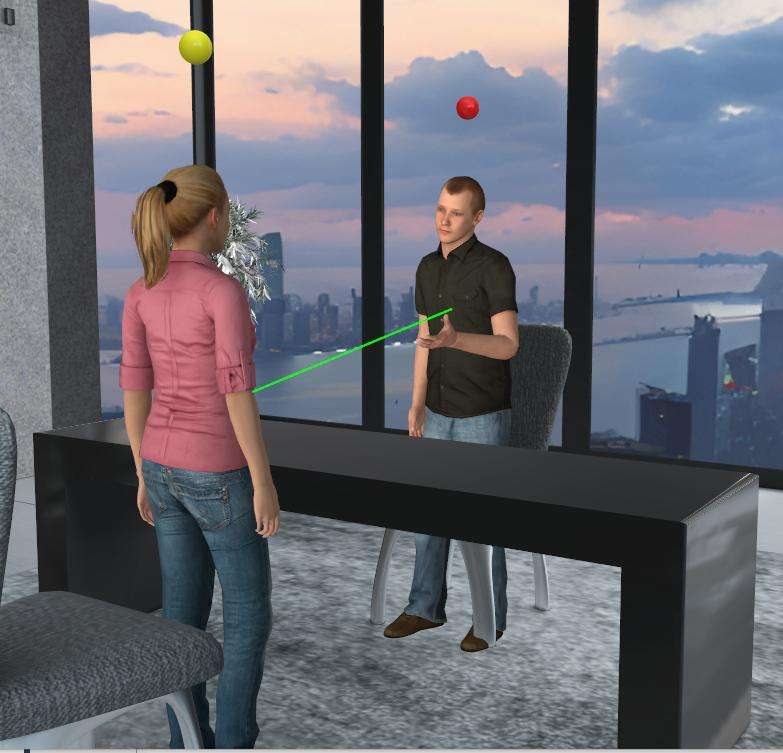
Full Body Multi-User
Use full-body avatars with saved audio, transcripts, video, and replay
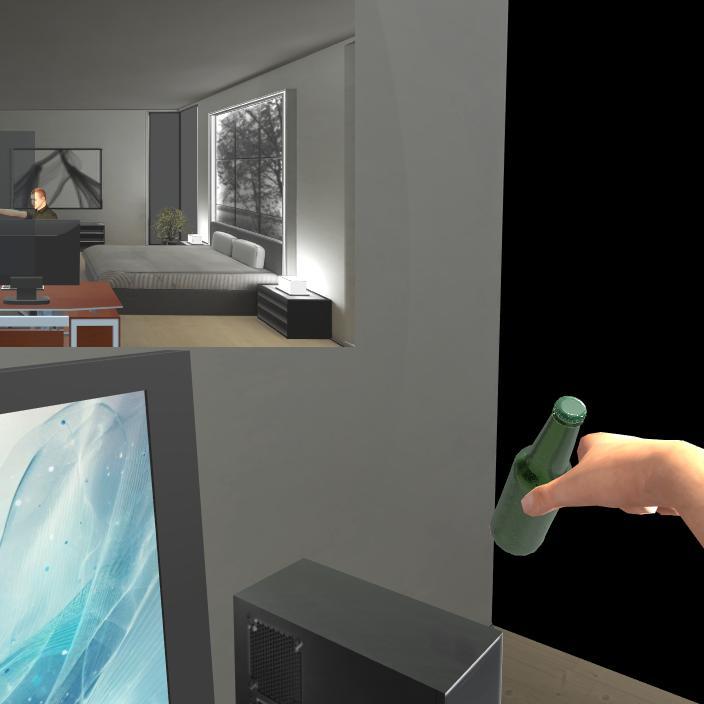
Avatar Body
Use a seated, standing, or tracked full-body avatar
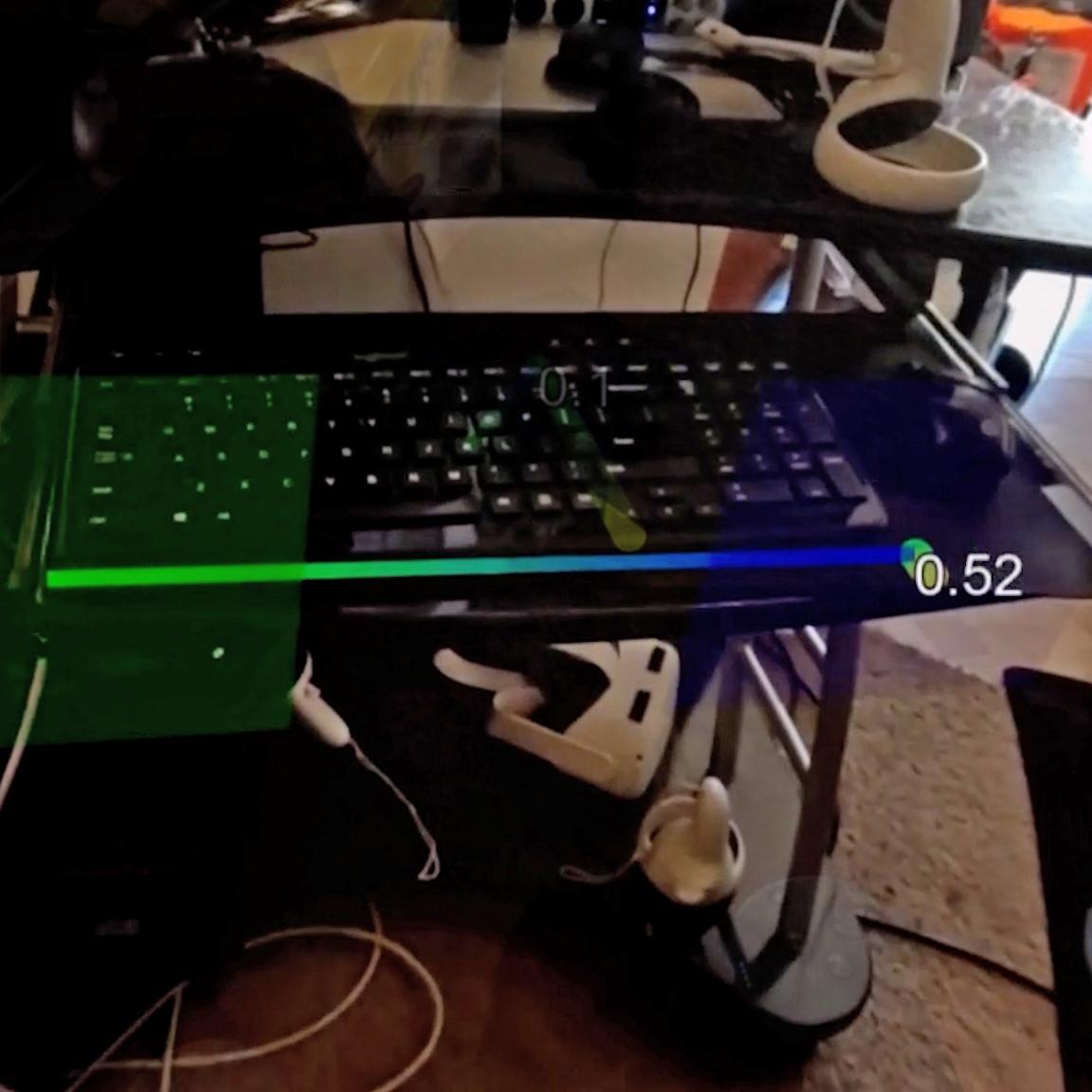
Measuring Tape
Tool for measuring objects in AR or VR
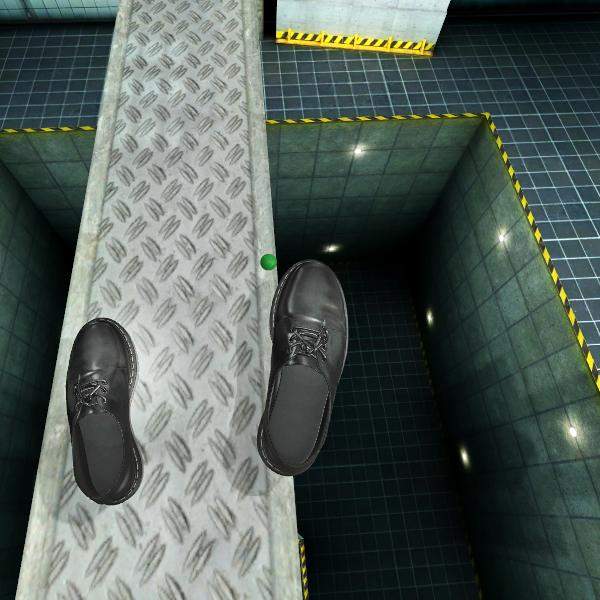
Feet Tracking
Track feet in VR using controllers or Vive Trackers
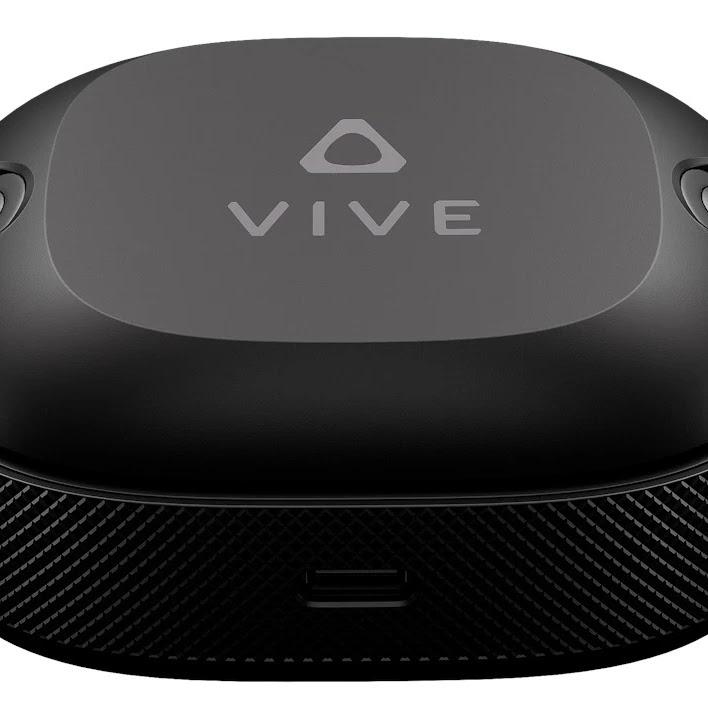
Vive Trackers
Track objects or full body with Vive Trackers
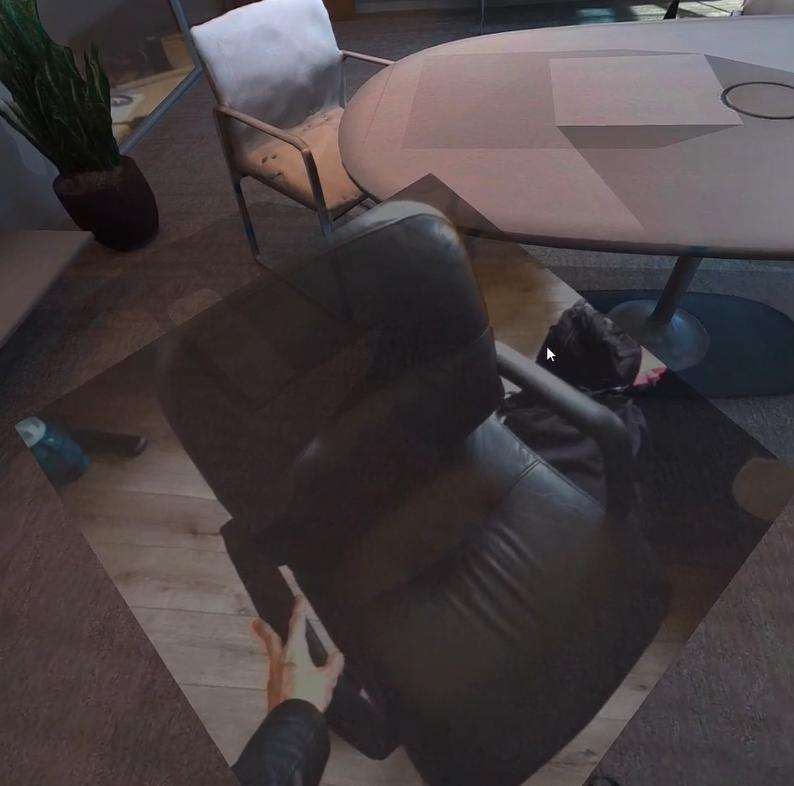
Real World Objects in VR
Display real-world objects overlaid in VR
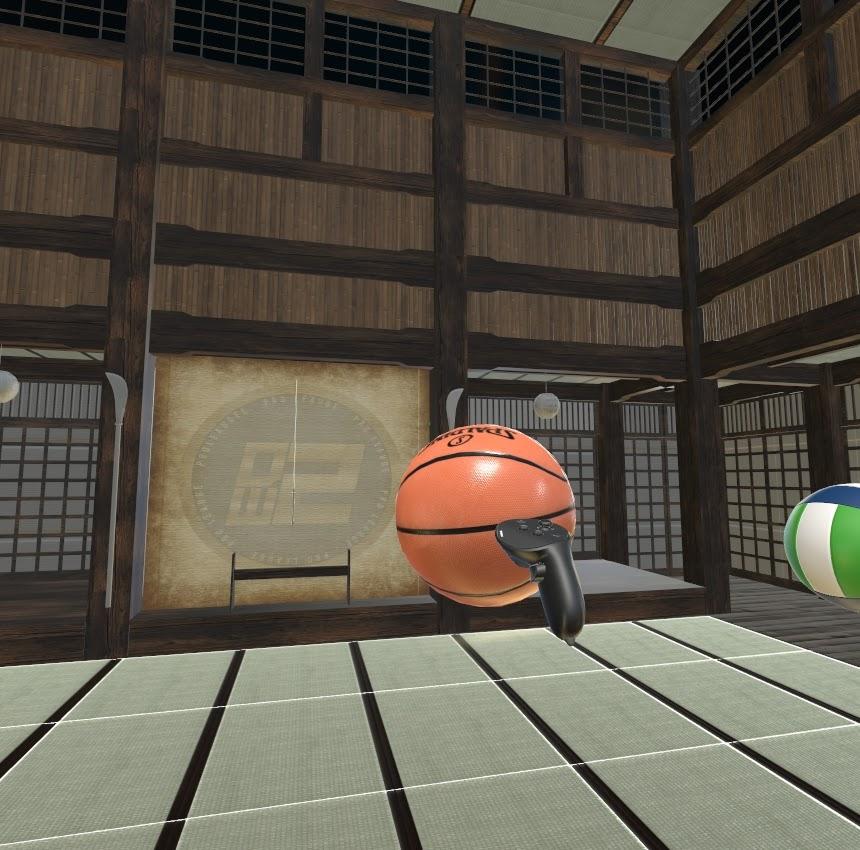
Grab Events
Save data on object grab and release events
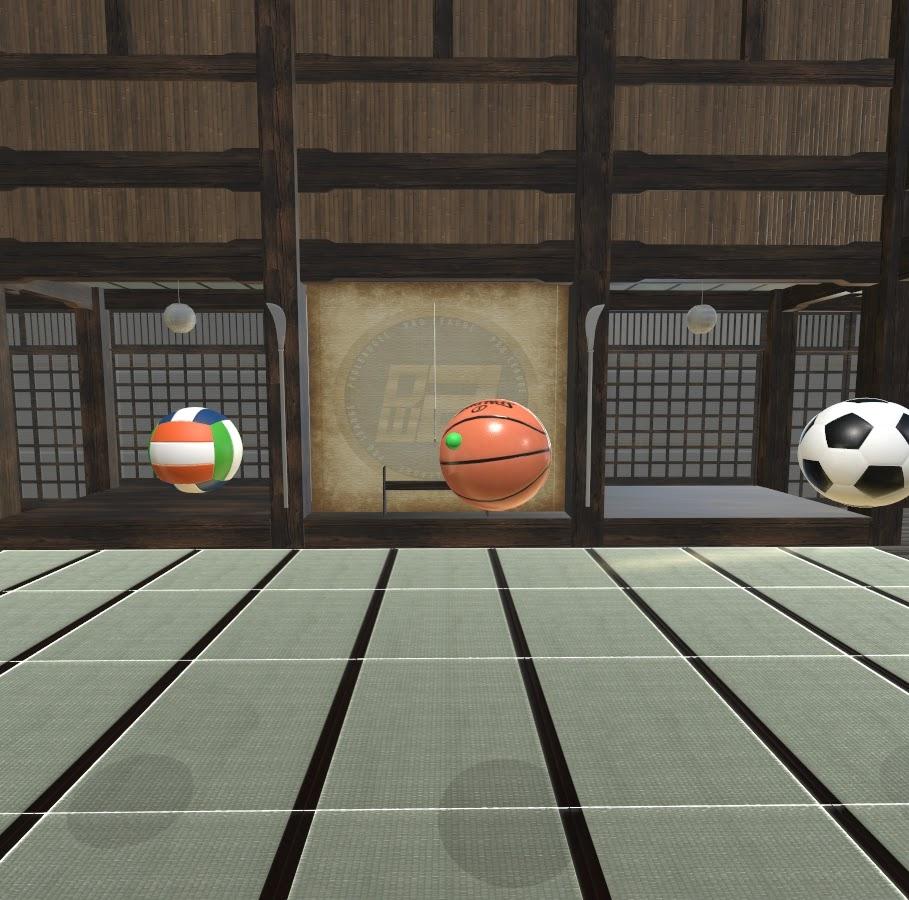
Distance Perception
Experiment to measure Distance Perception and user performance
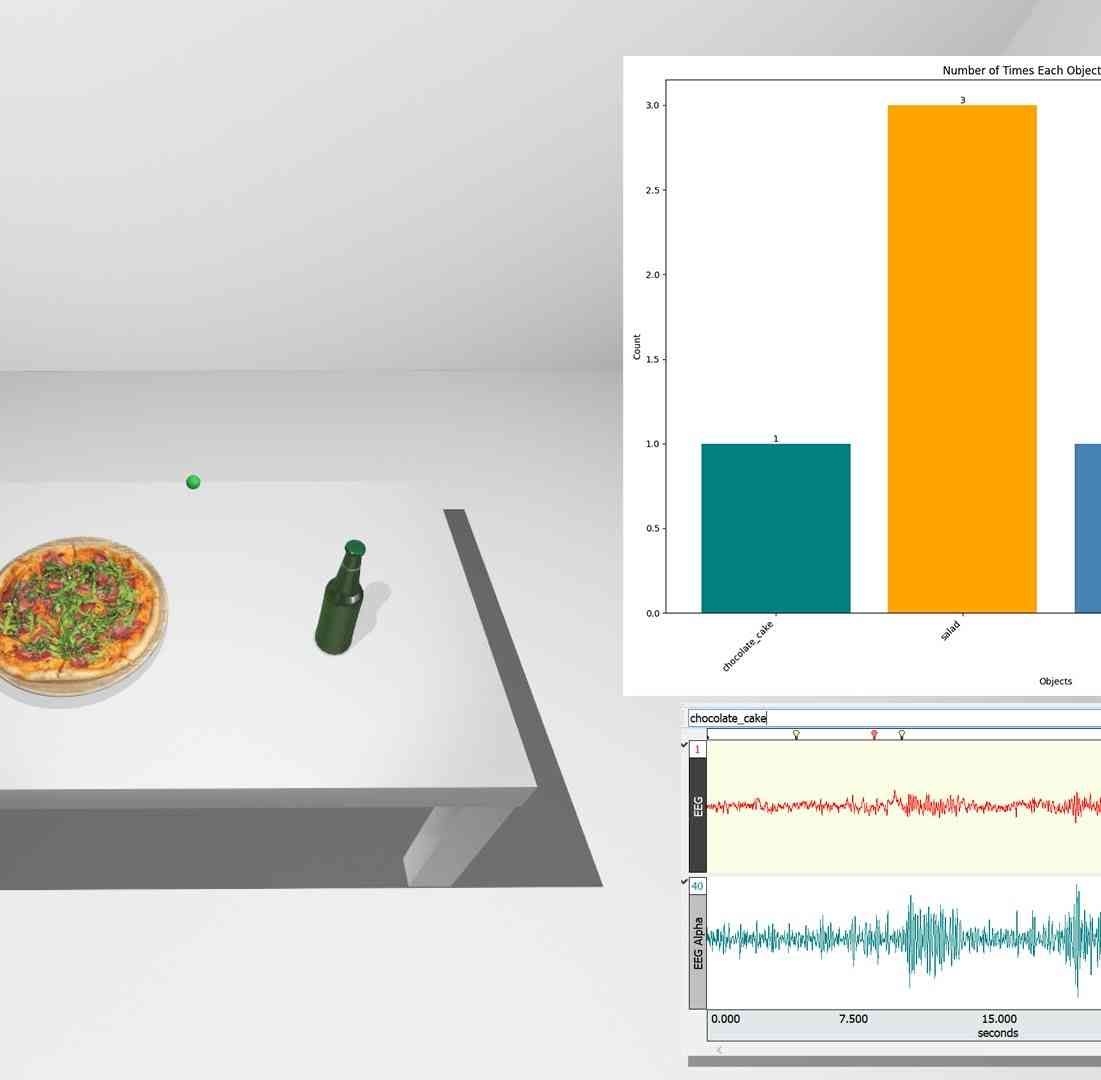
Choice Comparison
Template for comparing choices between objects using input methods
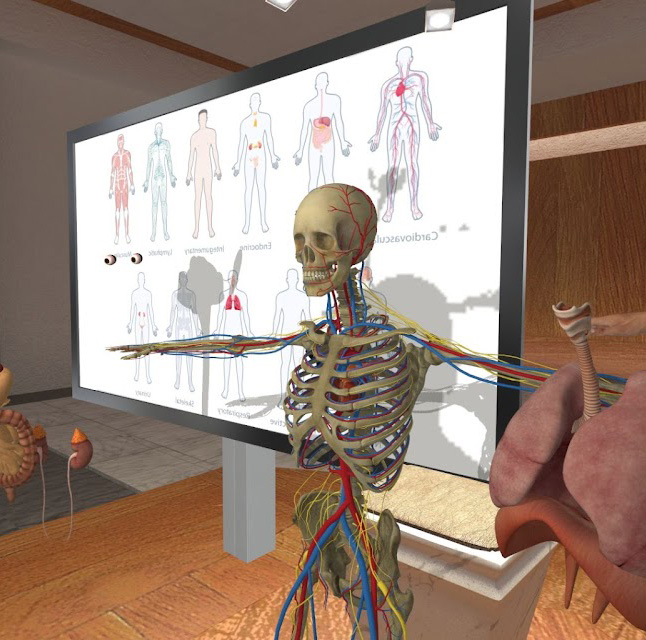
Presentation Mode MultiUser
Present a Session with Presenter Tools, such as controlling trials for clients, etc.
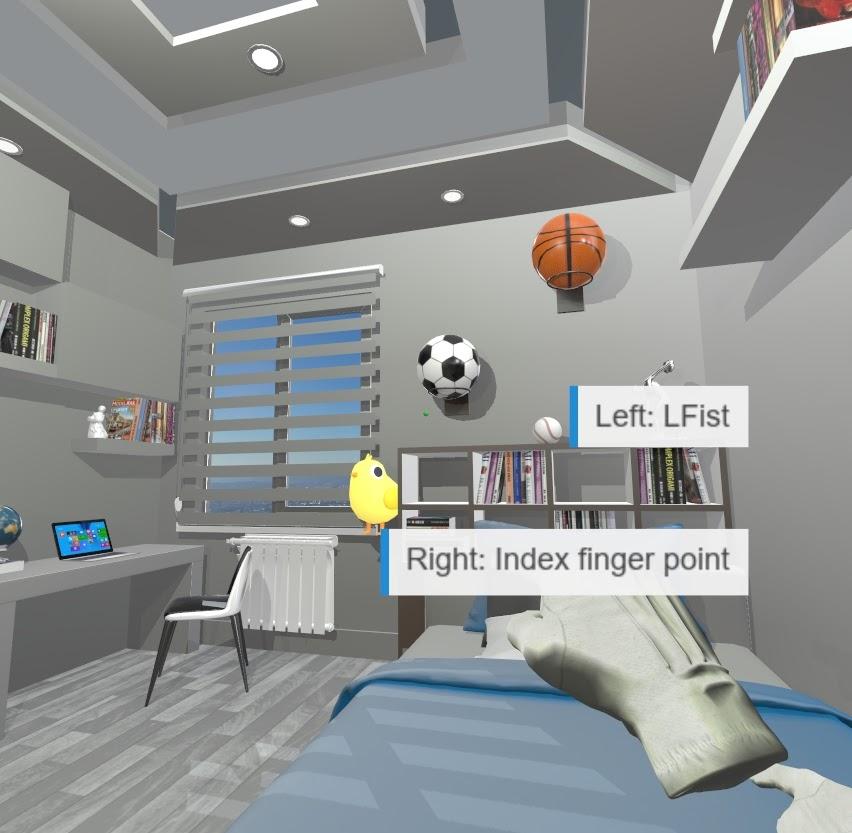
Hand Tracking Gesture Control
Control scene aspects using gestures
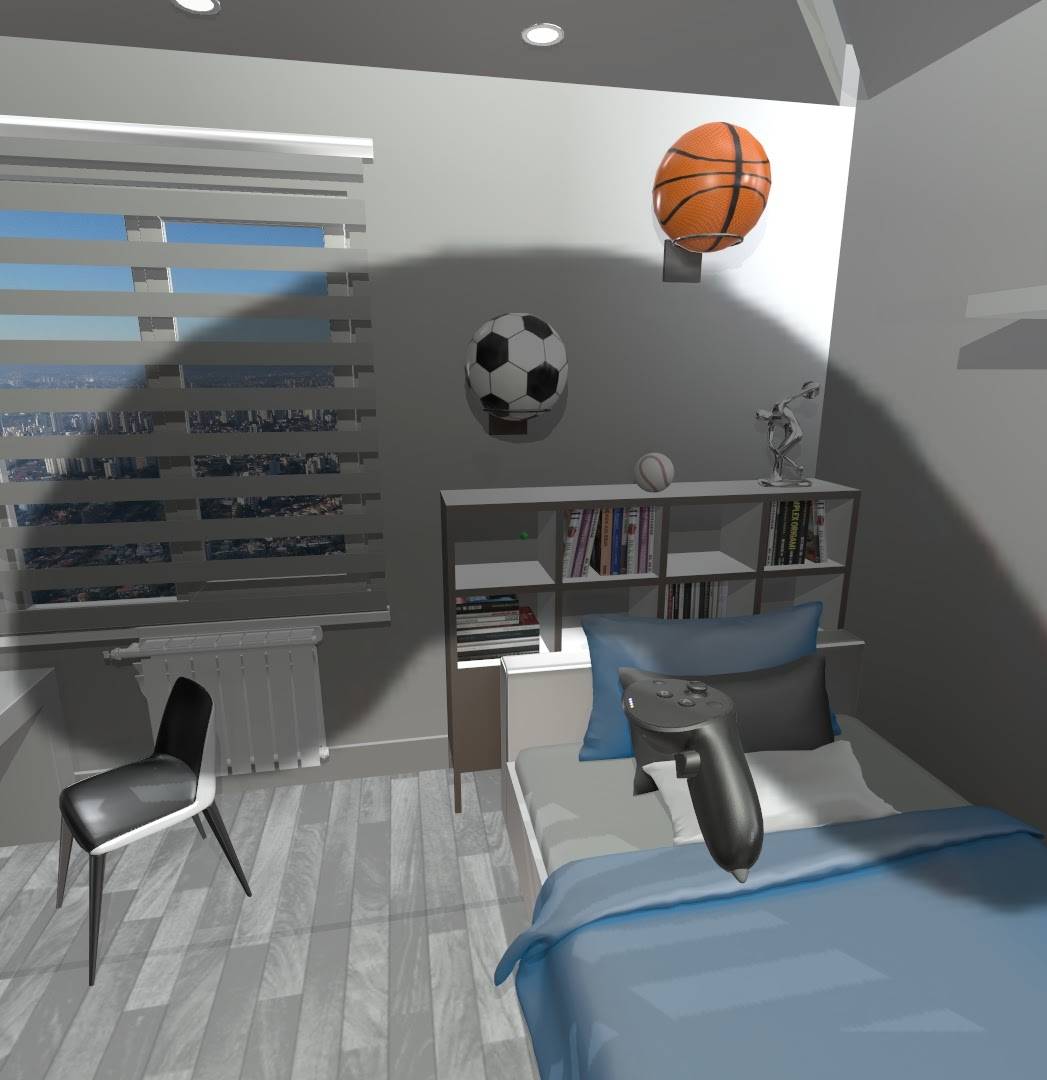
Glaucoma Simulation
Add a moving object that simulates Glaucoma-type artifacts
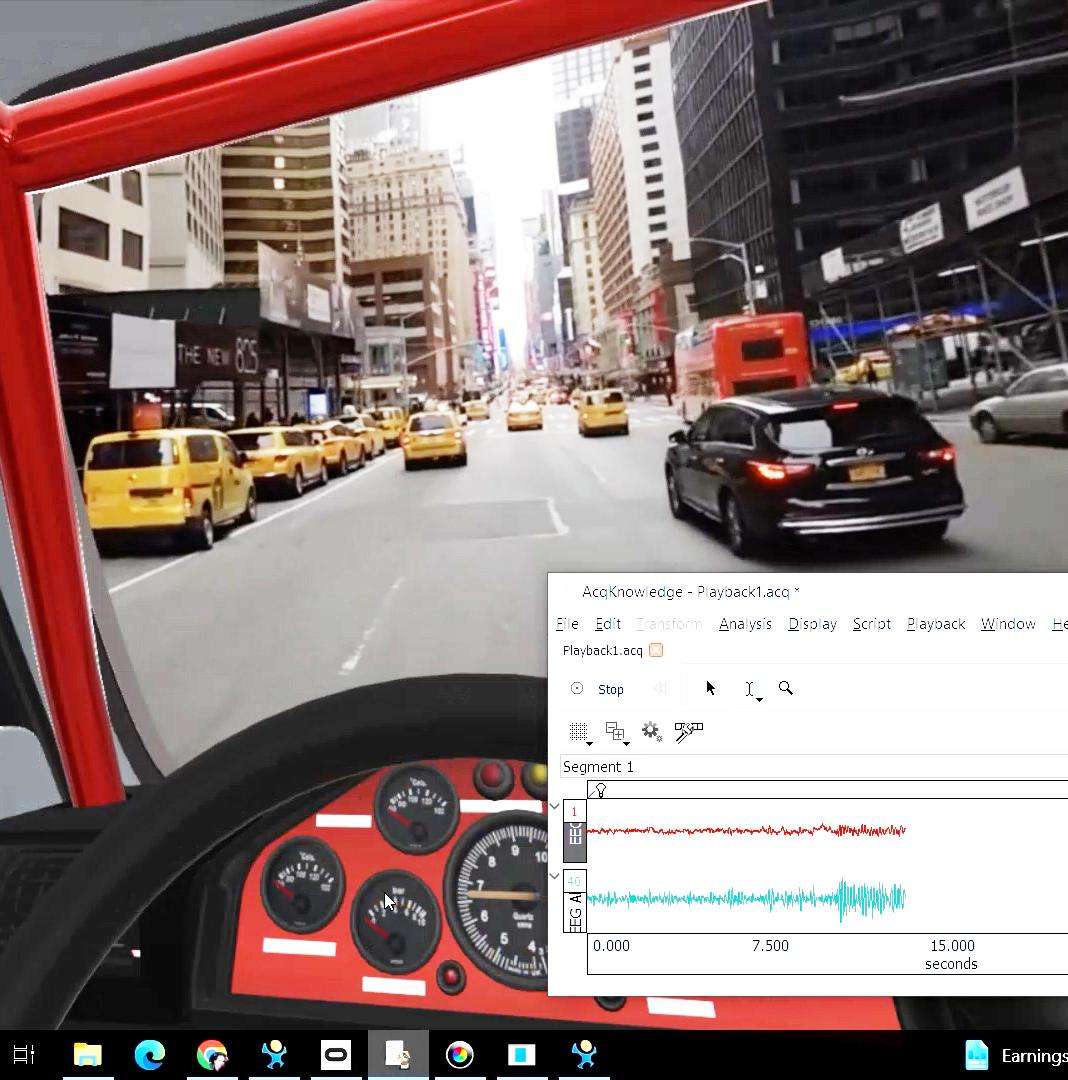
Driving 360
360 video integrated with 3D models in a New York City drive-through demo
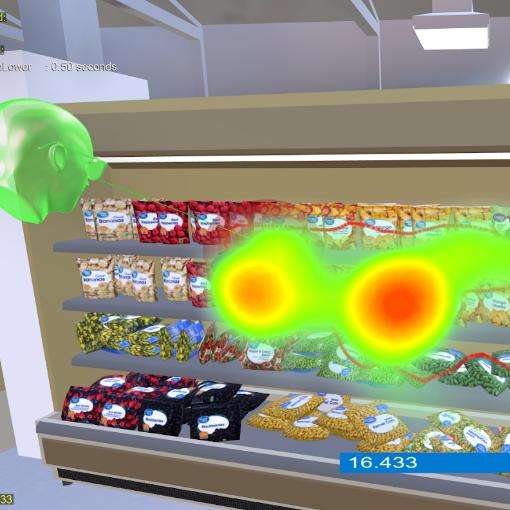
Shopping Visual Search
A visual search task to find a grocery item
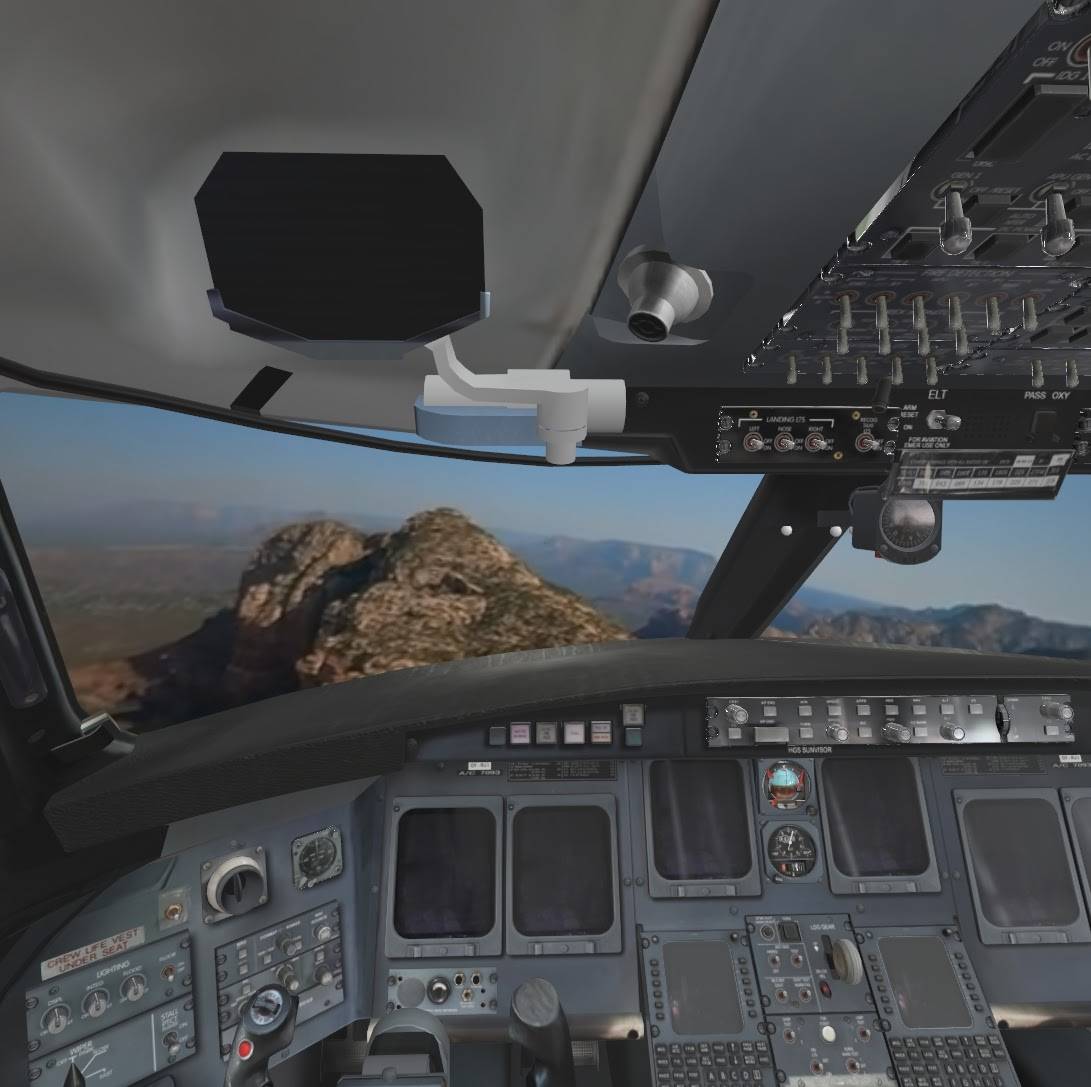
Virtual Cockpit
Flying demo inside a virtual cockpit
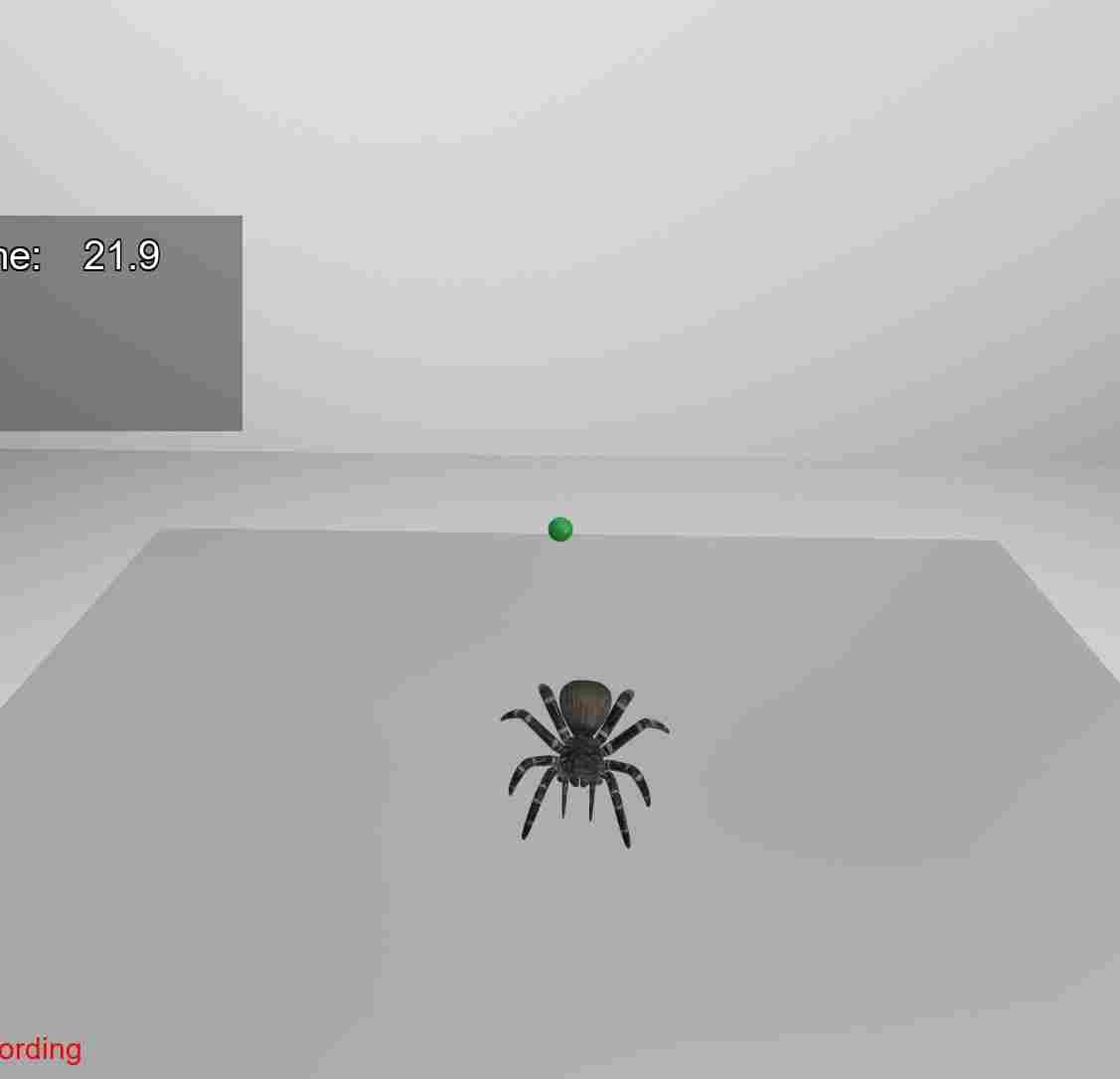
Phobia Stimulus Presentation
Measure response to objects like spiders while assessing control object awareness
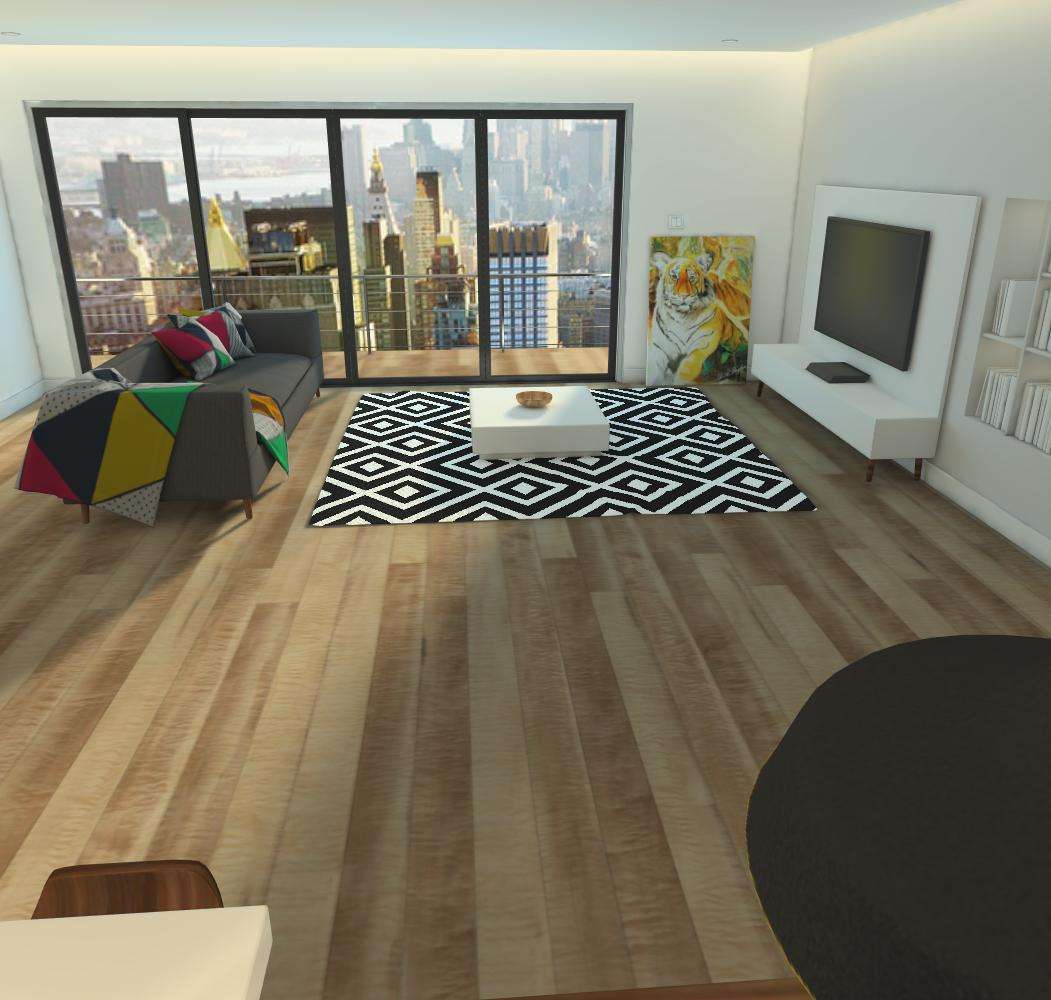
Apartment/Building Review
Examples of various apartments and buildings
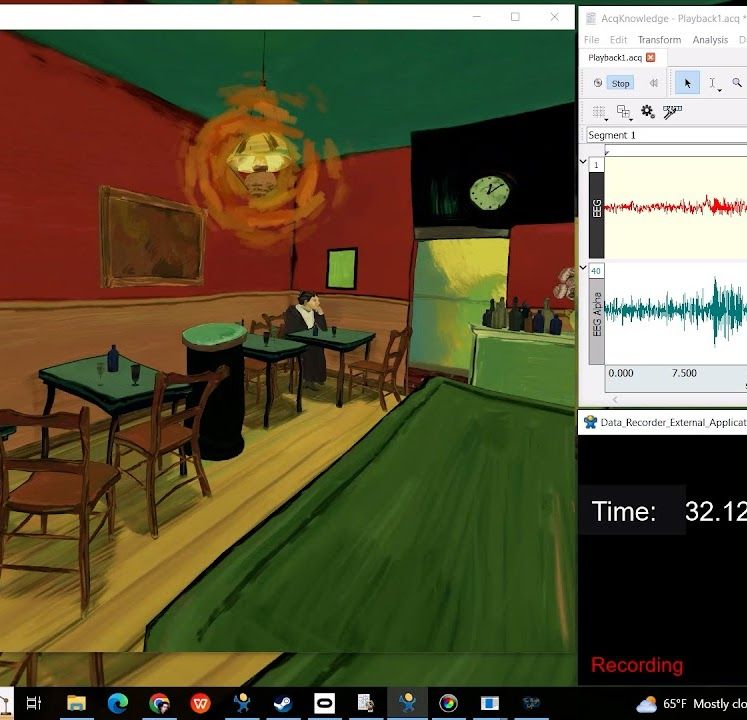
External Application Data Recorder
Record data from external applications outside of Vizard
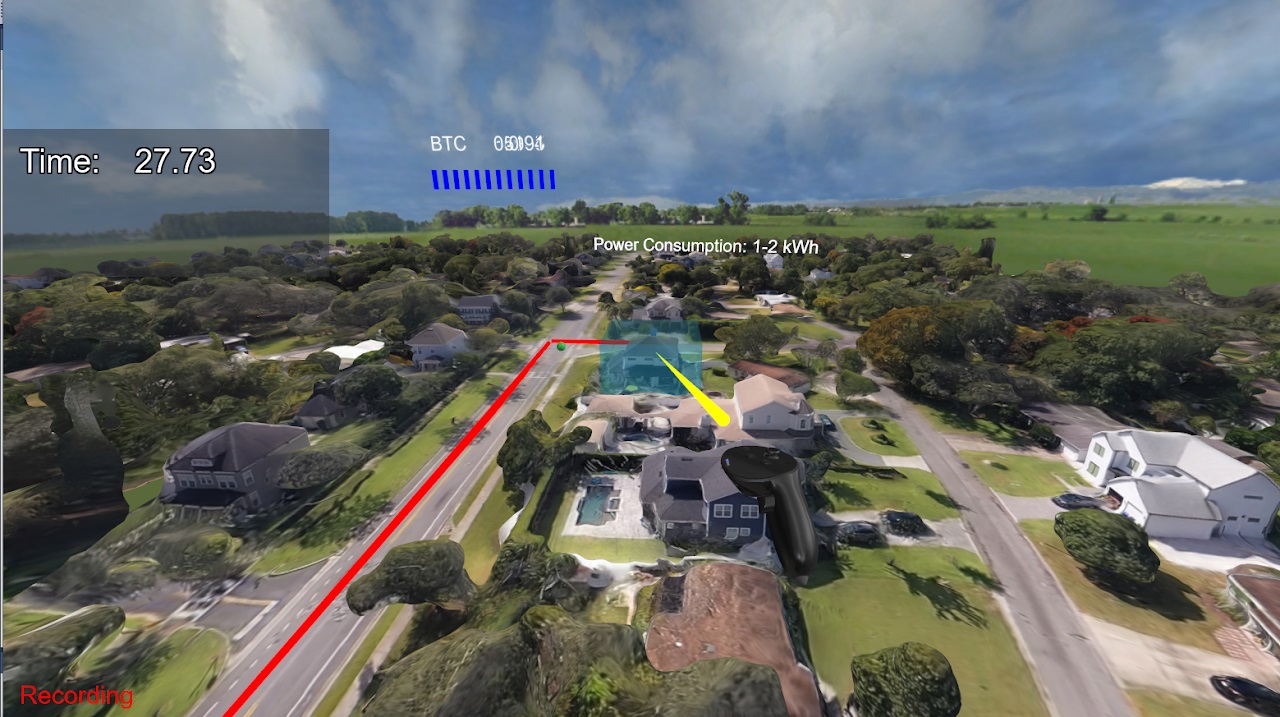
Digital Twin/ Data Visualization
Example demonstrating pulling real time data from an online source and mapping it to a 3D town