Hand Tracking- Grabbing and Physics
Example Located in ExampleScripts- Hand_Tracking_Grabbing_Physics
Example Hand Tracking and Grabbing Scripts Included
- Hand_Grabbing_Physics
Uses a detached hand and works with either the Vive Focus Vision, Meta Quest Pro, or Meta Quest 3.
Allows grabbing and interacting with objects using physics. Can adjustlink.preTransvalues for better object fit when grabbed. -
Shortcuts:
2— Print distance between index finger and thumb
3— Toggle distance display between index finger and thumb -
Hand_Grabbing_Physics_Full_Body_Meta
Uses a full-body avatar. Only compatible with Meta Quest Pro and Meta Quest 3.
Provides full-body avatar interaction with physics-based grabbing. -
ManusGlove_Grabbing
Uses Manus VR Data Gloves for grabbing interactions.
Designed to work with Manus Prime 3 Haptic gloves. -
Manus_HandTracking_Gestures
Demonstrates using hand gestures to control objects or events in the environment.
Includes examples of gesture-based triggers and interactions. -
OpenXR_Hand_Tracking
Example script for adding hand tracking to any OpenXR-compatible setup.
Supports any hardware with OpenXR hand tracking such as Meta Quest 3, Vive Focus Vision, or Quest Pro.
Note:
You can also assign hand tracking to any script when using compatible hardware (Vive Focus Vision, Meta Quest 3, Meta Quest Pro) by selecting it from the hardware dropdown when running your script.
Augmented Reality
Add passthrough AR by changing USE_PASSTHROUGH = False to True or see the MixedReality folder for MetaPro_GrabbingXR.py
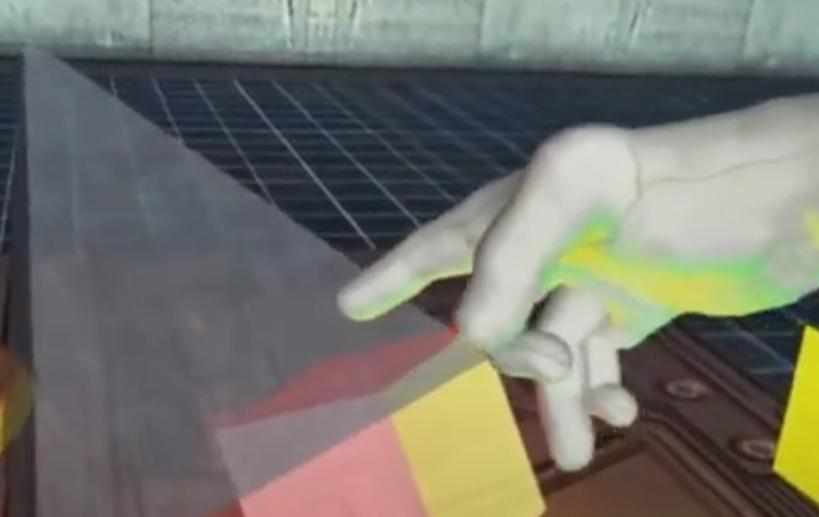
Additionally, see the ExampleScripts/HandPath_Tracking to see how to save a path of the hand for analysis using Plotly.
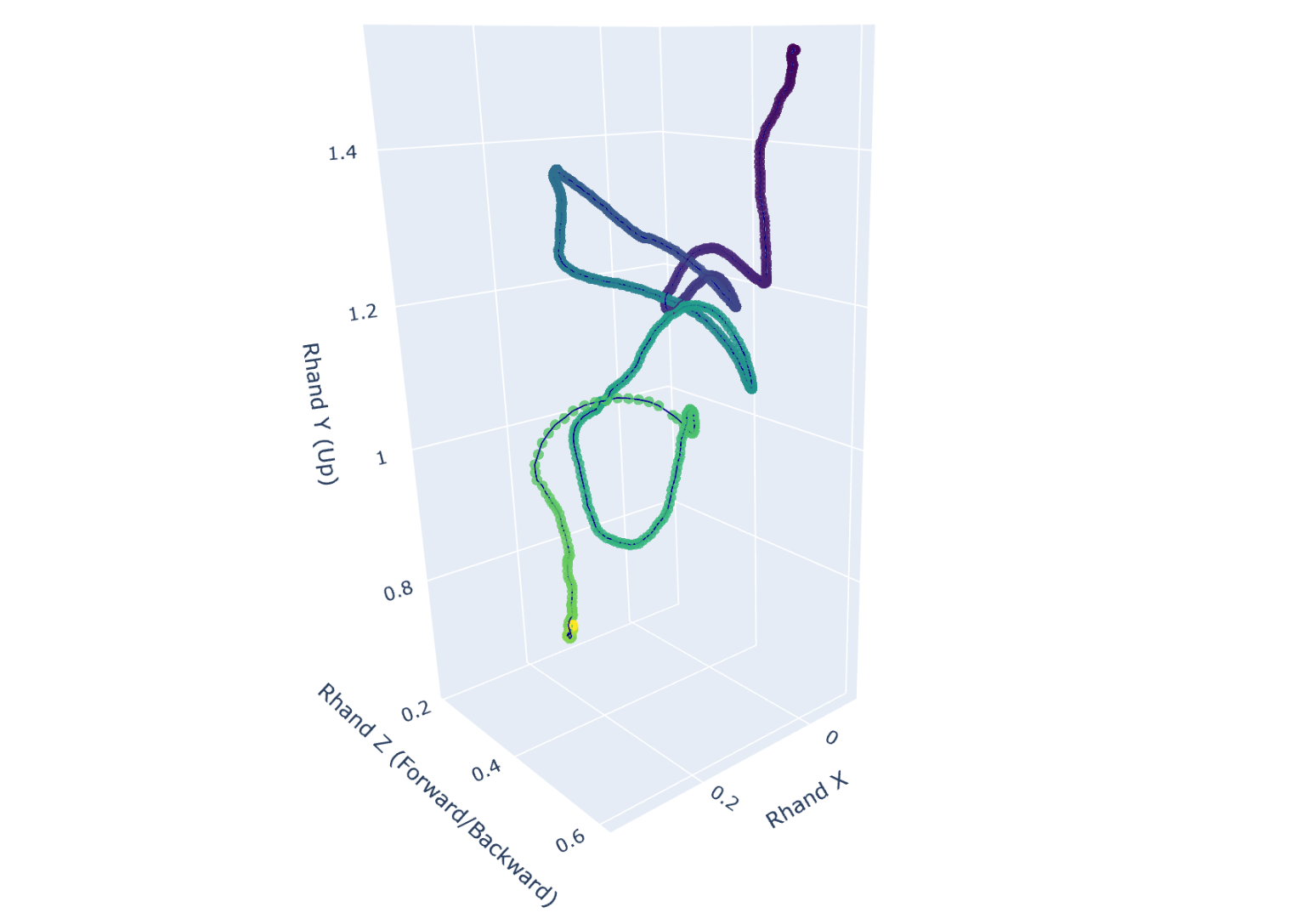
Logging Hand Movement Metrics
The included HandPath_Tracking example now uses the built-in body_tracking_metrics module to log the right and left hand data. With a few lines of code it saves 6DOF poses (RHand X/Y/Z/Yaw/Pitch/Roll and LHand X/Y/Z/Yaw/Pitch/Roll) into the standard trial_data file, and optionally writes movement metrics — linear speed/acceleration, angular speed/acceleration, cumulative path length, and an Idle/Active state — to a separate body_metrics CSV.
import sightlab_utils.body_tracking_metrics as btm

bodyTracking = btm.BodyTracking(sightlab)
🔗 For setup, configuration, and output details, see Body Tracking & Movement Metrics.
For adjustments to use this example with other hand tracking devices email support@worldviz.com