Adding NPC/Avatar Agents
Overview
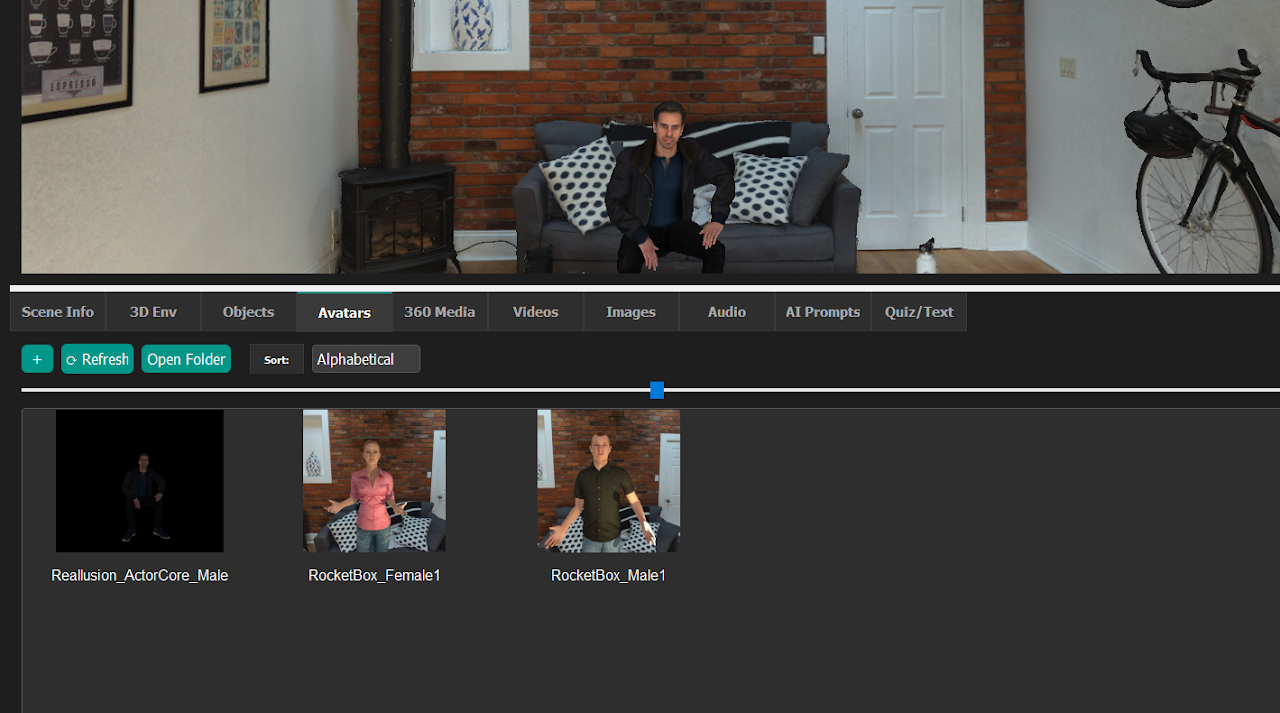
E-Learning Lab lets you add non-player character (NPC) agents into scenes, starting with version 1.4.2. This lets educators populate virtual environments with interactive avatar characters.
Adding Avatars to Your Scene
Basic Method
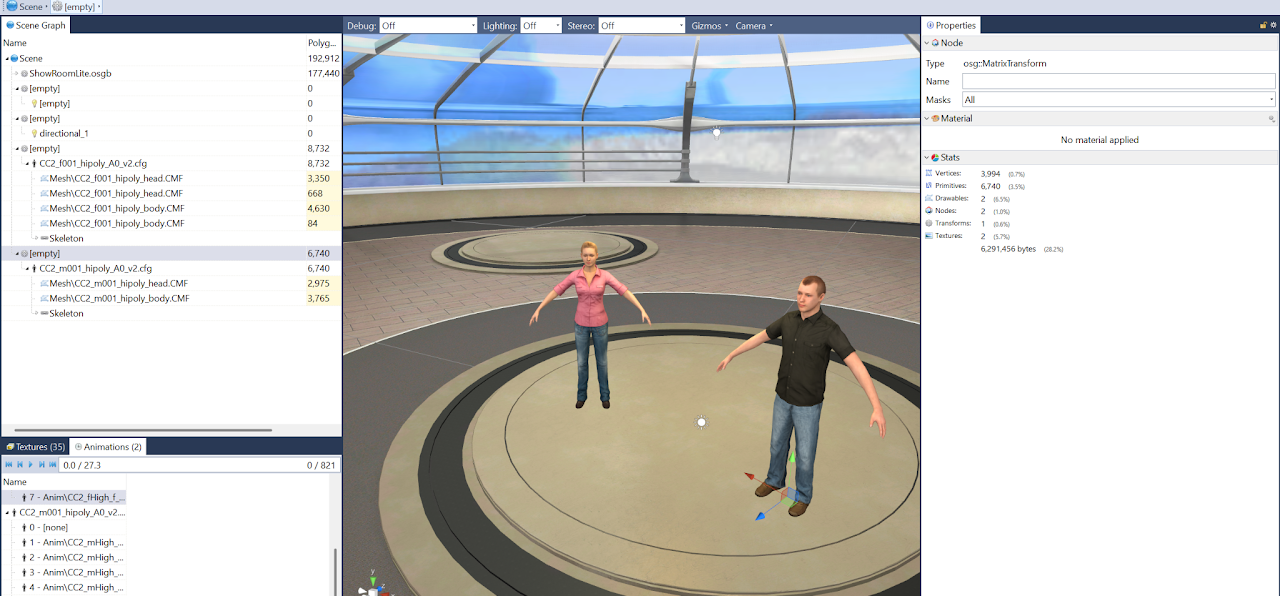
Drag and drop avatars from the Avatars tab in the assets browser directly into the preview window, scene editor, or Inspector tool.
Avatar Sources
- Built-in avatars provided within E-Learning Lab
- Custom avatars from any library in
.fbx,.glb, or.glTFformats
AI-Generated Avatars
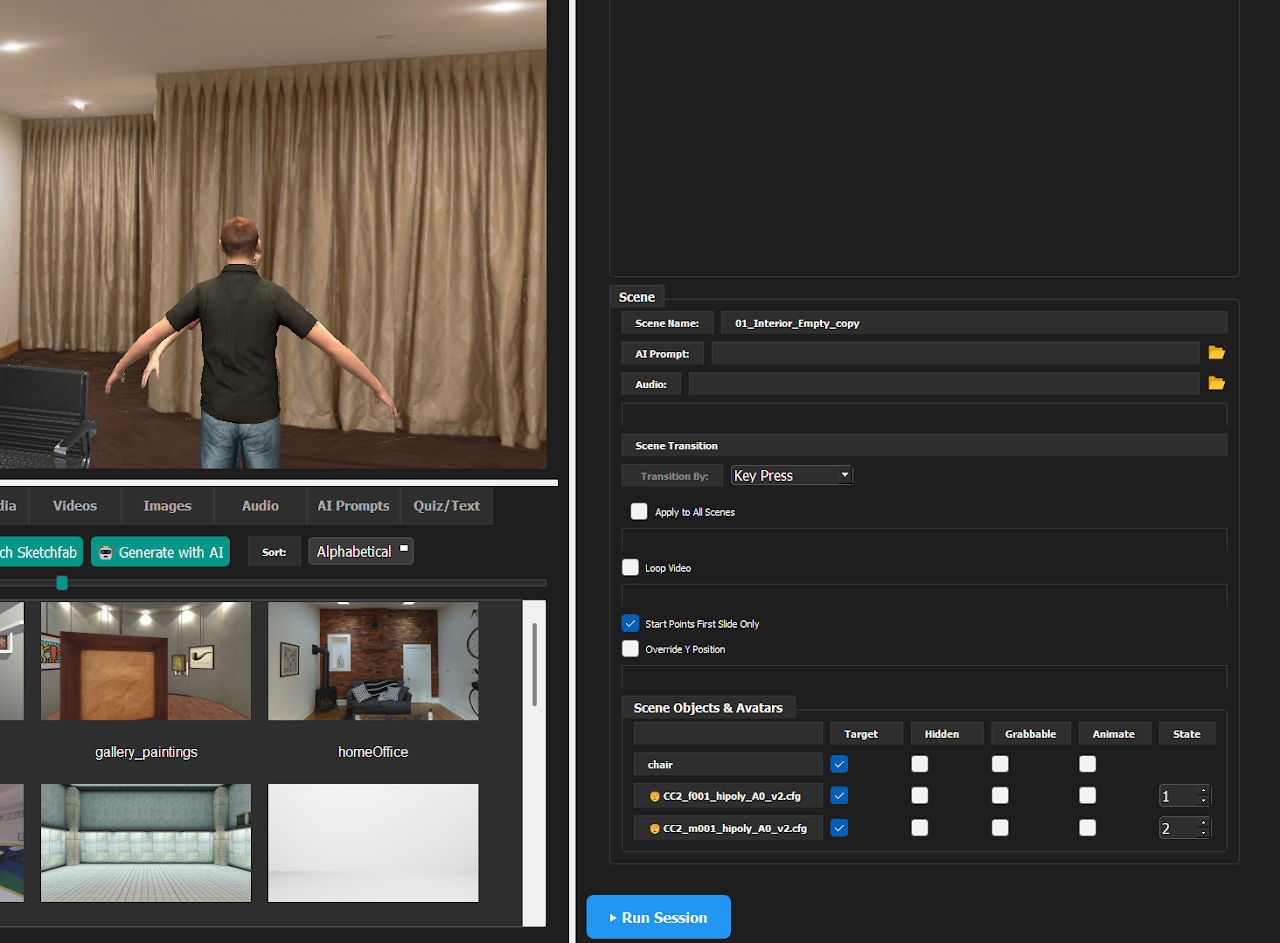
As of version 1.4.11, you can generate fully rigged avatars using:
- Photo-based generation
- Text prompt-based generation
This requires an API key for either Meshy or Tripo.
Customization Options
Animation States
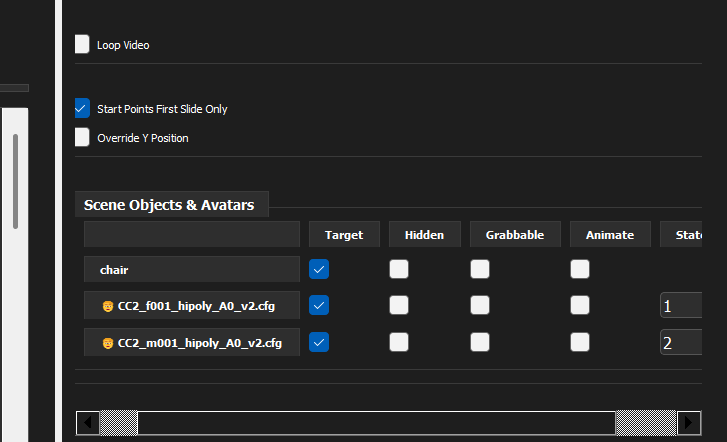
Select specific animation states for your avatars. Available animation options can be reviewed in the Inspector panel under the Animations tab.
Facial Expressions
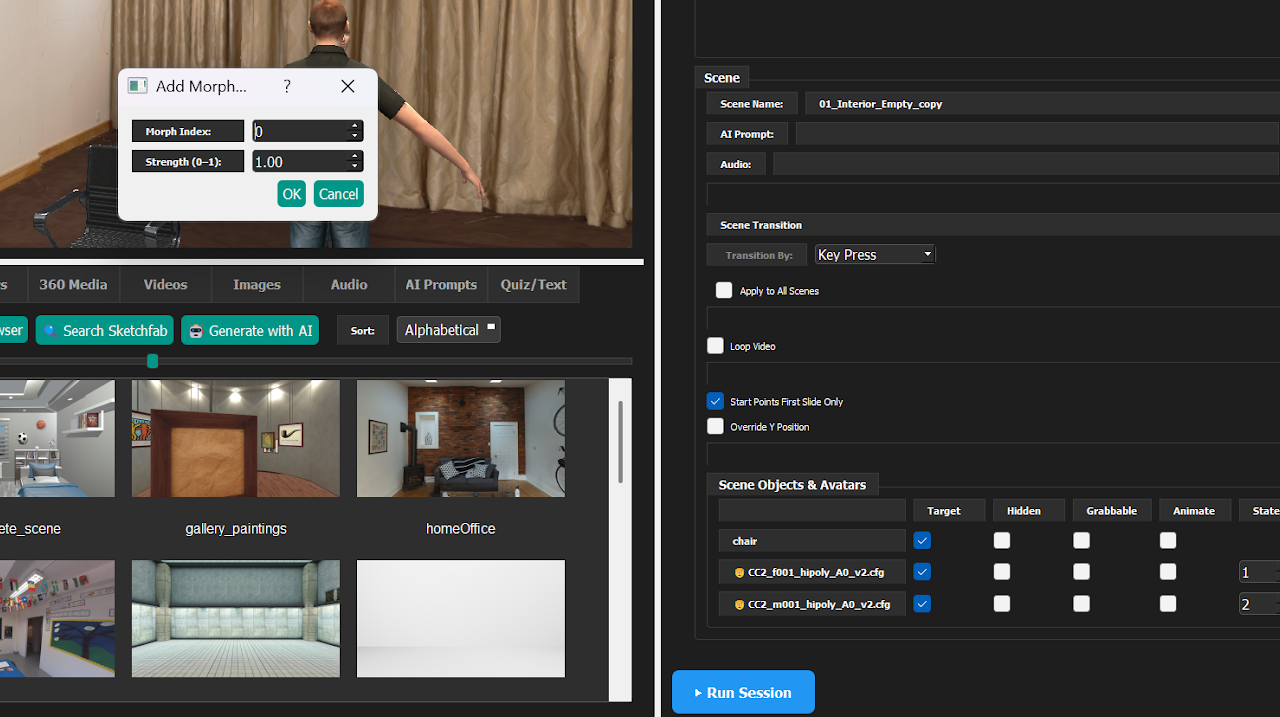
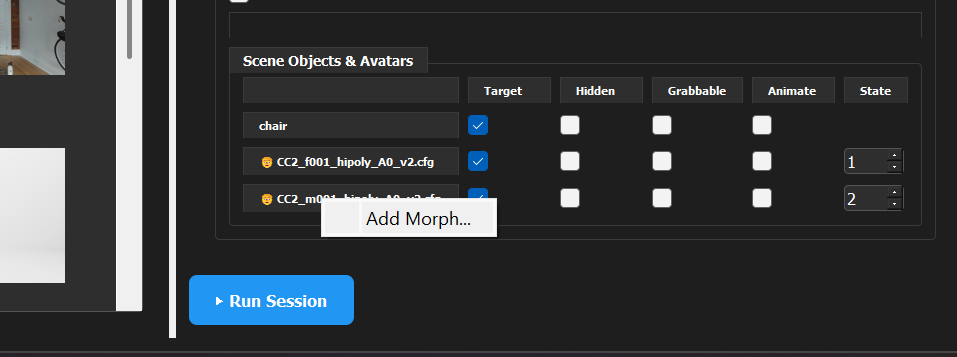
Right-click on an avatar to access facial morph controls, letting you customize expressions and facial features for more realistic and expressive educational scenarios.
Manually Marking an Object as an Avatar
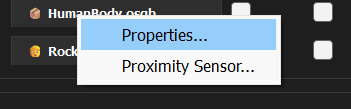
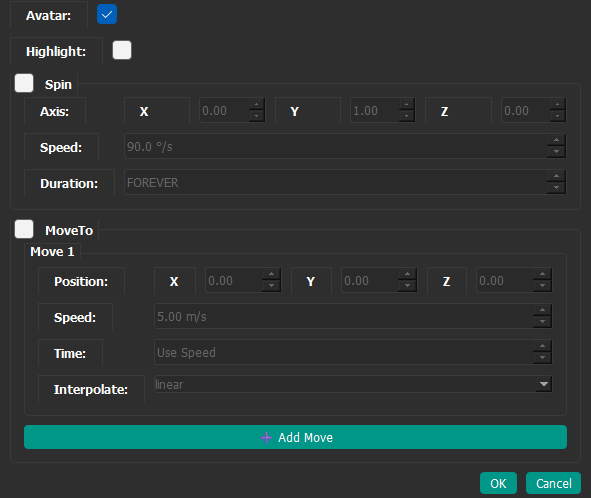
If a model isn't automatically detected as an avatar, you can set it manually. Right-click the object in the scene objects list and choose Properties..., then check Avatar and click OK.
Note: The preferred method is still to add avatars from the Avatars tab in the assets browser, as described in Basic Method. Use this option only when an avatar isn't recognized automatically.