Converting Monoscopic Images to Stereo
Overview
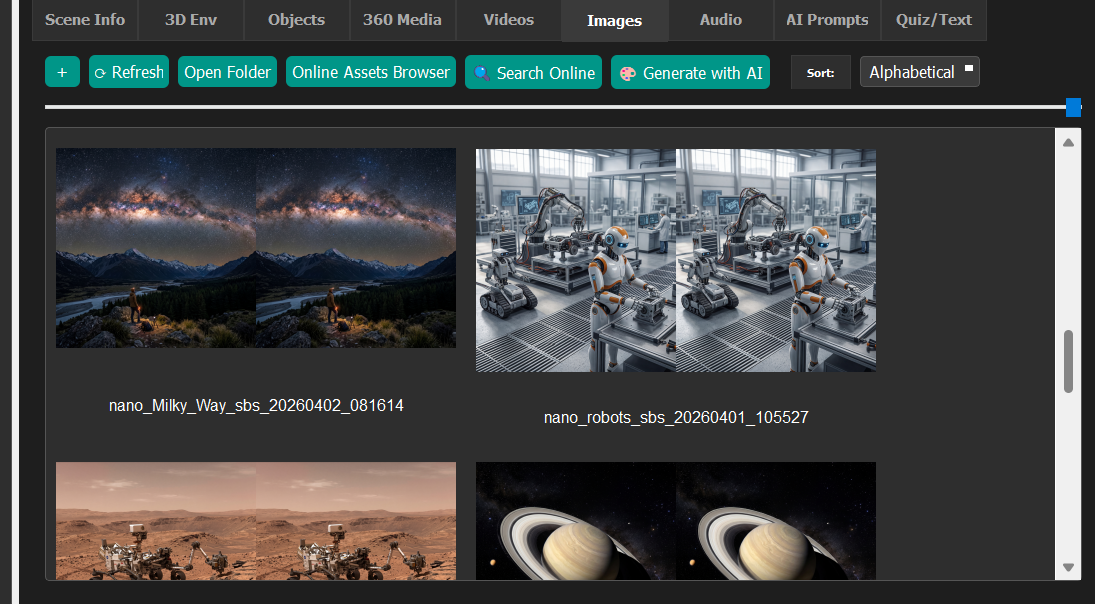
As of E-Learning Lab version 1.4, you can convert standard or 360-degree monoscopic images into stereoscopic format.
Process
- Add your image to the Images Asset bin.
- Right-click on the image and select Convert to Stereo.
- Drag and drop the converted image into the sequences/scenes window.
- View the result on the large virtual screen in stereo format.
Result
Once converted, images can be seen on the large virtual screen in stereo, giving an enhanced viewing experience in the E-Learning Lab environment.