External Data Recorder - Eye Calibration Guide
This guide details the eye calibration process used in the External Data Recorder and its configurations.
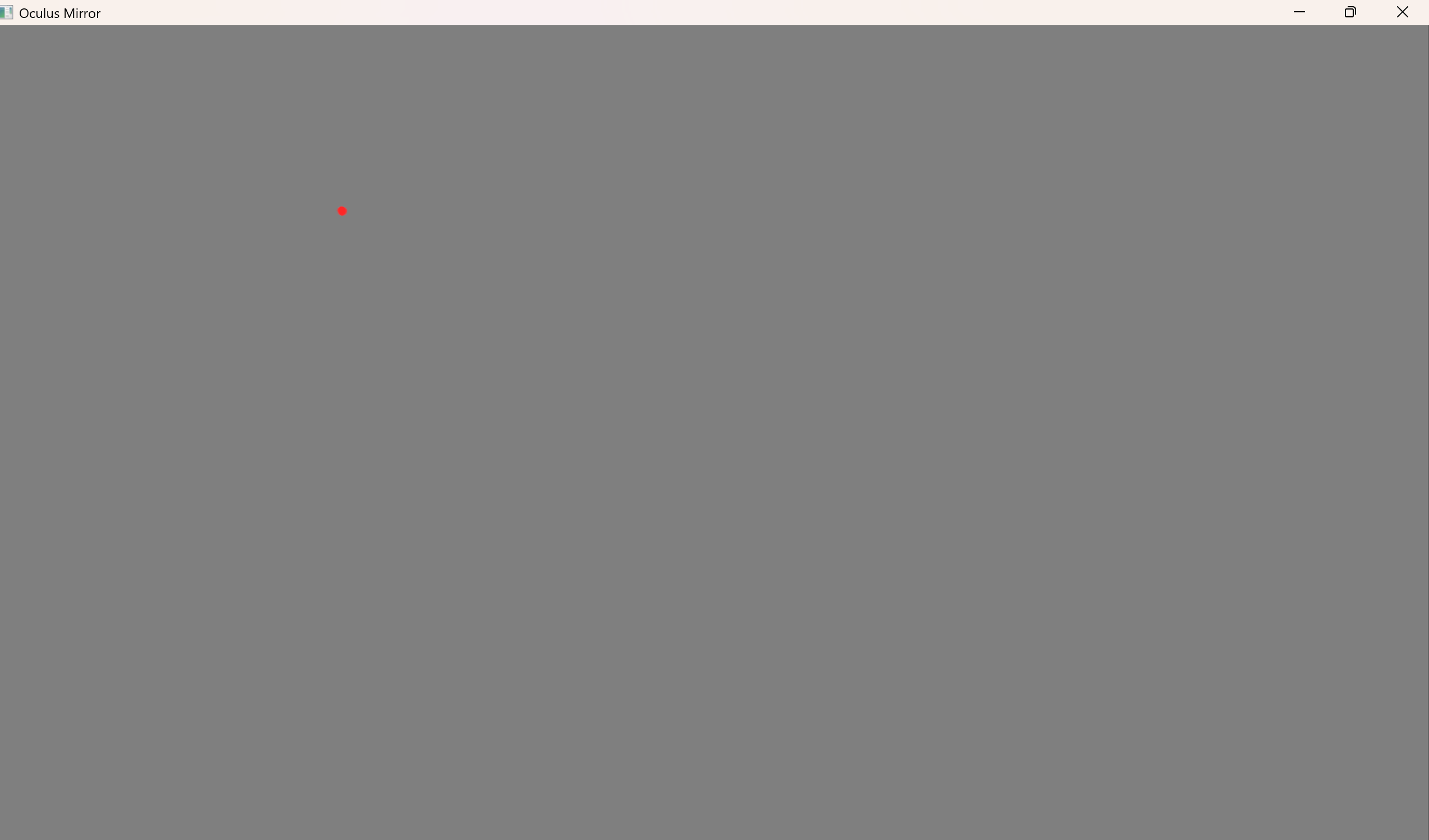
For hardware configs that have eye tracking, an eye calibration can be done to overlay gaze on the experiment session recording. The calibration stage saves a .json file identified by a Sightlab experiment ID under Sightlab2/ExampleScripts/External_Data_Recorder/calibration_data/ containing data regarding the eye calibration setup and results.
The calibration process entails fixating a grid of calibration dots, then fixating validation dots not used for calibration to evaluate the quality of the calibration.
The calibration waits for input to begin collecting gaze samples. Depending on the value of ALLOW_SUBJECT_CONTROL, input is either both the keyboard's spacebar and the controller's trigger, or only the spacebar. For calibration to work, the folllowing must be true:
-
The
Eye_Calibration.pyVizard scene opens as an app in the HMD. -
The HMD mirror view window must not be minimized, but occluded is fine.
-
Eye tracking must be on in the HMD
When the red calibration dot appears, fixate it, then press SPACE/trigger (depending on the value of ALLOW_SUBJECT_CONTROL) to begin collecting gaze samples. The dot will do a short breathing animation to inform the subject that gaze collection is starting, and once the animation ends it will begin collecting gaze data. The subject should be fixating the dot before pressing SPACE/trigger, and they should hold fixation on the dot until it moves to the next location. A median of the gaze during the static dot interval is used for calibration.
Eye calibration can be skipped by setting RUN_CALIBRATION to False in Data_Recorder_Config.py if you don't need gaze data. Some configs do not run calibration but store gaze data, like the Meta Quest 3 and Desktop First Person Game, which treat the center of the HMD mirorr view as the gaze point. The Desktop config uses the mouse as the gaze point. The rest of the eye calibration configuration (and validation configs) can also be found in Data_Recorder_Config.py.
Note that some configs are used by both calibration and validation, and are marked with a *.
Calibration Config Table
| Config Variable | Default Value | Description |
|---|---|---|
| ALLOW_SUBJECT_CONTROL* | True | If False, only the keyboard can be used to control calibration steps. If True, the controller can be used in addition to the keyboard |
| RUN_CALIBRATION | True | If True, run the Eye_Calibration.py script to map eye tracker gaze to screen-space pixels. If the selected hardware config doesn't support eye tracking, this is set to False. |
| NO_CALIBRATION_SCREEN_FOV_DEG | (91.0, 60.0) |
Only applies when RUN_CALIBRATION is False. (horizontal, vertical) FOV in degrees, used for hardware configs with no calibration because the FOV of the recorded window is inferred by calibration |
| REPLAY_SCREEN_FOV_OVERRIDE_DEG | None | Override existing recorded session's FOVs in case the replay mirror is stretched or compressed (e.g. (90.0, 59.0) ). |
| MIRROR_EYE* | viz.RIGHT_EYE |
Which eye the recorded HMD mirror view window is rendered from. Used to collect the correct gaze data from Sightlab |
| DWELL_SECONDS* | 0.3 | Length of gaze sampling interval in seconds. A median is taken during this interval of fixation on a calibration dot |
| SETTLE_SECONDS* | 0.3 | Length of gaze settling interval in seconds, used to allow the eye to fixate on the dot before collecting gaze samples |
| DOT_DEPTH_M* | 15 | Distance of the calibration dot grid in meters ahead of the eye in the Vizard scene |
| DOT_EXTENT_DEG* | (18.0, 12.0) |
(horizontal, vertical) in degrees, half-angle the calibration grid spans in the HMD view. See Data_Recorder_Config.py for HMD recommendations. |
| GRID | (3, 3) |
(columns, rows) of dots in the calibration grid, total columns * rows dots. |
| DOT_RADIUS_DEG* | 0.2 | Angular radius of each dot, in degrees |
| DOT_JITTER_FRAC | 0.05 | Deterministic jitter to break collinearity of calibration points. 0 leaves calibration dots in a perfect square grid, and increasing the value breaks their linearity. |
| BEGIN_KEY* | " " | Key to start and control calibration |
| DETECT_SAMPLES* | 8 | Amount of frames grabbed to locate the position of the calibration dot on the HMD mirror window |
| RED_MIN* | 100 | Min red channel (0-255) to consider a pixel red |
| RED_MIN_PIXELS* | 10 | Min red pixels to consider an area a calibration dot |
| FOCUS_SIZE* | [2,2,2] |
Scale of calibration dot during fixation and gaze sample interval. Smaller values help the eye focus better, but may fall under the red detection threshold depending on the HMD mirror view size |
Validation Config Table
| Config Variable | Default Value | Description |
|---|---|---|
| RUN_VALIDATION | True | Whether or not to run a validation stage after calibrating |
| VALIDATION_POINTS_FRAC | [ ( 0.00, 0.00), (-0.70, 0.70), ( 0.70, 0.70), (-0.70, -0.70), ( 0.70, -0.70),] |
Fractional positioning of validation dots with respect to calibration grid, so that validation dots are different from calibration dots. Default value places these at a square and one in the middle |
| VALIDATION_MAX_MEAN_DEG | 2.0 | Max allowed mean error across all validation points in degrees |
| VALIDATION_MAX_POINT_DEG | 4.0 | Max allowed error across any validation point in degrees |
| VALIDATION_MIN_POINTS | 4 | Min dots that must be captured for the validation to count |
| VALIDATION_MAX_ATTEMPTS | 3 | Number of calibration + validation rounds before giving up and accepting the validation with the least RMSE in degrees |
| VALIDATION_ALLOW_ACCEPT | True | If True, a calibration whose validation failed can be used |
| ACCEPT_KEY | "a" |
Key used to accept a calibration whose validation failed |
| POST_EXPERIMENT_VALIDATION | False | If True, runs a validation session after the External Data Recorder session ends to calculate error from original validation in case of HMD slippage or gaze error accumulation |
| VALIDATION_DRIFT_WARN_DEG | 1.0 | If post-validation angular error exceeds this value, flag an error. Measured in degrees |