Presentation/Lesson Generator
Overview
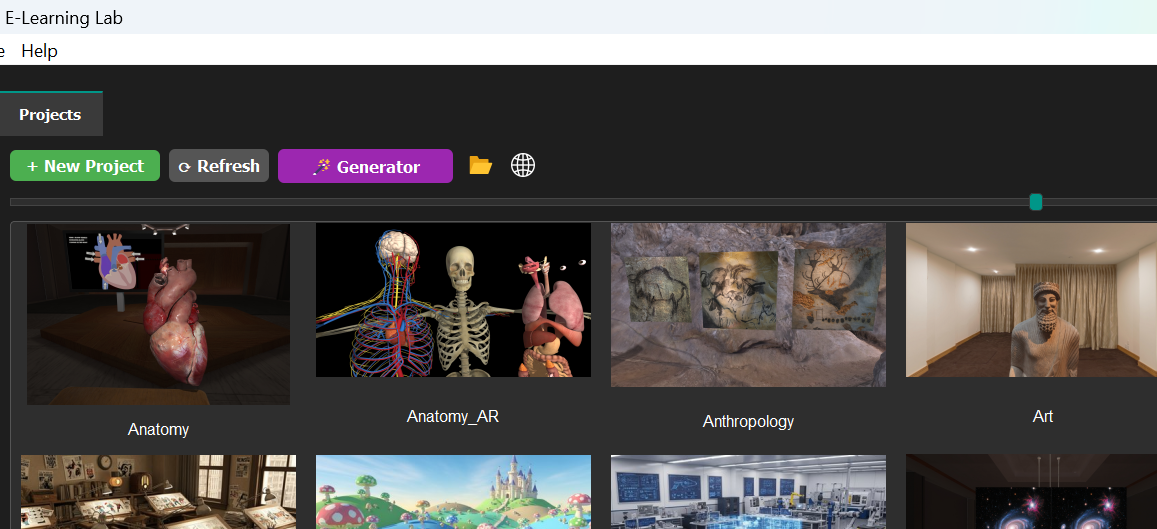
The Presentation/Lesson Generator automatically creates sample presentations and lesson guidelines based on user input. To access it, navigate to the Projects tab and select Generator.
Getting Started
Requirements:
- Gemini API key configured
- Either Ollama installed OR API keys set for OpenAI, Claude, or Gemini
- SightLab 2.6.6 or higher recommended for proper quiz formatting
API key links:
- Gemini: aistudio.google.com/apikey
- OpenAI: platform.openai.com/settings/organization/api-keys
- SDXL: Local (offline image generation — see Offline Image Generation)
Content Input Options
You can:
- Enter a topic for automatic generation
- Upload PowerPoint or PDF slideshows
- Upload documents and images for AI vision analysis
- Upload custom presentation plans
The system uses AI to automatically generate content from uploaded materials.
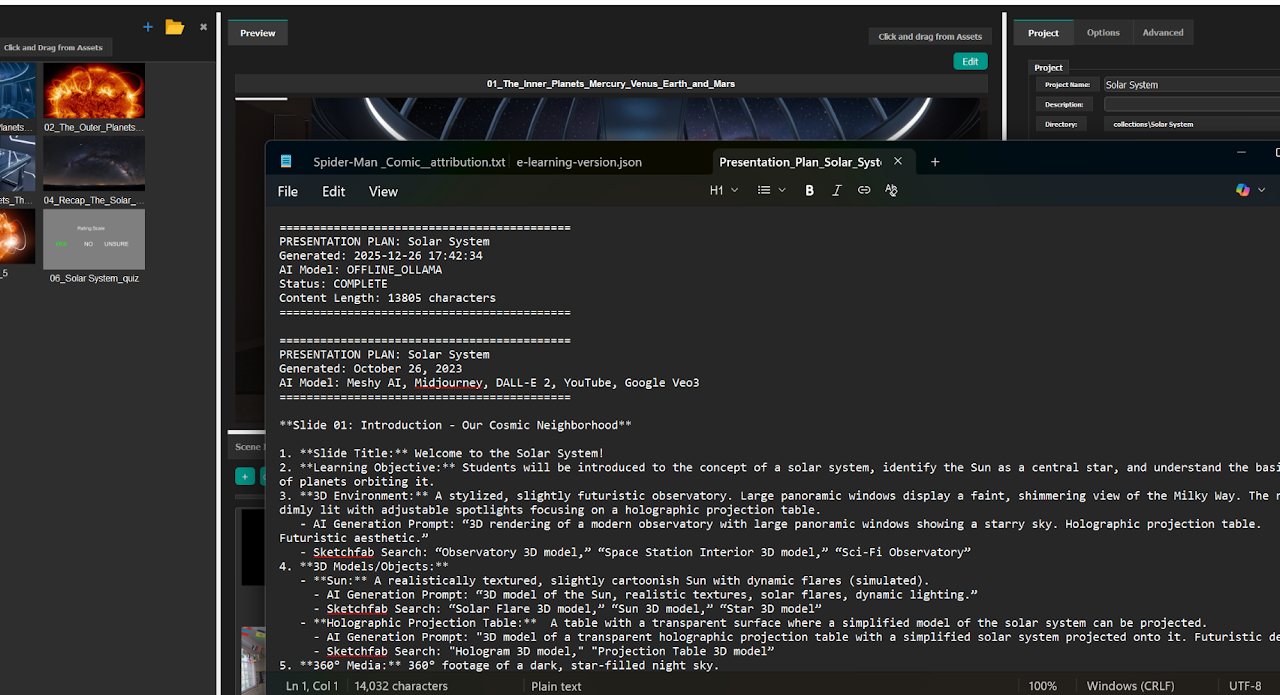
Configuration Settings
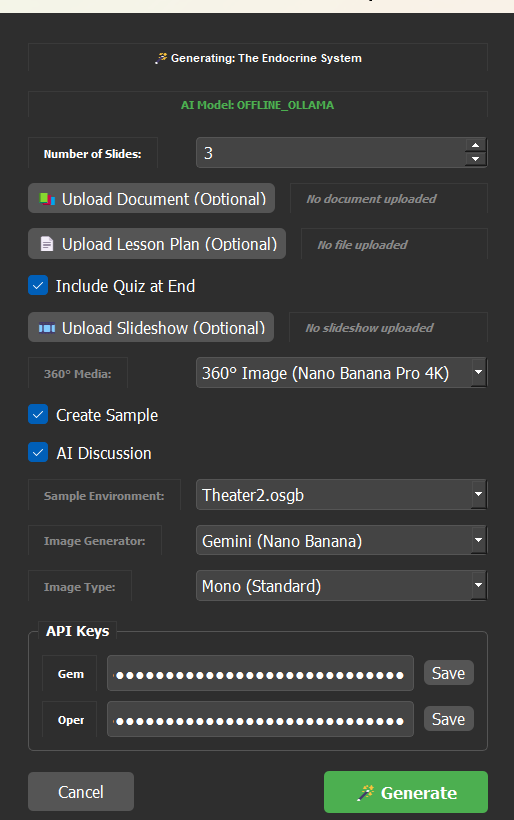
When creating a presentation, specify:
- Whether to include a quiz at the end
- Number of slides to create
- Default environment (Theater recommended for stereo 3D images; Theater2 for mono images)
Using environments other than Theater2 with mono images requires manually adding TV_Tablet and Start Point objects to the scene.
Generation Process
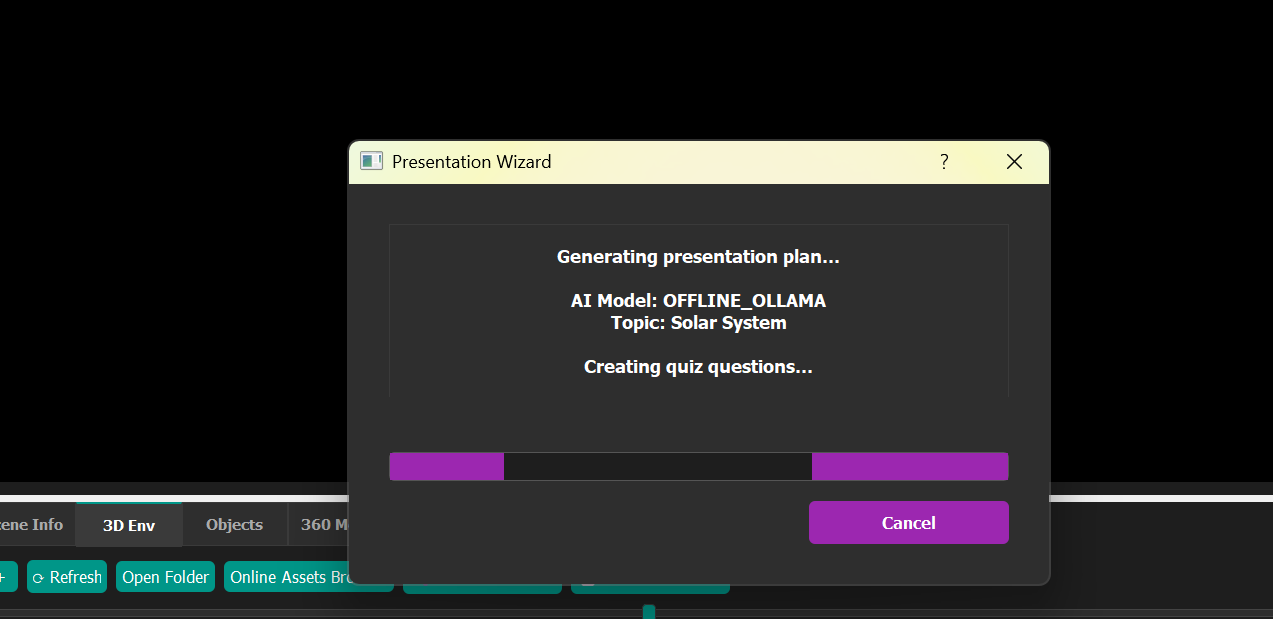
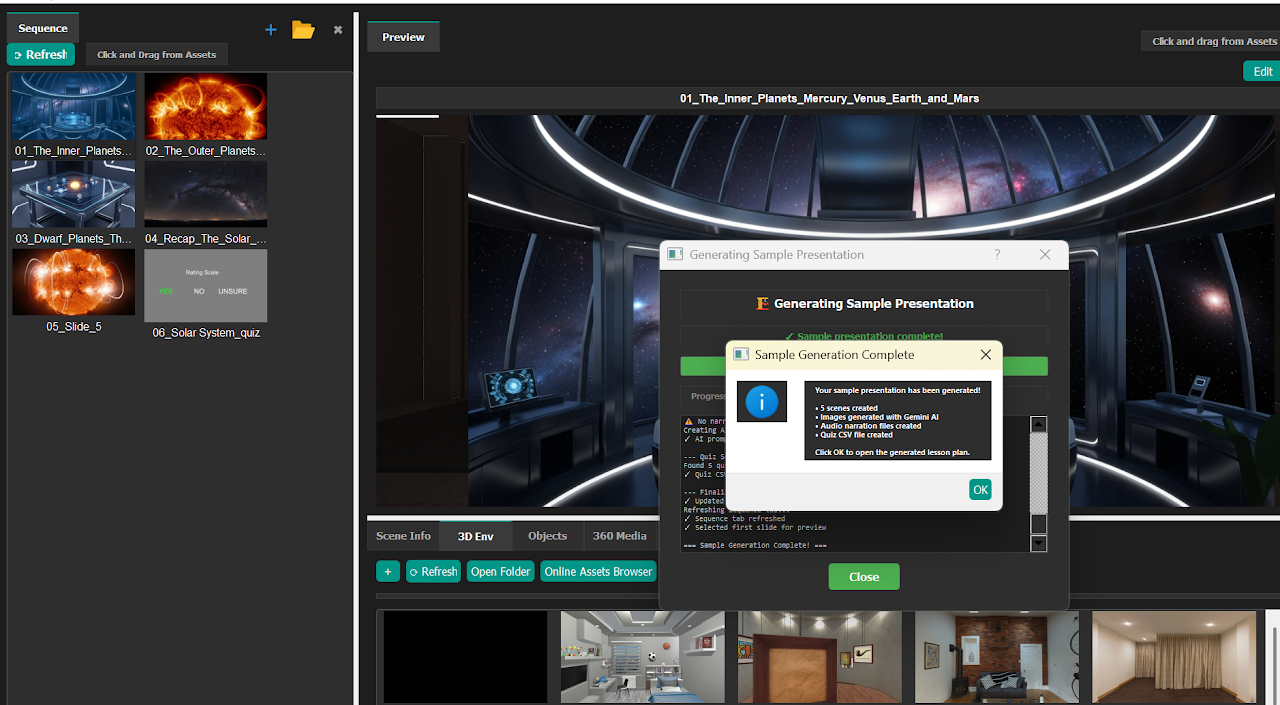
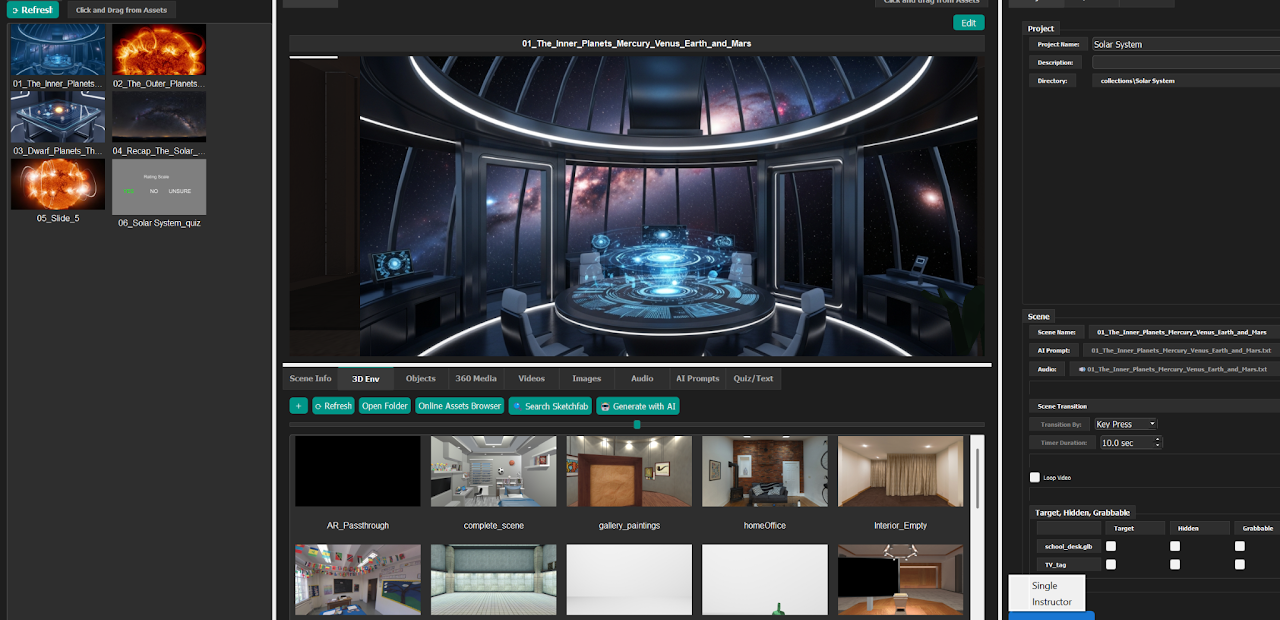
The system generates lessons within minutes, producing:
- Audio narration
- Images (stereo or mono)
- Virtual environment
- Slides and one 360-degree image slide
- Content-based quizzes
- Optional 360 media, 3D models, videos, and screencasts
AI Discussion Feature
A checkbox option enables an AI Discussion slide that:
- Creates a final discussion scene using the same environment
- Generates a summary infographic
- Provides session-wide knowledge access to uploaded documents
- Includes discussion prompts and introductory narration
- Allows students to explore topics freely with AI guidance
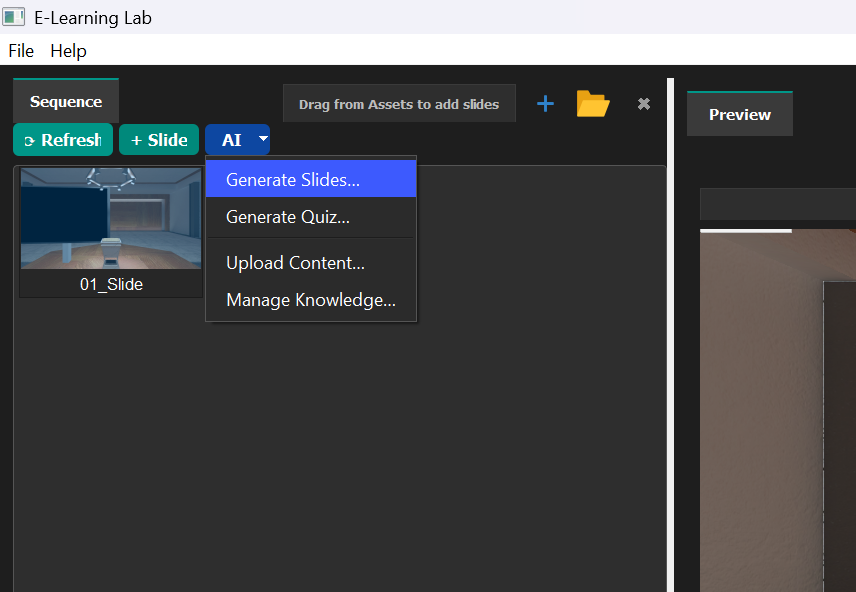
You can generate additional slides and upload custom content through the AI dropdown in the scenes menu.
Important disclaimer
AI-generated content is provided as a starting point to support creativity, efficiency, and exploration. Users are responsible for reviewing, validating, and refining all AI-assisted materials to ensure accuracy, appropriateness, and alignment with learning objectives.