Running a Session Single User
Overview
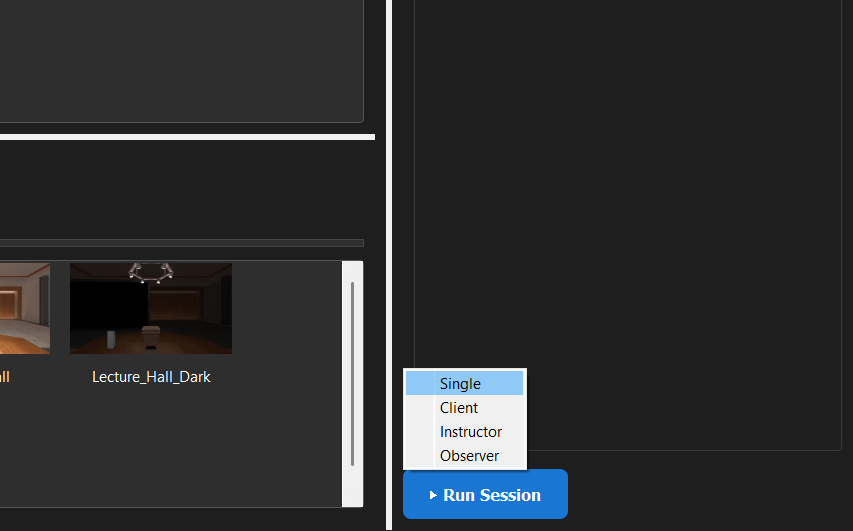
The E-Learning Lab allows sessions to be run in either desktop or headset mode. If using a headset, make sure it's connected to the PC application and powered on, with the controllers tracking.
Steps to Run a Single User Session
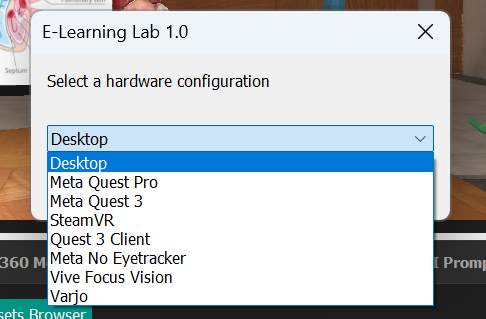
- Launch E-Learning Lab and select a project.
- Click Run Session and select Single.
- Choose your hardware configuration (Desktop or Headset).
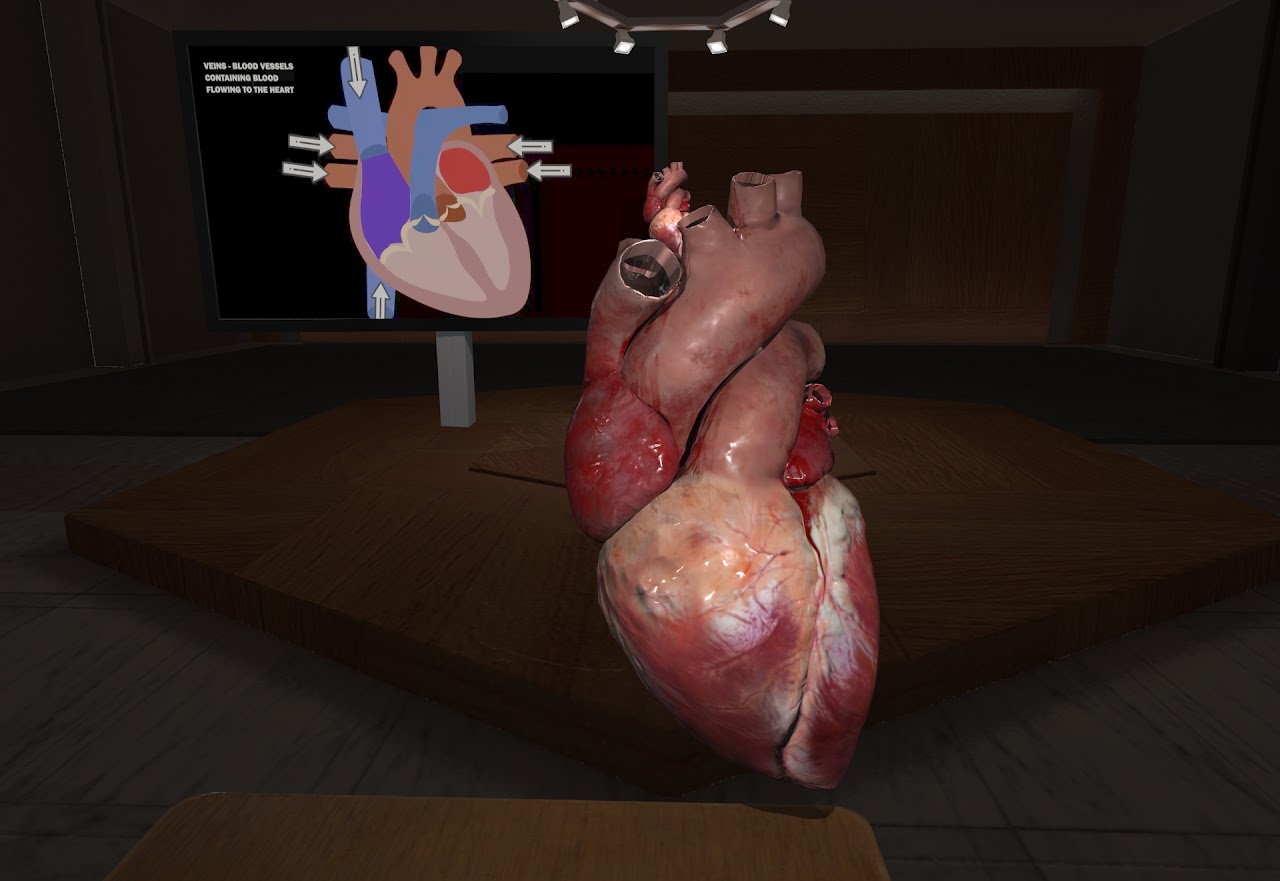
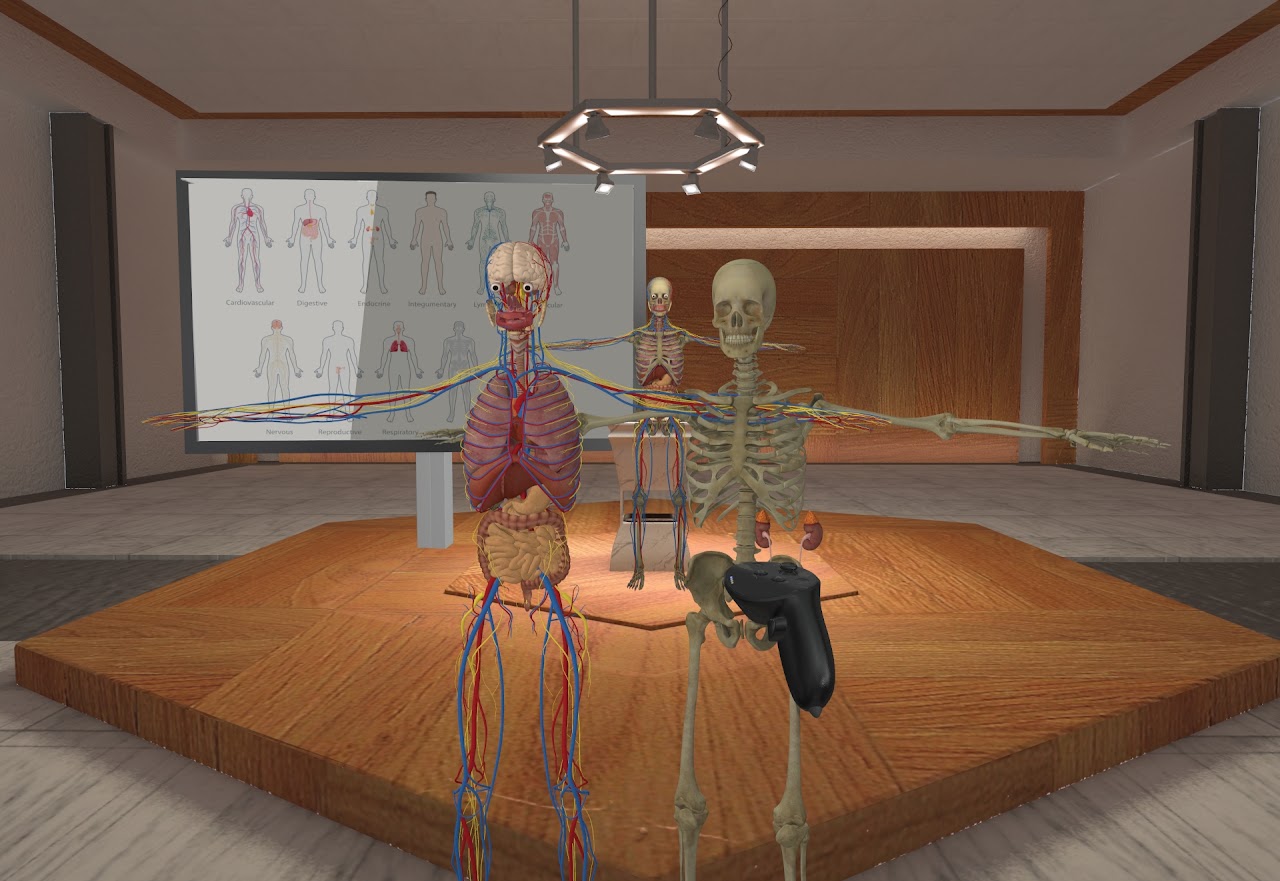
Navigation and Interaction
For detailed information on how to navigate through slides and interact with the scene, see the Controls page.
Recording an Avatar Replay
With Data Saving on, a Single User session also records your head and hand movements, and your voice if Record Microphone is checked on the Advanced tab. Drop that recording onto a slide to play it back as a presenter avatar. See Avatar Replay.