Slideshows - Powerpoint and PDF
Overview
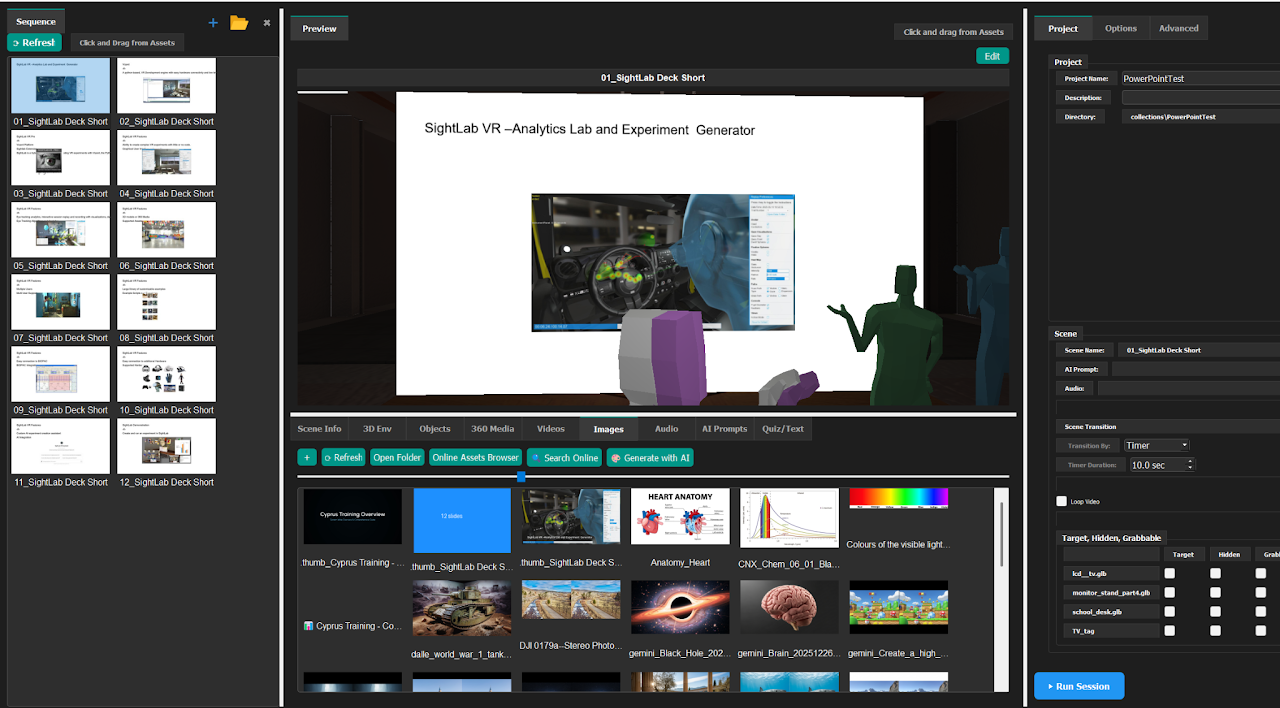
The E-Learning Lab lets you bring PowerPoint (.pptx) and PDF slideshows into any session. Presentations exported from Google Slides in either format can also be integrated into projects.
How to Add Slideshows
- Import your
.pptxor.pdffile into the Images Asset bin. - Drag the file from the Asset bin into either your project window or sequences panel.
This lets you blend traditional presentation formats with immersive e-learning environments.