SketchFab Integration
Overview
SketchFab provides access to a vast library of 3D models — over 150,000 Creative Commons free models, most of them free of charge.
Getting Started
Account Setup
- Visit sketchfab.com and create a free account.
- Navigate to sketchfab.com/settings/password.
- Copy your API token.
Integration with E-Learning Lab
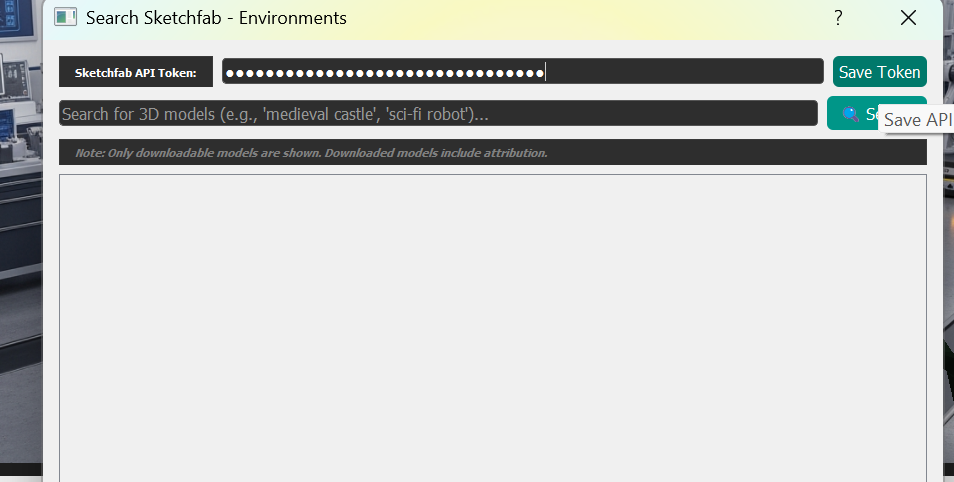
In the E-Learning Lab application:
- Go to the 3D Environment or Objects tabs in the Assets section.
- Click Search SketchFab to open the browser.
- Paste your API token into the popup window.
- Click Save Token to complete setup.
Using the Browser
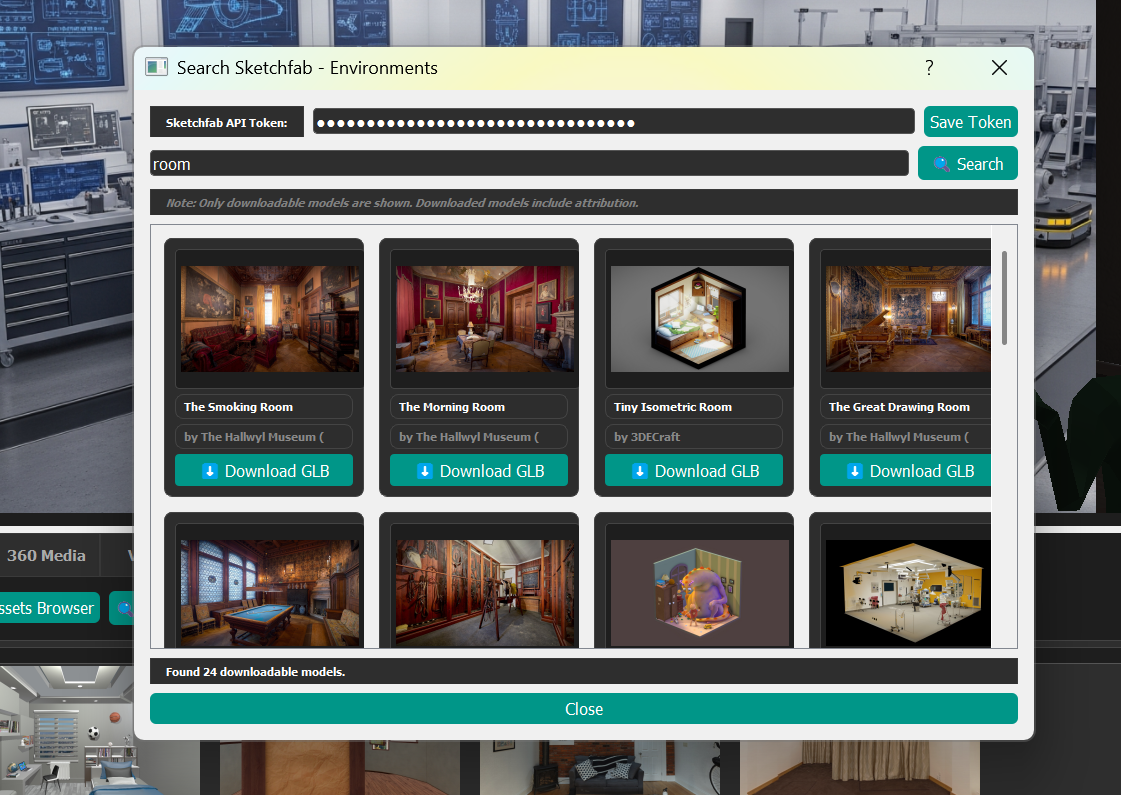
Once configured, you can search for any model within the integrated browser. When you find a model you want and click Download, the file transfers directly to your Asset browser for inclusion in your project.