Quizzes
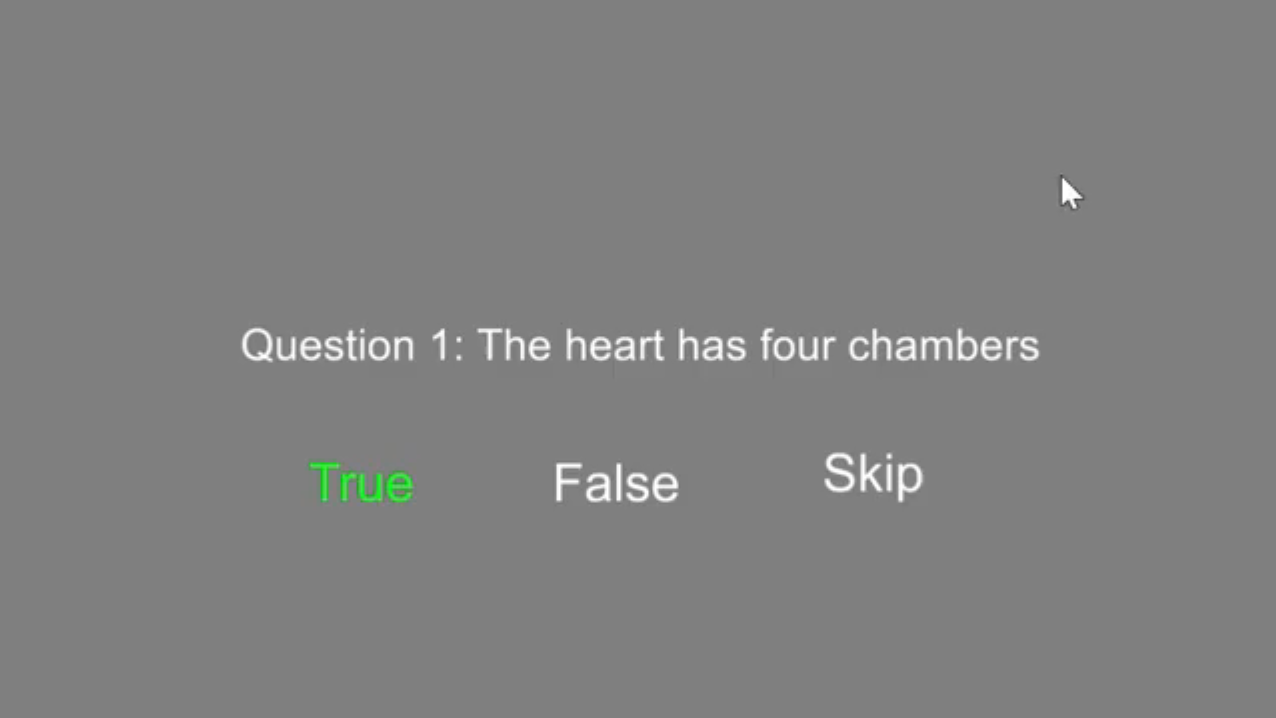
Controls
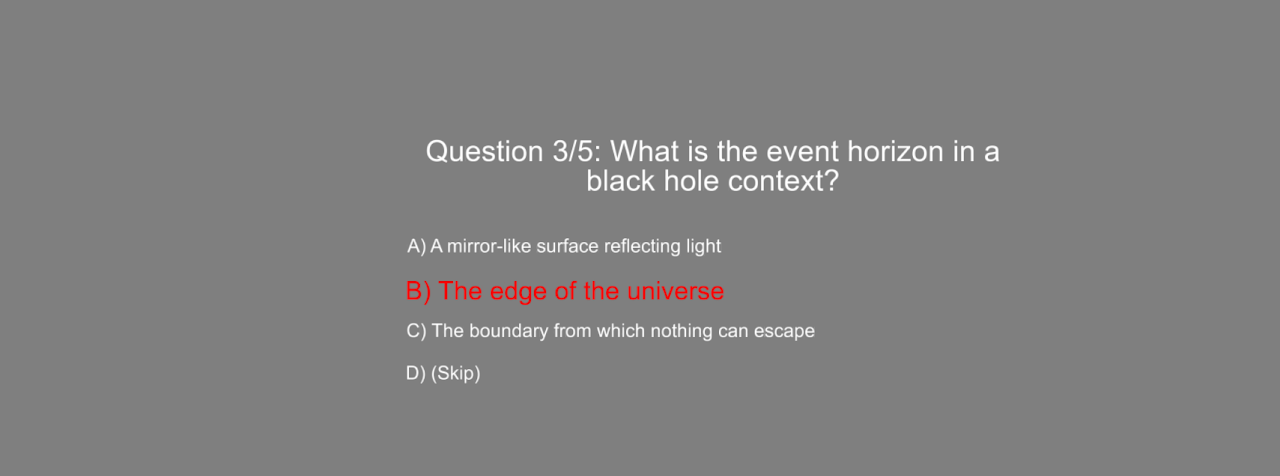
- Use the left/right thumbstick on the right controller, or the left/right keys, to select
- Trigger or Enter to confirm a choice
Data Storage
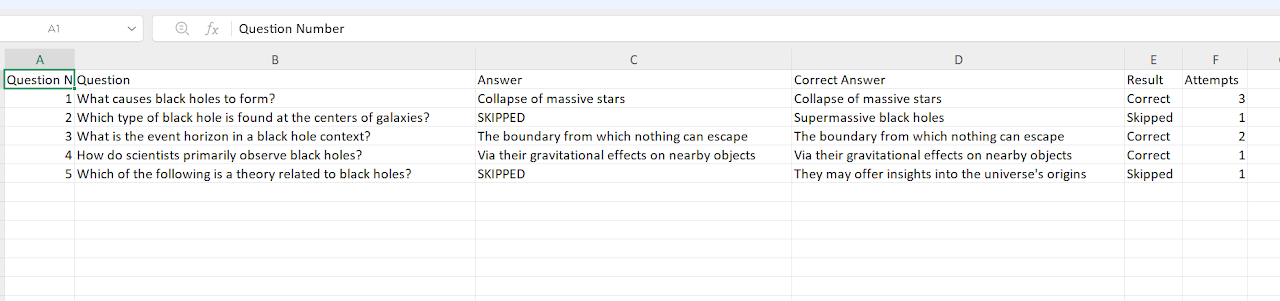
Answers are saved as a .csv file named with the date, time and project (<date>_<time>_<project>_quiz.csv), whether or not Data Saving is on. The dropdown next to Data Saving on the Advanced tab (v1.6.0+) chooses the folder: Root Folder saves it in the E-Learning Lab's own data folder, and Project Folder saves it in the project's data folder. See Where Session Data Is Saved.
For quizzes with a correct answer, each row records the question, the answer given, the correct answer, the result (Correct, Incorrect or Skipped) and Attempts. As of v1.6.0, with Quiz Feedback Mode on (Options tab, Quizzes section), Attempts is the number of tries the learner took to get the question right, or before skipping it. Without feedback mode, each question gets one attempt.
Quiz Creation
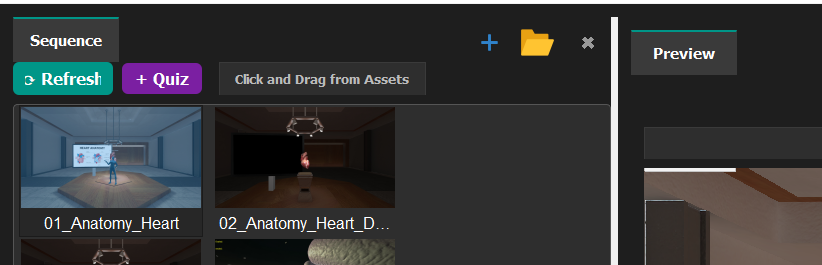
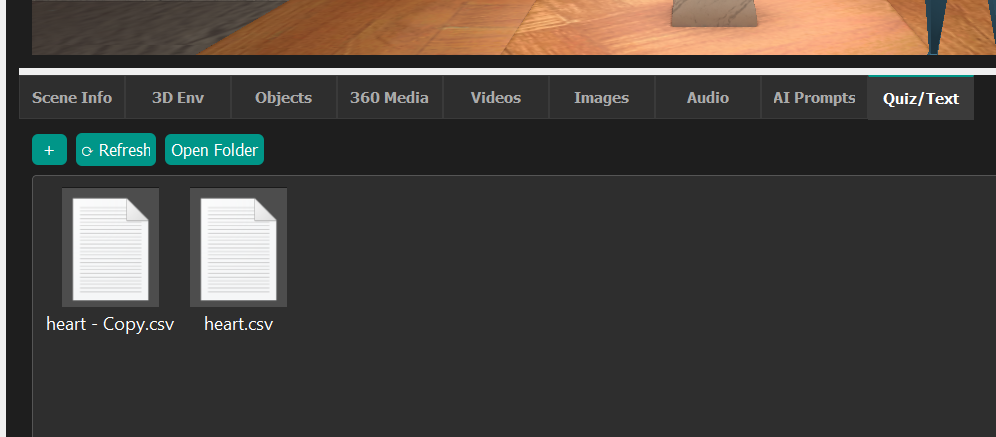
- Create quizzes using
.csvfiles. - Add them to the Questions section of assets (or Quiz/Text after version 1.1.9).
- Right-click and select Add to Project, or drag into the Sequence or Preview window.
- Add new lines by inserting
<br>between lines in the csv file. - You can also use this for instruction-based text by leaving the question columns blank.
- Drag
.txtfiles for instruction text into the scenes/sequence window.
Quizzes can be generated automatically from your content — see AI Content Generation and Presentation/Lesson Generator.