Basic Installation
Overview
The E-Learning Lab requires initial setup through the SightLab installer, which includes SightLab and Vizard. For additional functionality, you can install Syncthing and Mumble from the same installer, while tools like Radmin, Orchestrator, and Ollama can be added separately.
Need the installer? See the SightLab demo request page.
Getting Started
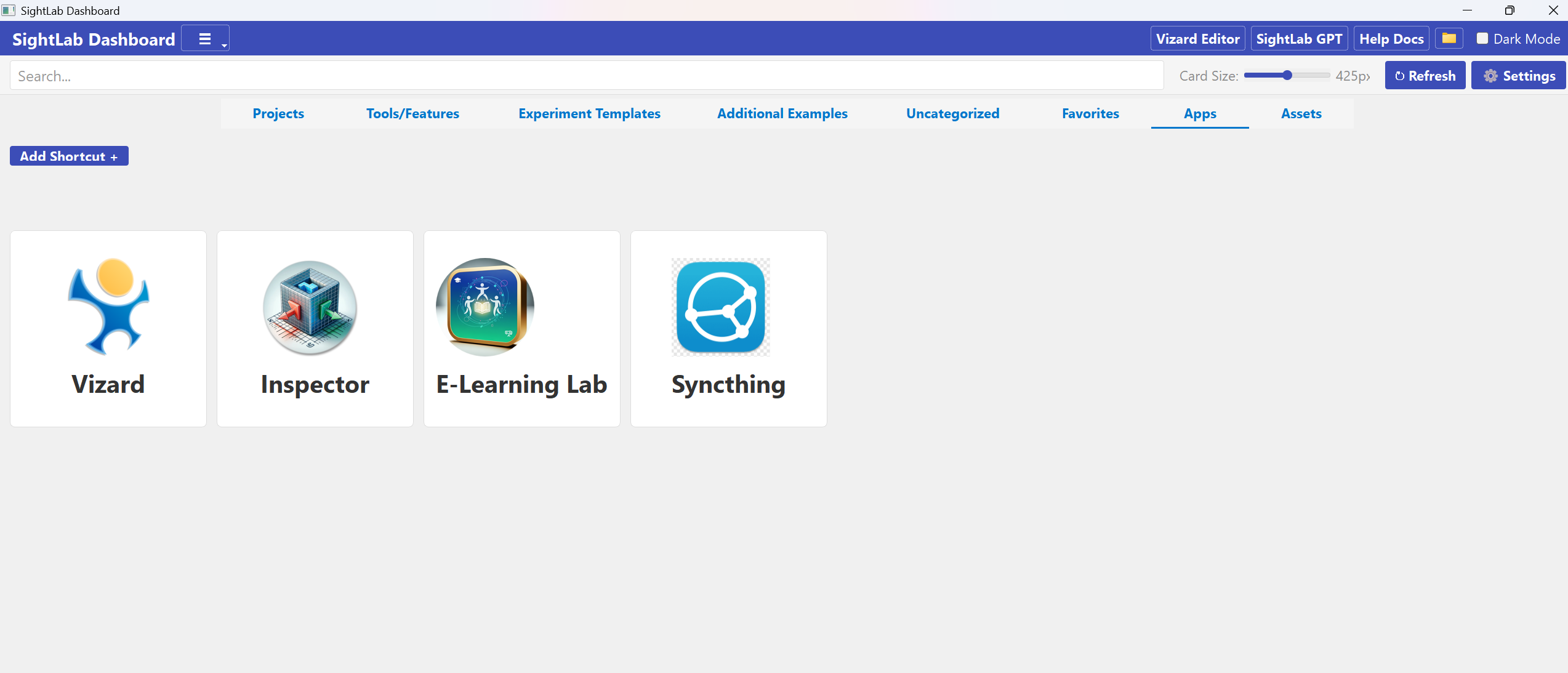
To access the E-Learning Lab, open the SightLab Dashboard, then under Apps click on E-Learning Lab
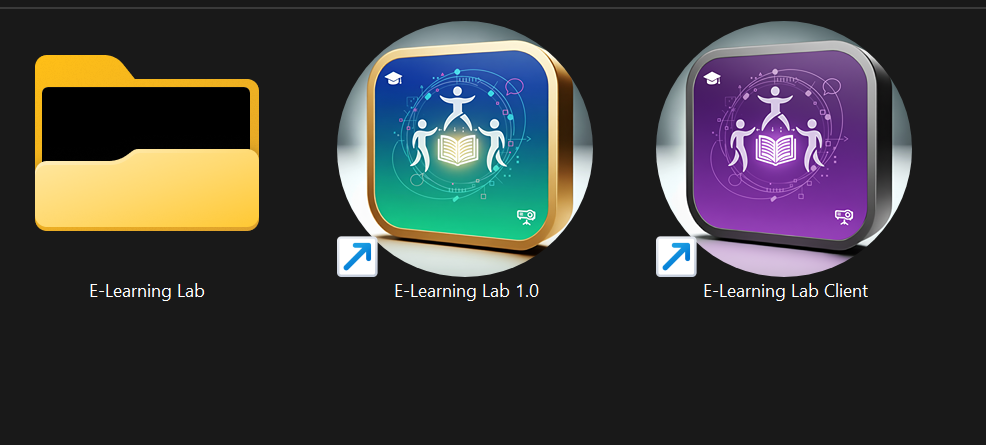
You can also find shortcuts on your desktop for the E-Learning Lab and E-learning Lab Client
Or in the top right click the folder icon to open the SightLab folder and navigate to the "ELearning" folder. Launch the application by double-clicking E-Learning Lab. The separate E-Learning Lab Client option connects additional users to multi-user sessions.
Required Libraries
If you're not on the latest SightLab version, you may need to install these manually. Open Vizard and navigate to Tools > Package Manager > CMD tab, then enter:
install PySide6 opencv-python pywin32 pillow ollama SpeechRecognition pyaudio edge-tts
Additionally install:
install piper-tts==1.3.0
AI Agent Libraries
For AI agent functionality, install these additional packages via Tools > Package Manager in Vizard:
openai(for OpenAI GPT agents)anthropic(for Anthropic Claude agent)google-generativeai(for Gemini)elevenlabs(for ElevenLabs text-to-speech)python-vlc